
Movpilot Disney Plus Downloader Review 2025: Still Far Away From Good

Summary: In short, this MovPilot Disney Plus review finds a usable 720p, MP4/MKV-based desktop option, but the short trial and less predictable analysis workflow make it a conditional fit. For content you are authorized to access, where permitted by platform terms and applicable law, it can save a local copy for personal offline viewing.
Table of Contents
Does MovPilot Still Work in 2026?
Keep reading if you need to decide whether a limited 720p workflow is enough before paying for desktop software.
MovPilot at a Glance
The sections below cover the available format, subtitle, and metadata options; the reliability limits described in this review; and a desktop alternative for readers who need a different workflow.
| Decision point | What this review covers |
|---|---|
| Verdict | A conditional fit for readers comfortable with direct URLs and a limited trial. |
| Resolution discussed | 720p in the existing review record; title, region, software version, and platform support can affect practical availability. |
| Output | MP4 or MKV, with H.264 and H.265 options. |
| Audio and subtitles | Dolby 5.1 is described in this review; soft, hard, and external subtitle options are covered below. |
| Library features | Metadata support is described; batch support and license scope are not verified in this review. |
| Search workflow | Built-in search may be less dependable than pasting a direct title URL. |
| Trial | Each trial output is limited to the first six minutes of a video. |
| Desktop support | Windows and Mac downloads are available. |
They also explain how official Disney+ app downloads differ from downloading movies on Disney Plus through a desktop local-file workflow.
What MovPilot Actually Delivers
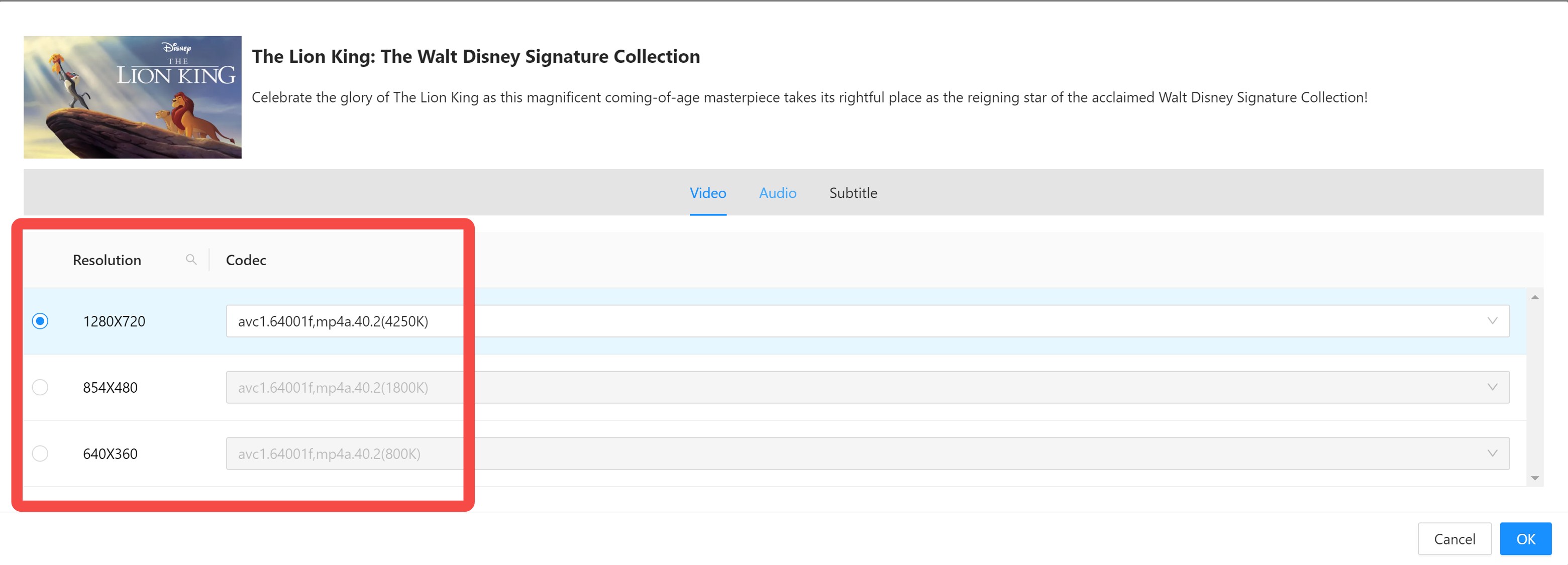
720p HD and Dolby 5.1
The existing review record describes MovPilot output at up to 720p HD with Dolby 5.1 audio. That can be functional for casual viewing, but it is worth treating as a review-specific result rather than a fixed outcome for every title, region, or software version.
Disney+ availability can vary by title, subscription, region, device, and current platform support. A 720p result may be below what some viewers expect, and Dolby 5.1 should not be confused with Dolby Atmos.
Two Output Formats: MP4 and MKV
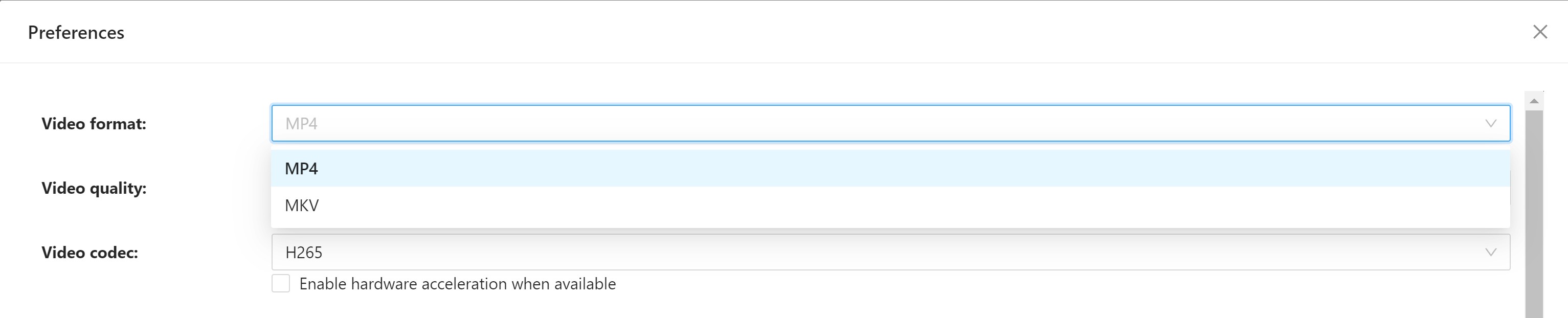
MovPilot offers two video formats: Disney Plus to MP4/MKV, with H.264 and H.265 codec options. These formats work on virtually all media devices. H.265 saves storage space; H.264 offers broader compatibility. This is standard functionality that most competing downloaders also provide—nothing exceptional here.
3. Subtitle Options: Soft, Hard, or External
You get three subtitle choices with MovPilot:
- Soft subtitles: Toggle on/off during playback
- Hard subtitles: Permanently burned into the video
- External subtitles: Downloaded as separate SRT files
This flexibility is useful, especially the soft subtitle option for multilingual households. It's one of the few areas where MovPilot performs adequately.

Metadata for Local Libraries
MovPilot saves metadata alongside your downloads—title, series info, season numbers, and episode details.
If you download an entire series, this can help organize a local library and play episodes in the correct order through media players like Plex or Kodi.
Windows and Mac Requirements
MovPilot provides desktop downloads for Windows and Mac. Before purchasing, confirm that the current app version supports your operating system and that you are comfortable using desktop software rather than Disney+'s official mobile offline feature.
Where MovPilot Falls Short
720p Quality Limit
The 720p result documented in this review may be a drawback if you are looking for a Disney Plus 1080p downloader or higher-resolution output. Practical quality can vary by title, region, subscription, software version, and current platform support.
StreamFab Disney Plus Downloader supports up to 4K where available, with actual output depending on the title, subscription, region, and current platform support. For me, repeatable results matter more than a headline maximum, so verify the quality options for the titles you actually plan to watch.
Search and Analysis Failures
MovPilot supports URL paste and search, but built-in search or title analysis could fail even when Disney+ playback was available. A direct title URL is the practical fallback when MovPilot is not working as expected during analysis.
When search or analysis does not return a title, copy the direct Disney+ title URL from your browser and retry after spacing out requests. Record the app version, the stage where it stopped, and any displayed error before escalating the issue. This is more useful than repeatedly submitting the same request and hoping for a different result.
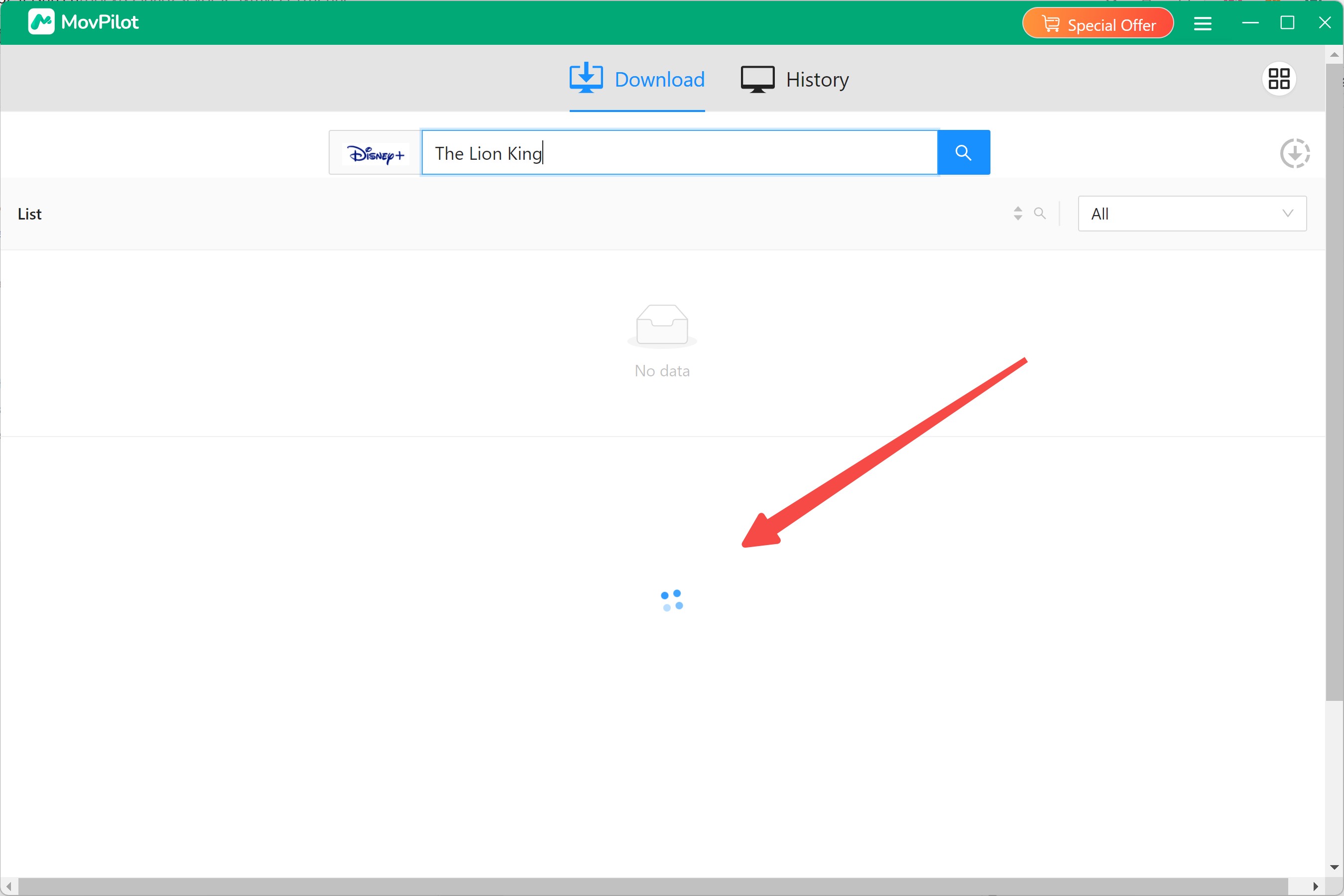
Unstable Speed and Retry Behavior
In the review environment, interruptions and retries made completion less predictable. Treat login, playback, title analysis, queueing, and completion as separate stages when troubleshooting, because a title that plays normally may still fail during analysis or queueing.
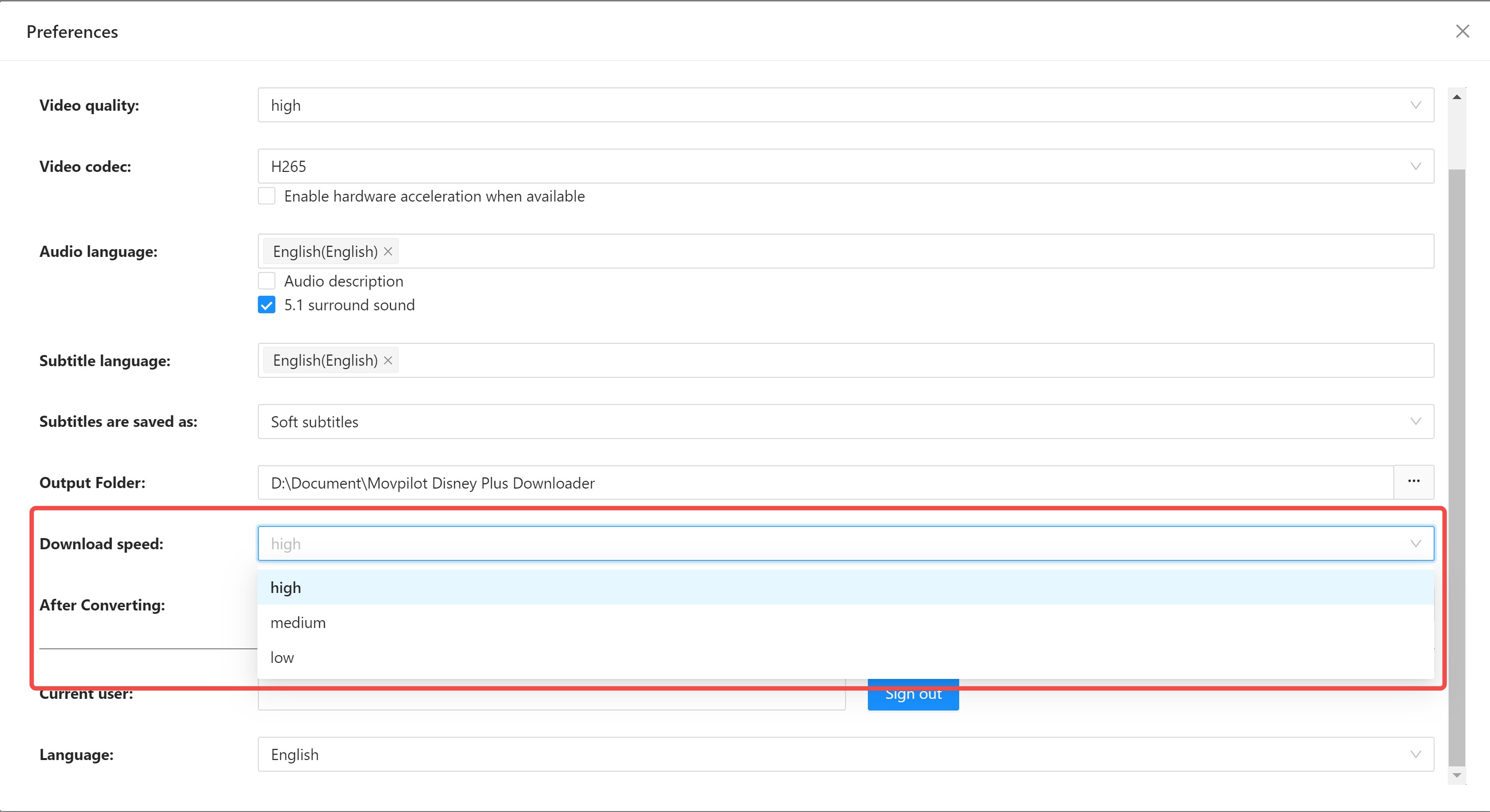
For longer titles or a series queue, repeated retries can turn a simple task into a hands-on process. Readers who need predictable unattended completion should treat that limitation as a major fit issue.
Six-Minute Trial Limit
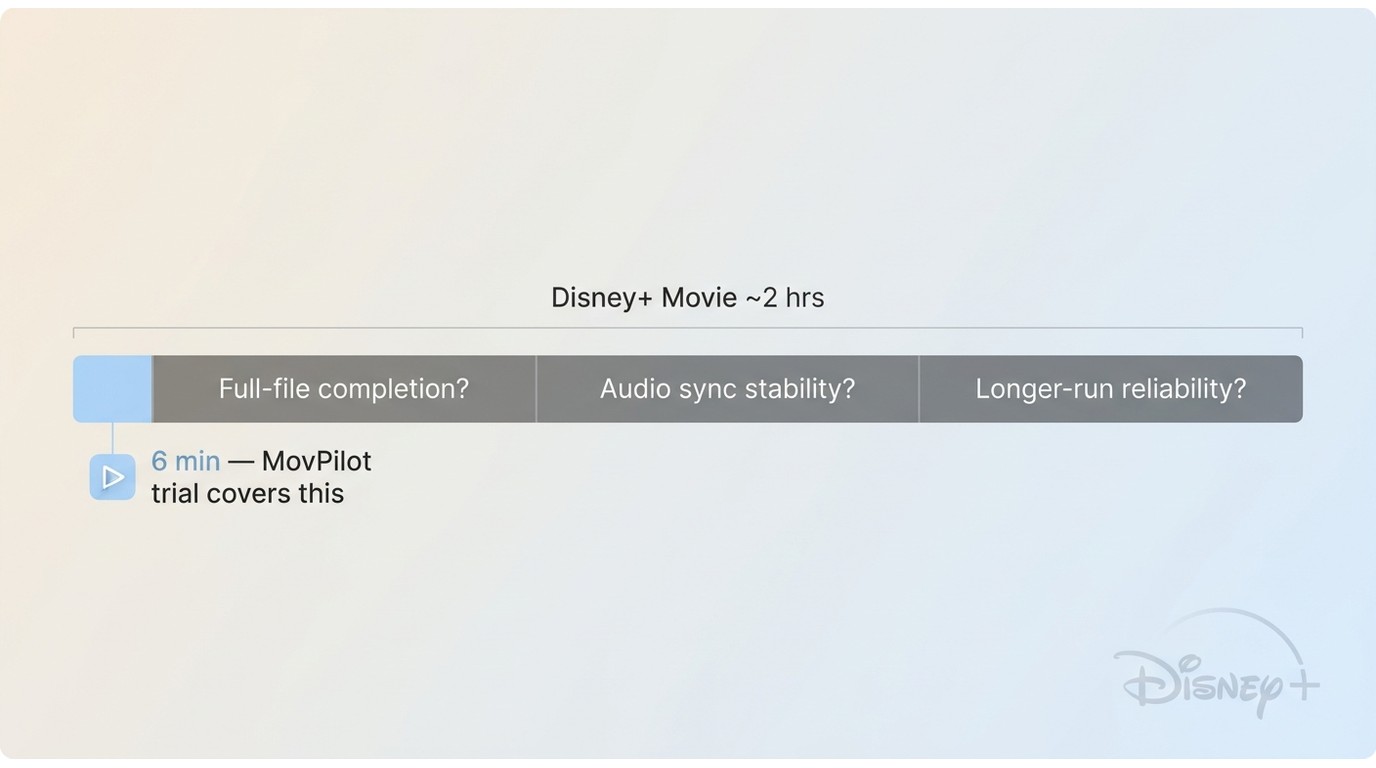
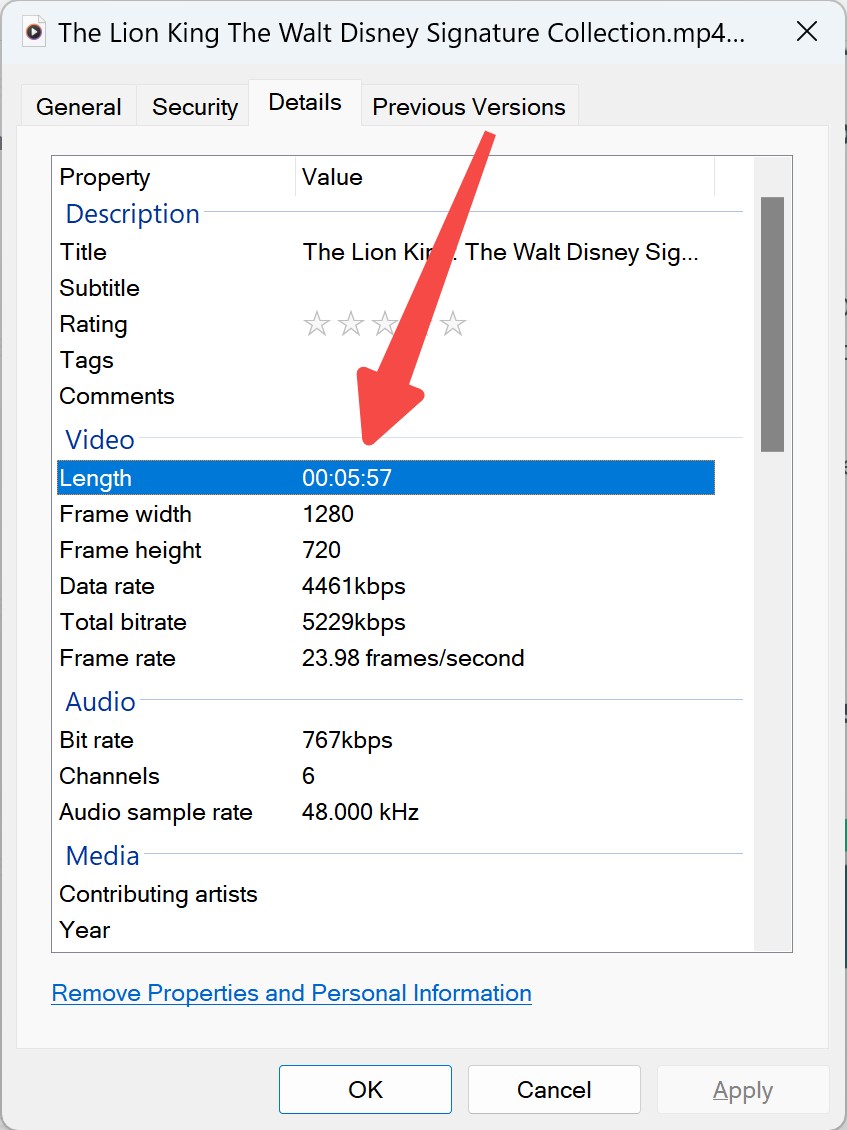
As of July 2026, MovPilot's trial limits each downloaded video to its first six minutes. That is enough to check login, title analysis, initial quality options, and audio or subtitle selection, but not enough to validate full-title completion or longer-run reliability.
You can't verify:
- Whether full downloads complete successfully
- If quality remains consistent throughout
- Whether audio sync issues appear later
- How the software handles longer content
By comparison, StreamFab offers a 30-day evaluation with three titles per supported streaming service, while paid use is subject to per-service download limits. That gives a reader more opportunity to assess a complete local-file workflow before deciding.
Refund and Support Evidence
Refund eligibility depends on the applicable purchase and policy terms, so read those terms before buying. If you need to stop renewal rather than request a refund, the MovPilot subscription cancellation process is a separate decision from refund eligibility.
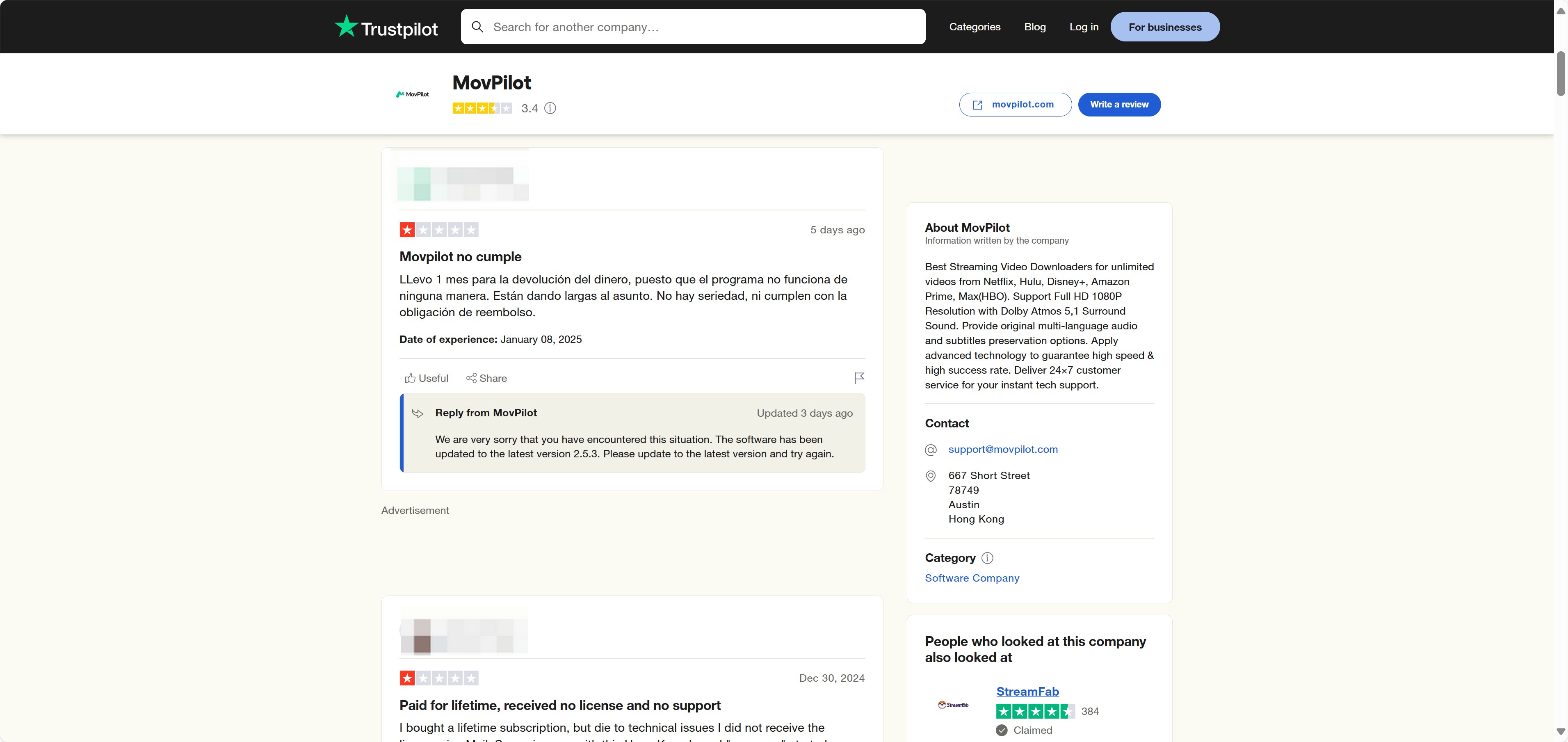
Reputation can be one signal, but it should not replace checking the current policy, your operating-system compatibility, and whether the trial validates the workflow you need.

Using MovPilot With Direct URLs
Use this workflow only for content you are authorized to access, where permitted by platform terms and applicable law.
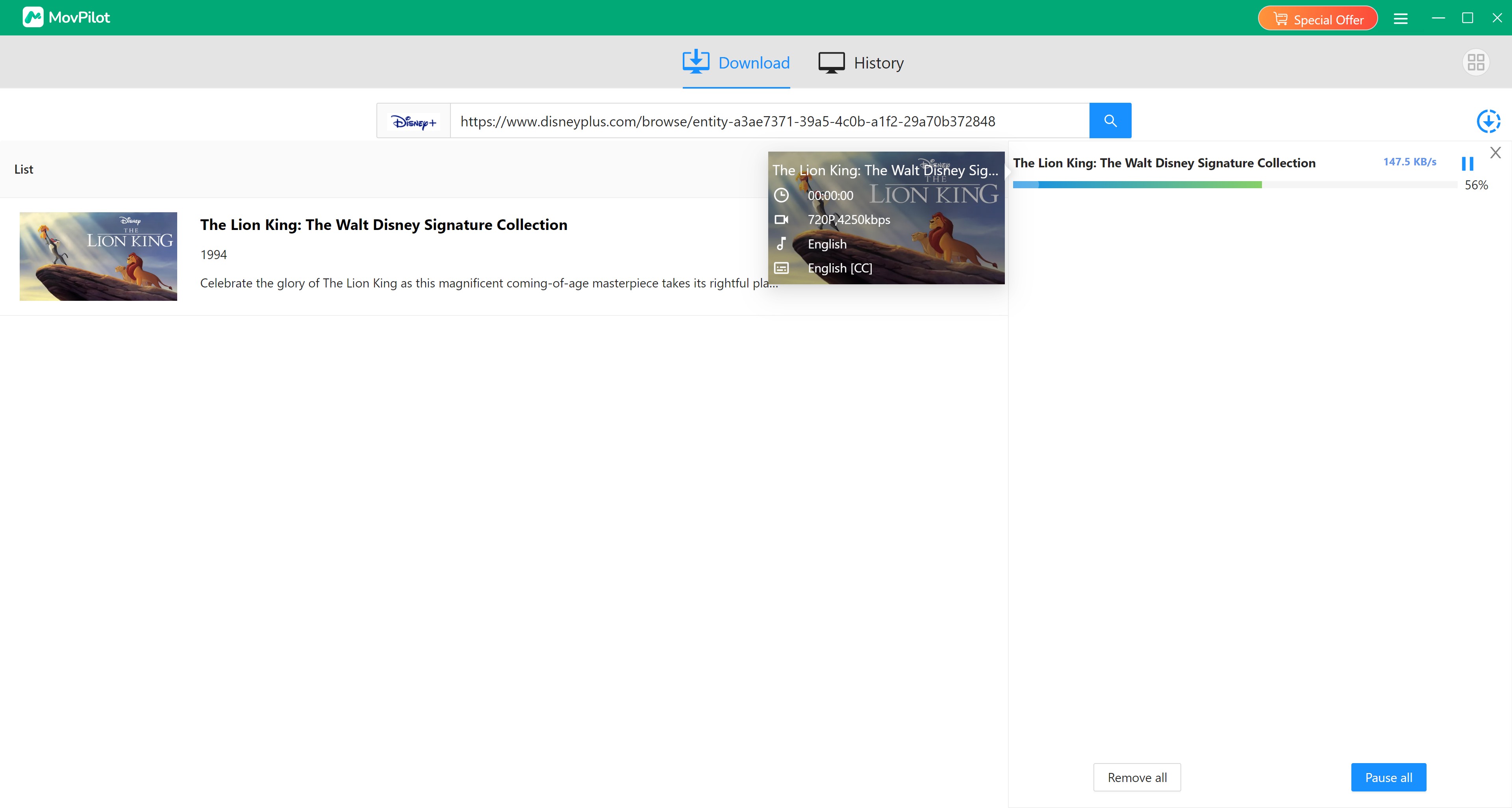
If built-in search does not analyze a title, paste its direct Disney+ URL instead. A completed output should appear in the destination folder and play in the selected local media player.
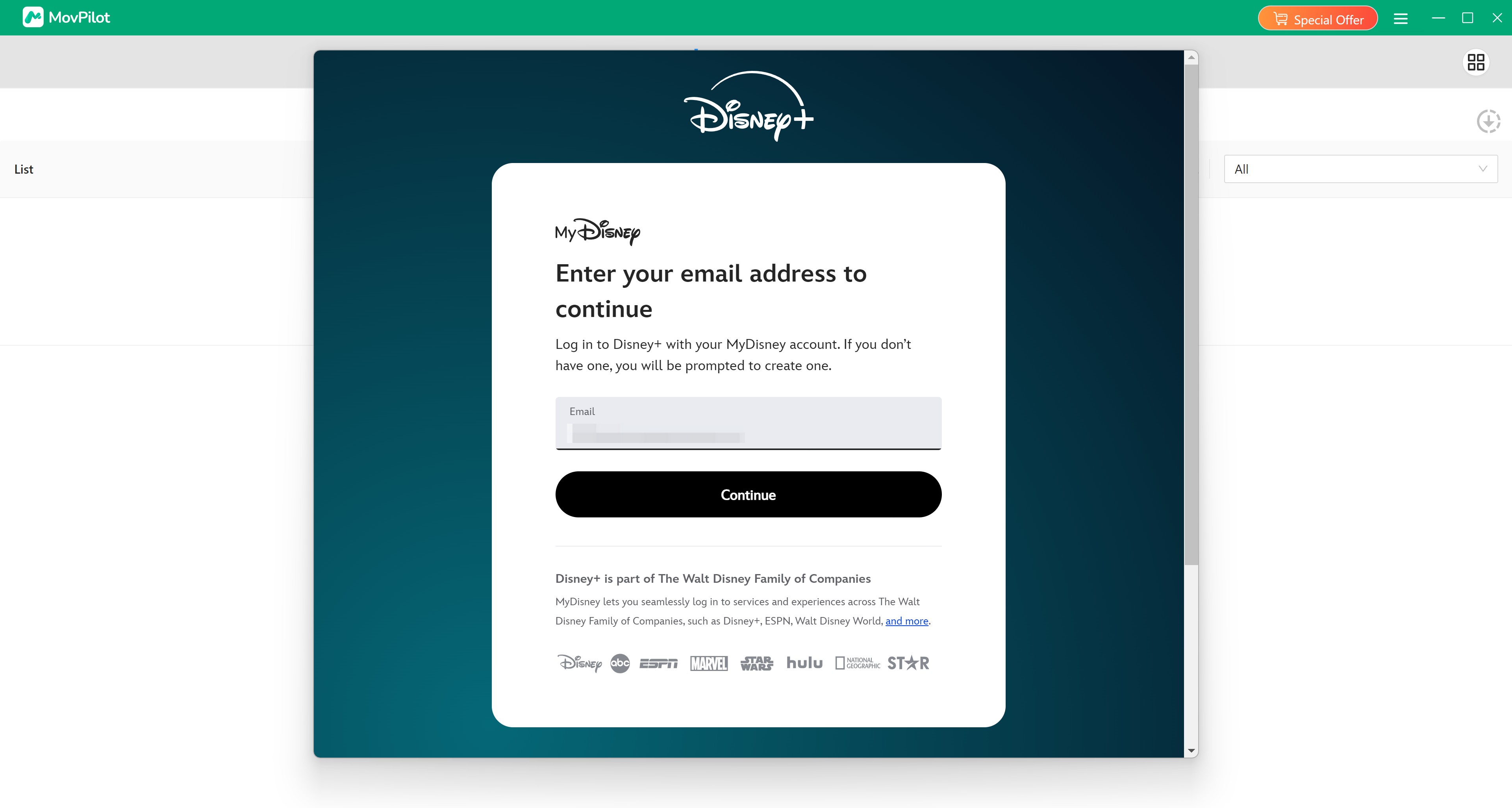
Download and Log in to the Disney Plus Account
Download MovPilot Disney Plus Downloader and log in to your Disney Plus account with an active subscription.
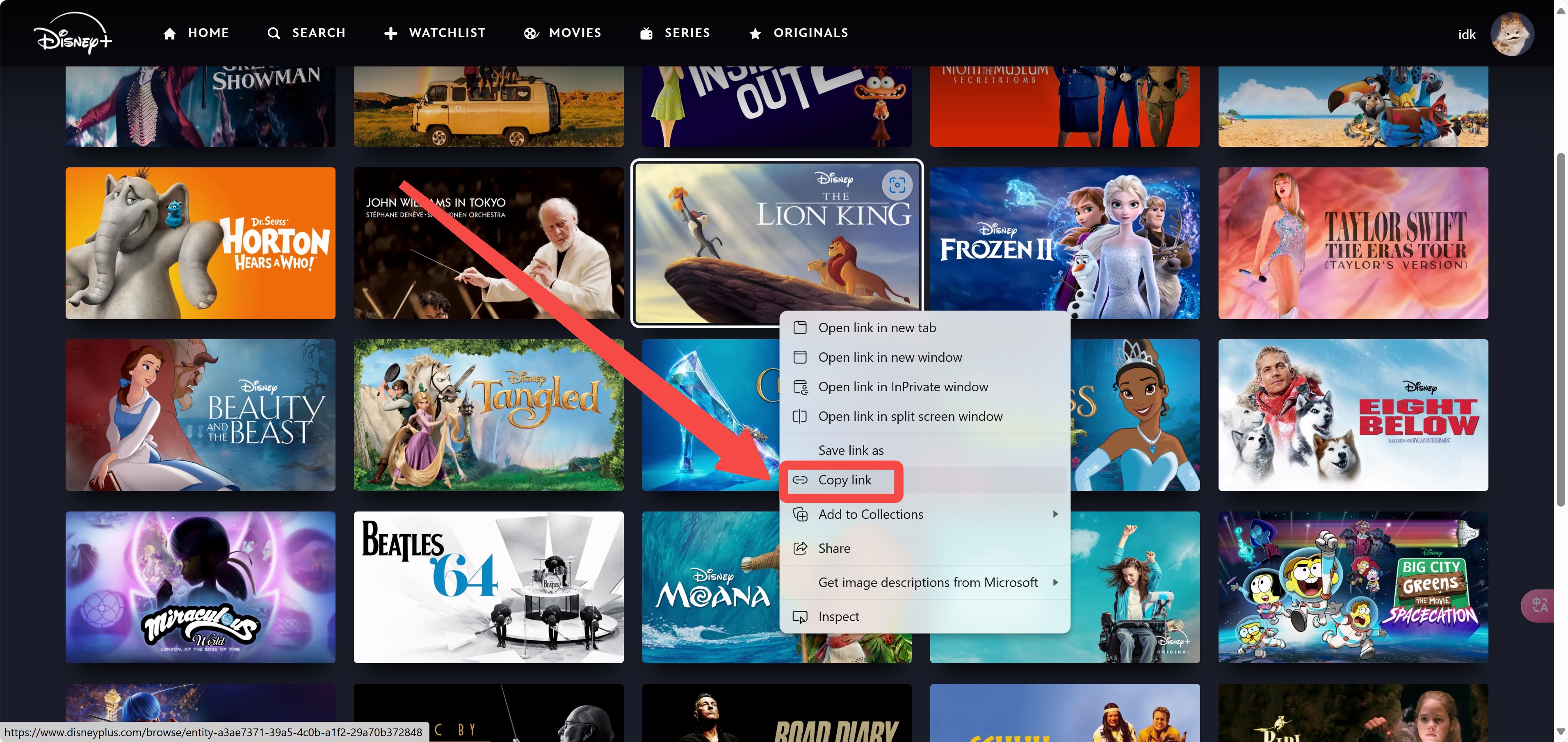
Find the Movie and Copy Its URL
We suggest you copy the movie's URL from your local browser and paste it into MovPilot Disney Plus Downloader.
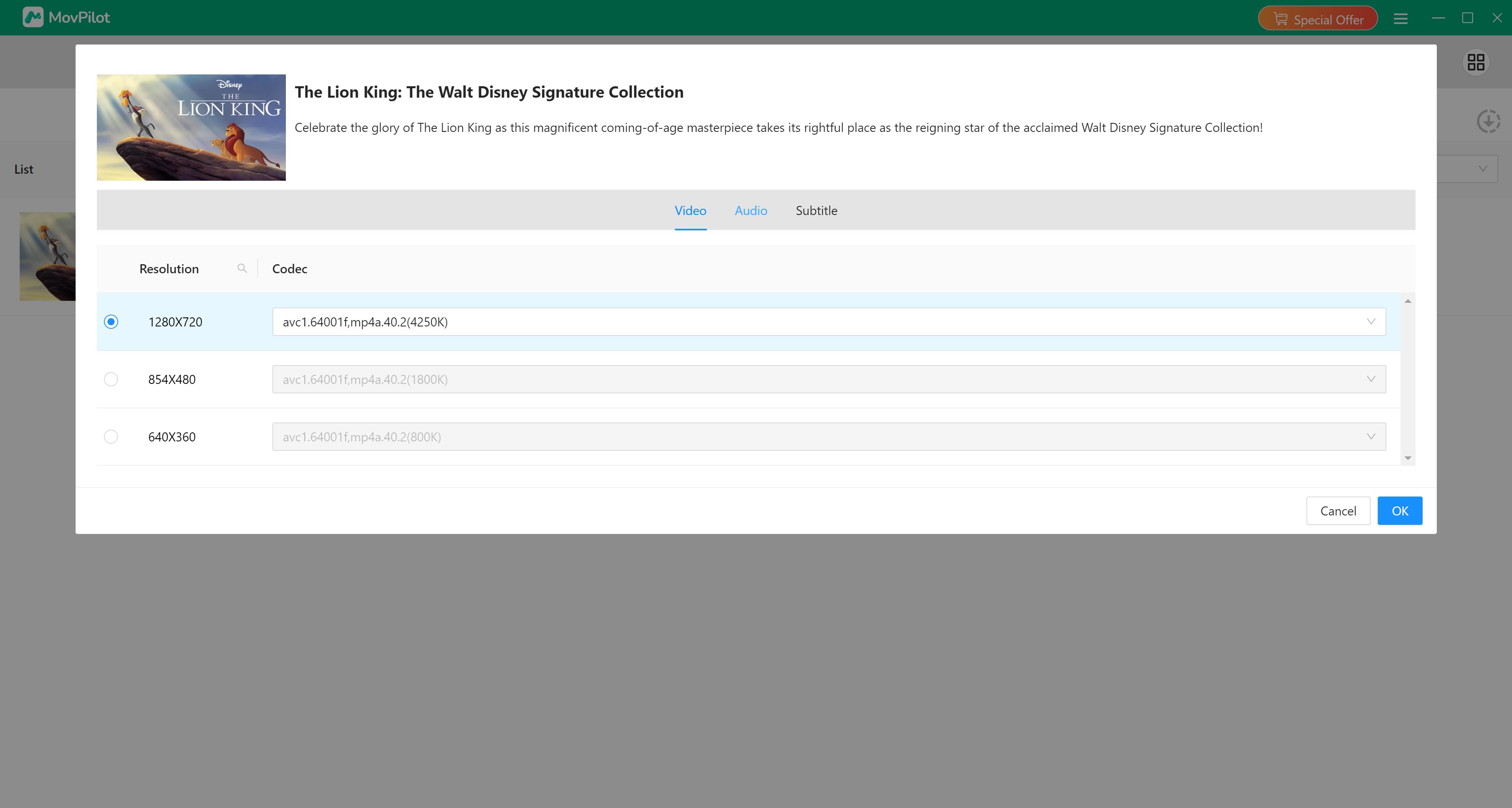
Paste the URL and Adjust Settings
Paste the URL and there will be a panel that shows up for you to adjust settings specifically to your desire.
Start Downloading
As settings are adjusted, pressing the download button, which looks like a blue arrow, starts downloads.
StreamFab as a Desktop Alternative

If MovPilot's trial scope or analysis workflow does not fit your needs, StreamFab Disney Plus Downloader is one practical desktop alternative for authorized personal offline viewing.
StreamFab is available for Windows and Mac and supports output up to 4K where available, plus MP4 or MKV, H.264 or H.265, selectable audio and subtitle languages, metadata, batch jobs, and scheduled episode downloads. Its practical output still depends on the title, subscription, region, and current platform support. It is not a fit for readers who only need Disney+'s official mobile offline feature or do not want desktop software.
- Download Disney Plus movies in 1080p/4K with Atmos/EAC3 5.1 sound effects in MP4/MKV formats.
- Auto-download new episodes for subscribed series.
- Batch download entire seasons or multiple titles simultaneously.
- Built-in browser: search, play, and download without leaving the app.
- 30-day free trial with 3 full-function downloads.
Quick MovPilot and StreamFab Comparison
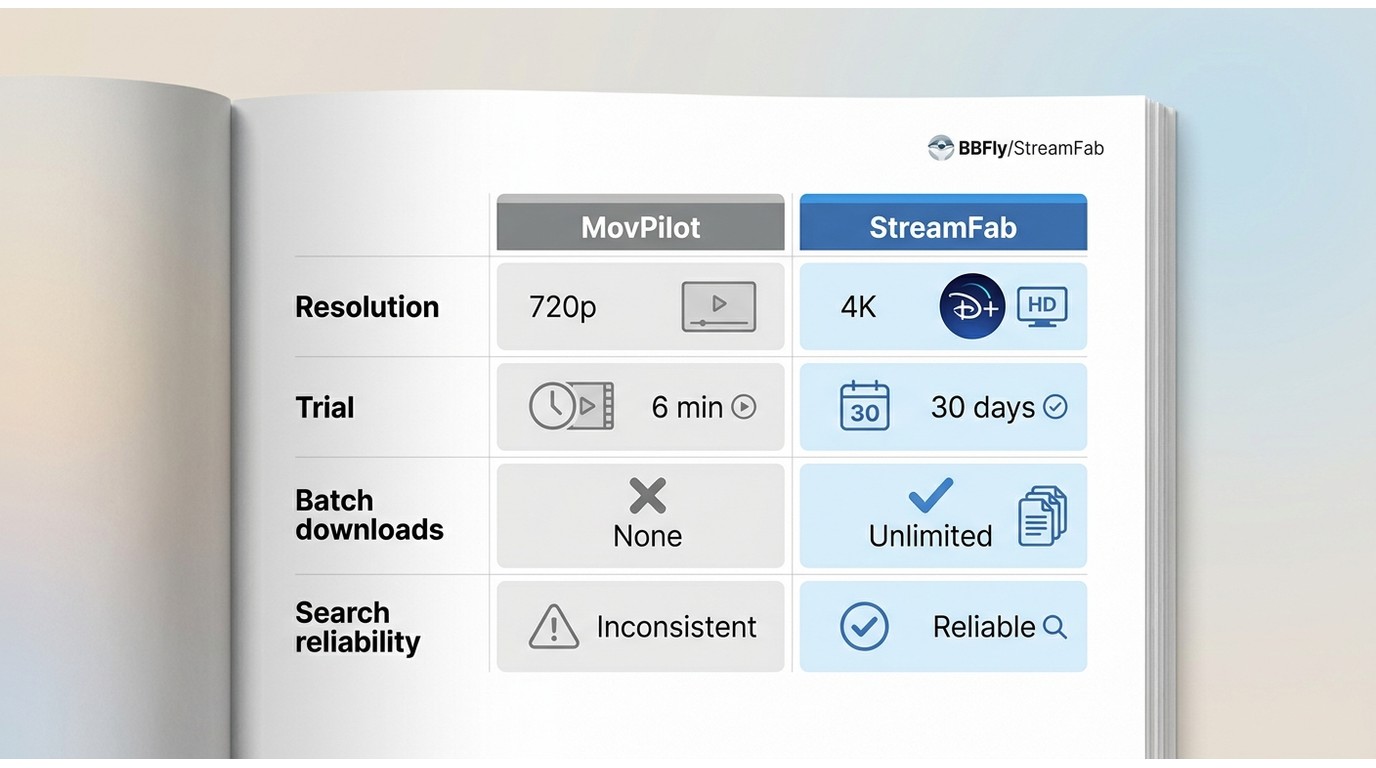
This concise table focuses on purchase-relevant differences. A fuller MovPilot vs. StreamFab comparison covers the broader product-by-product decision.
| Decision point | StreamFab Disney Plus Downloader | MovPilot Disney Plus Downloader |
|---|---|---|
| Resolution discussed | Up to 4K where available; title, subscription, region, and platform support apply | 720p in this review record; practical availability may vary |
| Formats and codecs | MP4/MKV; H.264/H.265 | MP4/MKV; H.264/H.265 |
| Audio and subtitles | Selectable audio languages, multichannel audio where available, and downloadable subtitles | Dolby 5.1 discussed in this review; soft, hard, or external subtitles |
| Search workflow | Desktop title analysis workflow | Direct URL paste is the practical fallback when search or analysis fails |
| Batch and scheduling | Batch and scheduled episode downloads supported | Not verified in this review |
| Trial scope | 30-day evaluation with three titles per supported streaming service | First six minutes of each video |
| Desktop support | Windows and Mac | Windows and Mac |
| Reliability observation | Output availability varies by title and current platform support | This review describes interruptions and retries during the workflow |
| Best for | Readers who want a desktop local-file workflow with batch and scheduling options | Readers satisfied with a limited trial, direct URLs, and the reviewed 720p workflow |
| Not ideal for | Readers who only need the official Disney+ mobile download feature | Readers who need full-file trial validation or predictable unattended completion |
Support and reputation are secondary decision factors
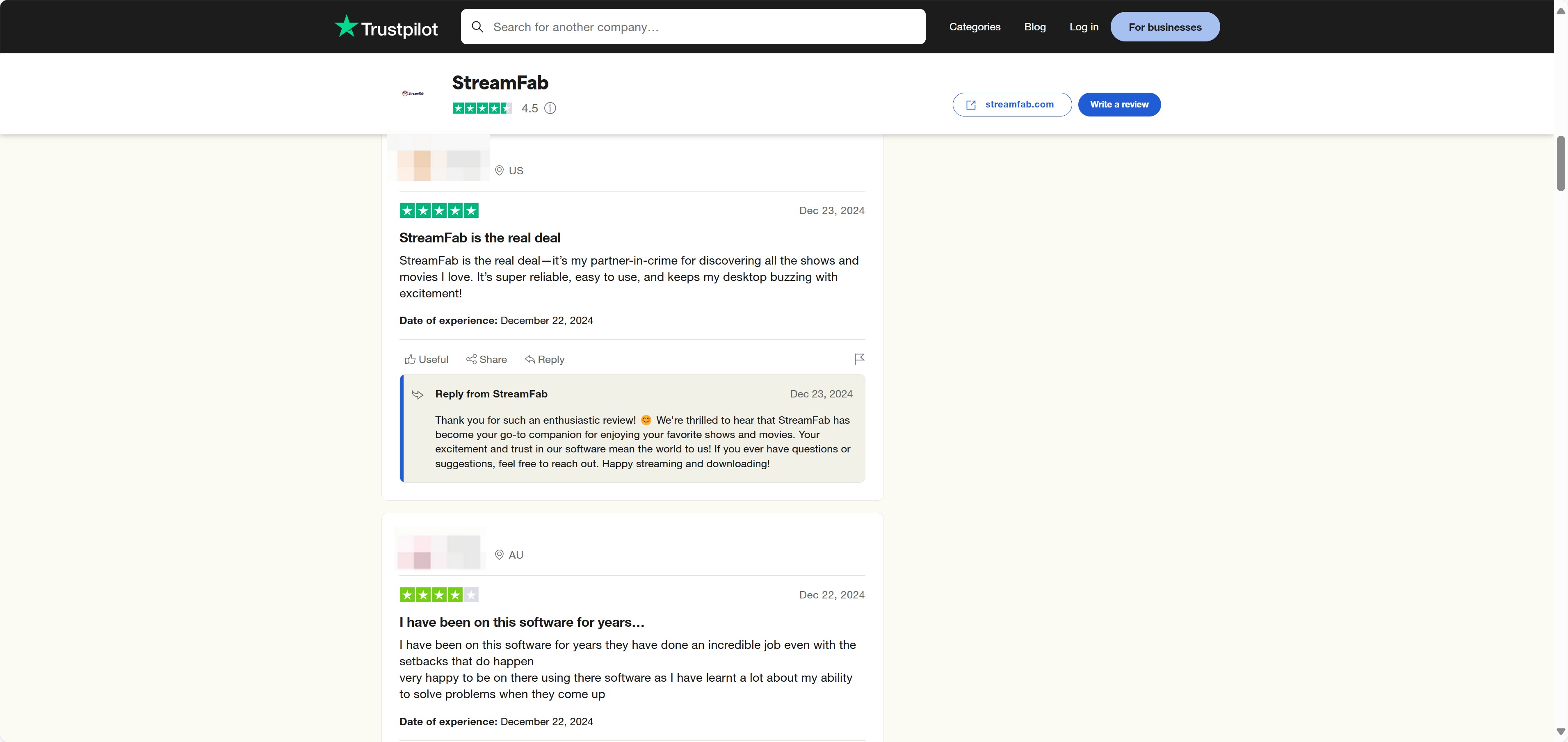
Ratings and customer feedback can change quickly and should not be treated as proof that either product will resolve a specific issue. Prioritize the current policy terms, your device compatibility, and whether the trial validates the titles and workflow you need.
Using StreamFab for Disney Plus
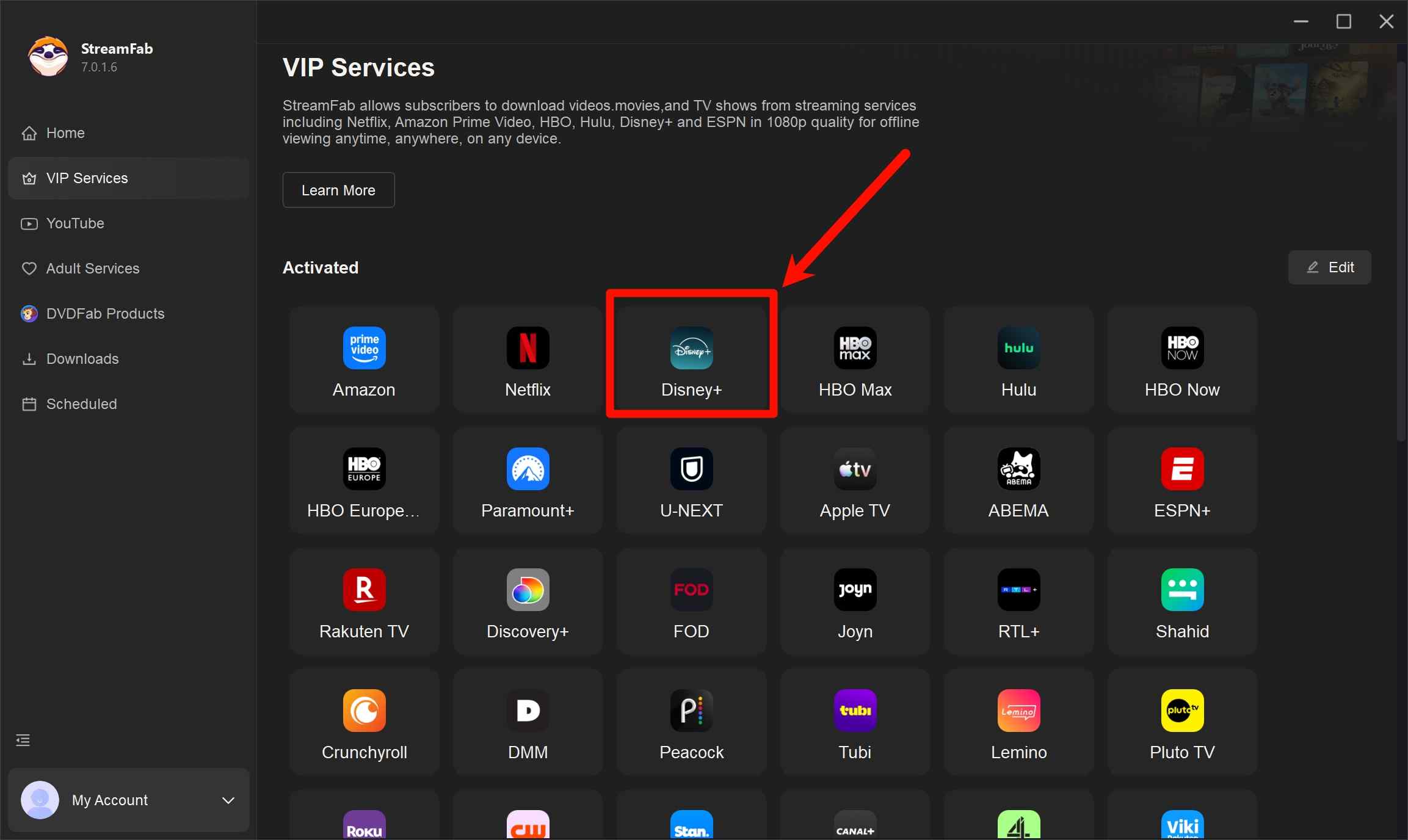
Log in to Your Disney Plus Account
Log in to your active Disney Plus account with a subscription to any of the plans of Disney Plus.
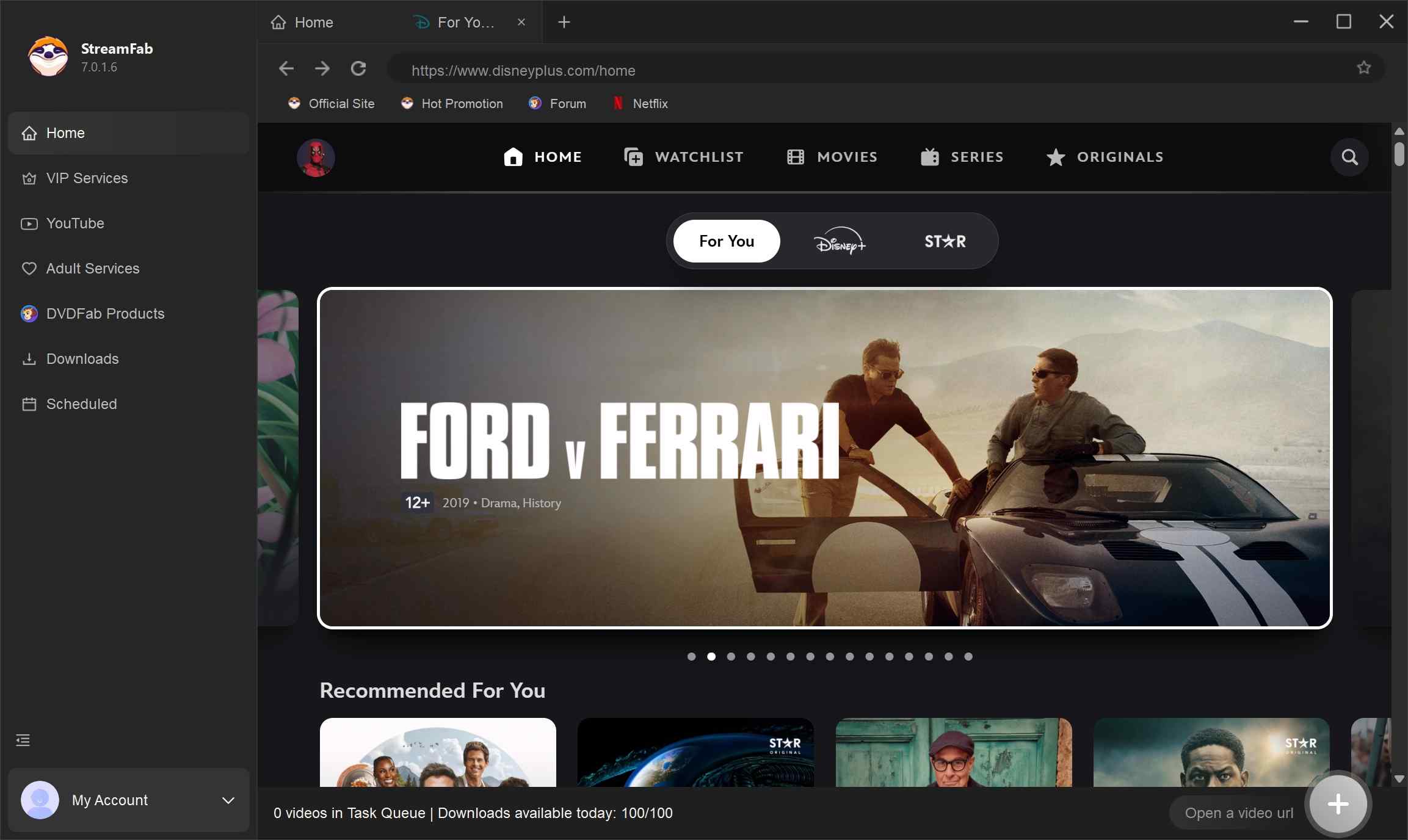
Search for and Play the Movie
Put the title of the movie you want into the search bar and click the movie shown in search results to start playing. When the movie starts playing, StreamFab auto-detects the video and shows a menu for you to customize the settings as you want after analyzing.
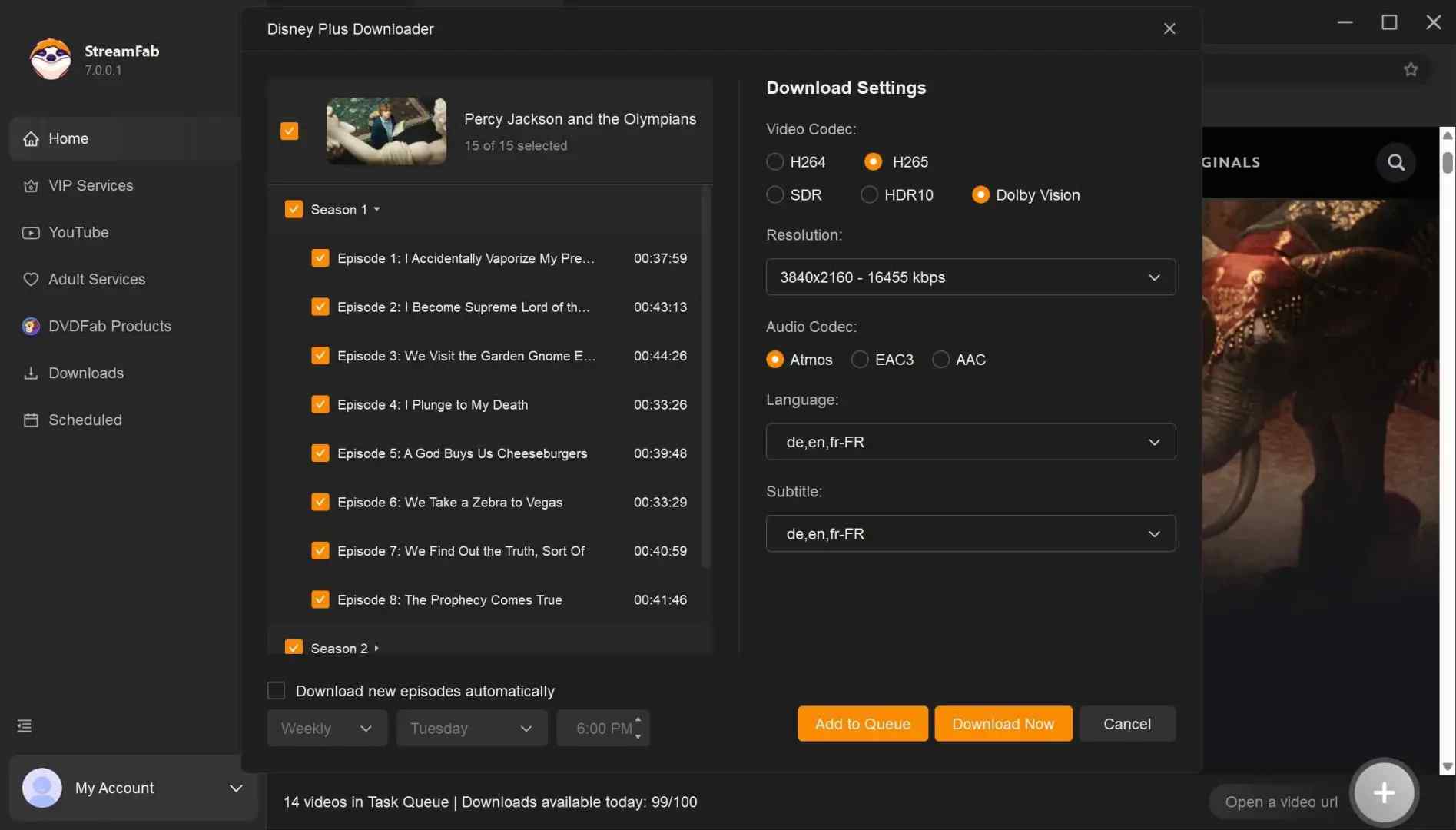
Start Downloading
Click the "Download Now" button to start. You can check the downloading to see the time left and find all finished tasks in "Downloaded."
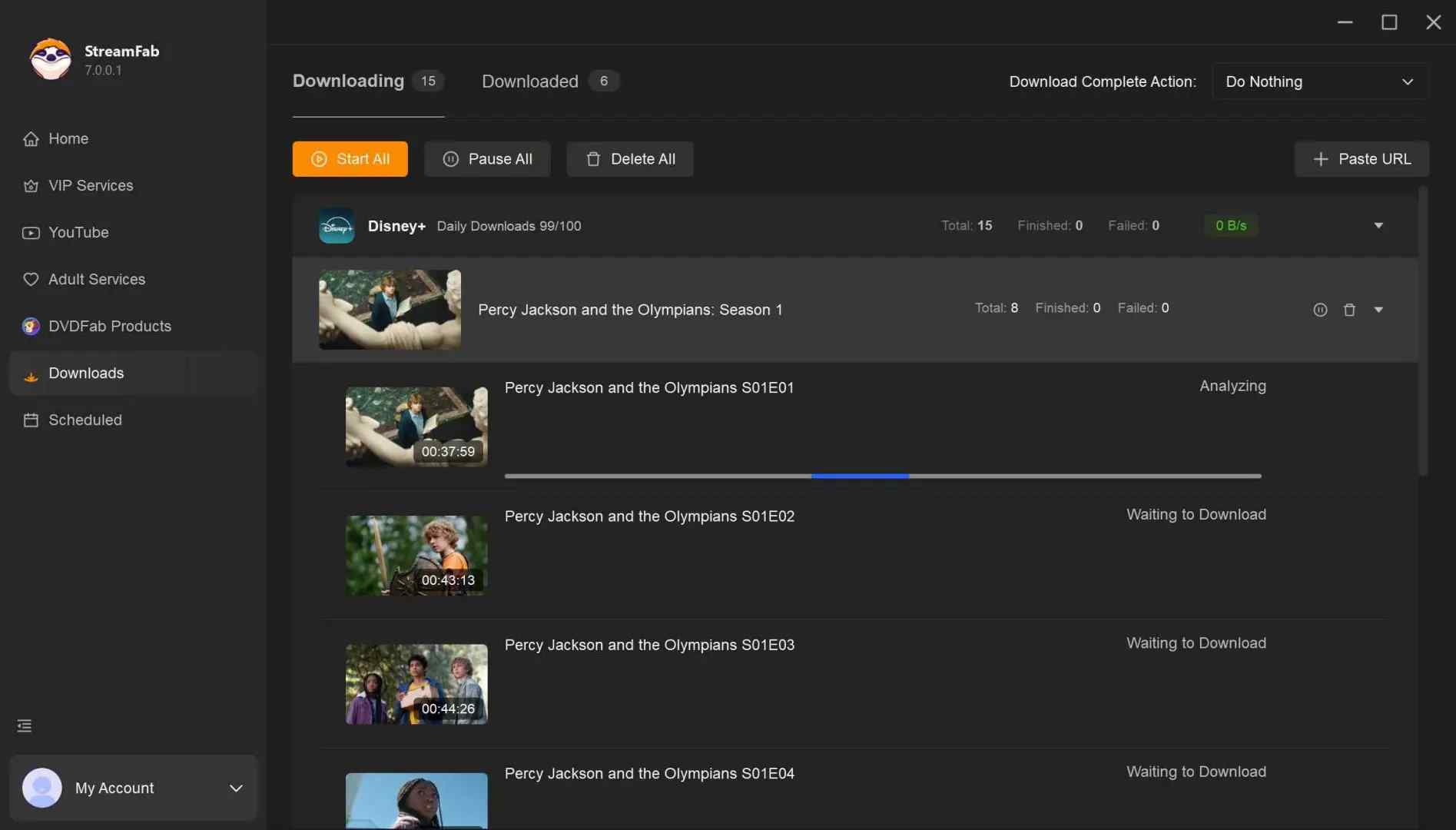
FAQ
Can MovPilot save every Disney+ title in 1080p?
This review records MovPilot at 720p, not 1080p. Resolution can vary by title, region, software version, subscription, and platform support. StreamFab supports up to 4K where available, but that maximum is not guaranteed for every title.
Do I still need a downloader if Disney+ allows app downloads?
Not necessarily. Official Disney+ app downloads are managed within the app and can be subject to device, availability, and service conditions. A desktop local-file workflow is relevant only if you need MP4 or MKV file handling for authorized personal use and accept the desktop-software tradeoff.
What can MovPilot's six-minute trial actually verify?
It can verify login, title analysis, the initial quality choices, audio and subtitle selection, and whether output begins. It cannot establish whether a full title will complete successfully or whether longer jobs will remain stable.
What should I try if Disney+ plays but analysis never starts?
Copy the direct title URL, retry after spacing requests, and record the app version, error message, and failure stage. If analysis still does not begin, use the product's current troubleshooting guidance rather than repeatedly submitting the same request.
Conclusion
MovPilot may suit readers who are satisfied with the 720p workflow described in this review, MP4/MKV output, subtitle choices, and direct URL use. It is less suitable when full-file trial validation, predictable analysis, or higher available resolution matters most.
The better fit depends on the titles you watch, the workflow reliability you can tolerate, the trial scope you need, and whether a desktop local-file workflow is necessary. StreamFab Disney Plus Downloader is one alternative for readers who need Windows or Mac software. It is not automatically the right choice for someone who only needs Disney+ app downloads on a mobile device.

Downloading your favorite Netflix library permanently for your flexible offline watch is not a big deal anymore. Try the Pazu Netflix video downloader to enjoy Netflix streaming with ultimate customizations.
By Erika Leen - Sep 18, 2026
This review exposes the gap between Video Downloader Plus's marketing and its actual performance. Technical tests confirm the extension cannot process encrypted HLS streams found on major sites. Furthermore, the review critiques the lack of a free trial, forcing users to pay blindly for functionality that may not work on complex websites.
By Jacob Harrison - Sep 15, 2026
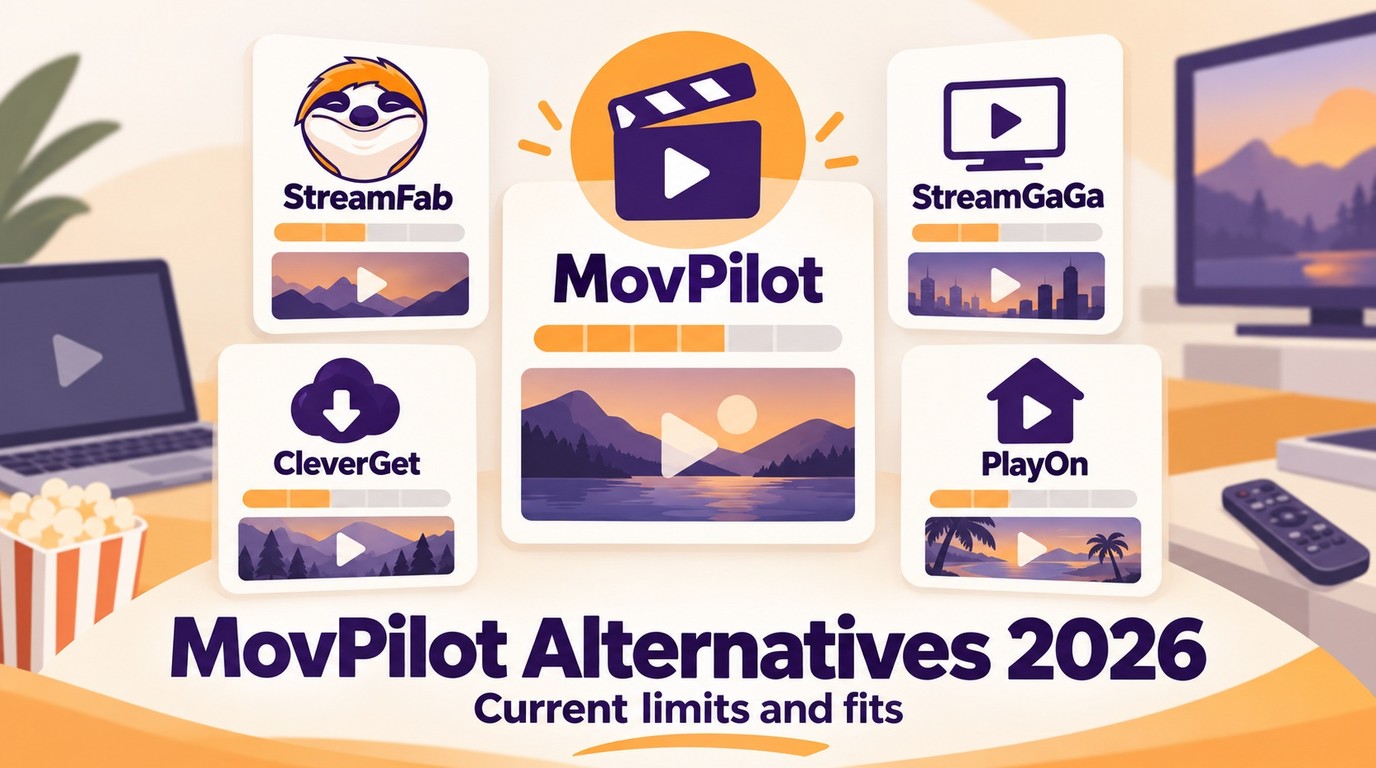
Explore a comprehensive list of alternative software to MovPilot. Learn about their features, pricing, and user reviews to make an informed decision based on 2026 DRM standards.
By Erika Leen - Sep 15, 2026
How to cancel PlayOn subscription? Will you get a refund after cancelling? This guide tells you everything you need to know about cancelling PlayOn subscriptions.
By Nicole Lopez - Sep 15, 2026