Best YouTube Playlist Downloader Review: 10 Options for 2026

Summary: Compare ten YouTube download and recording options, with a six-tool table for desktop playlist workflows. Learn which free or paid approach fits your device, how to save authorized videos as MP4, and how to check completed files for missing video or audio.
Saving a whole YouTube playlist gets frustrating when you end up with scattered files, missing audio, or a partial batch. I would choose a YouTube playlist downloader with explicit playlist selection and a completion list: a queue that finishes is more useful than a higher advertised resolution.
A YT playlist downloader on your desktop gives you control over video output and the destination folder. Free and paid options take different routes. The ten profiles below cover playlist applications, single-video tools, and recorders, followed by a six-tool comparison, browser options, and an MP4 workflow.

Best YouTube Playlist Downloaders: 10 Options Reviewed (2026)
The best YouTube playlist downloader for your setup should accept the playlist URL and let you select the videos you need. The table after these profiles compares six desktop choices. ClipGrab, Filmora, Freemake, and PlayOn provide supplementary single-video or recording context, rather than equivalent whole-playlist recommendations.
1. StreamFab YouTube Downloader Pro: Best Overall YT Playlist Downloader
I recommend StreamFab YouTube Downloader Pro for graphical playlist management on Windows and Mac. Its batch queue, five concurrent tasks, and video-format choices are the reasons for that recommendation. This is a convenience judgment for managing multiple videos, rather than a speed ranking.

- Download YouTube videos in 8K and music in 320 kbps
• Download YouTube content in MP4, MKV, and MP3 Formats
• Save YouTube HDR and VR 360° videos
• More than 1000+ sites are supported, including Vimeo, TikTok, etc
• Accessible to the free trial of all downloaders, including Netflix, Amazon and more
StreamFab YouTube Downloader Pro runs on Windows and Mac, supports five concurrent tasks, and saves MP4, MKV, or FLV video up to source-supported 8K with HDR and H.264, VP9, or AV1 options. A lower-resolution upload stays lower resolution. Choose a codec your intended player supports.
StreamFab is a third-party application relative to YouTube’s official offline feature, for personal offline viewing of content you are authorized to access, where permitted by platform terms and applicable law. Pro and the free YouTube download option have different access terms. Free YouTube downloads are limited to 720p; that does not make all Pro capabilities free.
| Video workflow | Windows and Mac; five concurrent tasks; MP4, MKV, FLV; source-supported 8K/HDR |
| File management | Subtitle downloads, metadata writing, and automatic subscription updates |
| Audio output | M4A or MP3 up to 320 kbps; audio-only files |
| Review | StreamFab Review |
Metadata and subtitle selections make a saved collection easier to navigate. They do not replace a completion check. For a YouTube playlist downloader for Windows, the Pro queue provides a graphical way to manage the batch; the Mac edition serves the same desktop workflow.
2. Downie [Mac Only]: Best Mac YT Playlist Downloader
Downie fits a Mac-focused setup with a standalone license and MP4 output. The current Mac release requires macOS 13 or later. Setapp is an optional buying route, so you do not need a Setapp membership to use Downie.
Prices and third-party specifications below are as of October 2026. Downie’s standalone license is USD 19.99, with tax and currency adjustments at checkout. Choose it if you want to keep your download workflow on a Mac rather than maintain a Windows installation.
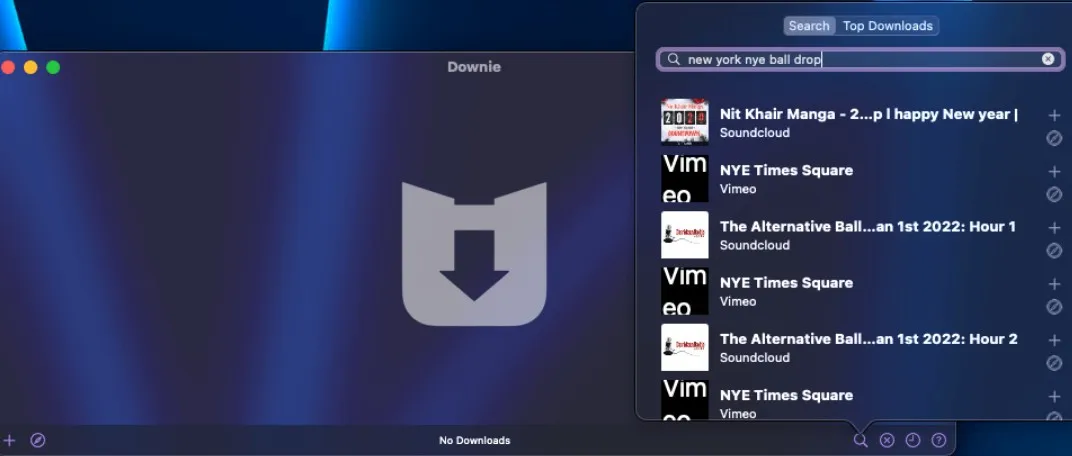
| System | macOS 13 or later |
| Video output | MP4; up to source-supported 4K |
| License | USD 19.99 standalone; Setapp optional |
| Review | Downie Video Downloader Review |
3. 4K Video Downloader Plus: Free YouTube Playlist Downloader
4K Video Downloader Plus offers a quantity-limited free tier for playlists. It supports Windows and Mac, video up to source-supported 8K, and 360-degree downloads. It is a graphical free YouTube playlist downloader, with paid licenses for additional access.
A 4K YouTube playlist downloader label does not mean every upload is available in 4K. Select a resolution offered by the video. Plus’s Lite plan is USD 15/year, Personal is USD 25 lifetime, and the promotional Pro license is USD 45 lifetime.
| Video workflow | Playlist downloads; MP4/MKV; source-supported 8K and 360-degree video |
| Free access | Quantity-limited free tier |
| Paid plans | Lite: USD 15/year; Personal: USD 25 lifetime; Pro: USD 45 promotional |
| Review | 4K Video Downloader Review |
Choose Plus if you prefer graphical controls and want to start with a limited free tier. For a large collection, decide whether those access limits fit your task before preparing the batch. The free command-line route appears in the comparison below.
4. KeepStreams for YouTube: MP4 Playlist Downloads
KeepStreams for YouTube provides MP4 playlist downloads on Windows and Mac, with resolution choices up to source-supported 8K. It offers both monthly and lifetime plans. A monthly plan is useful for a short project; a lifetime license follows a different payment structure.
The YouTube offer is USD 34.99/month or USD 99.99 for the promotional lifetime plan. Neither price establishes a download-speed advantage. Choose it for its MP4 workflow and the access plan that fits your project.
| Video workflow | Windows and Mac; playlist batches; MP4; source-supported 8K |
| Settings | Preset quality and audio selections |
| Monthly access | USD 34.99/month |
| Lifetime offer | USD 99.99 promotional YouTube offer |
5. ClipGrab: A Free Single-Video Downloader
ClipGrab’s documented workflow downloads an individual video URL and converts the result to video or audio formats. Use it for an individual authorized video. For a whole playlist, choose a tool that accepts a playlist URL and exposes batch selection.
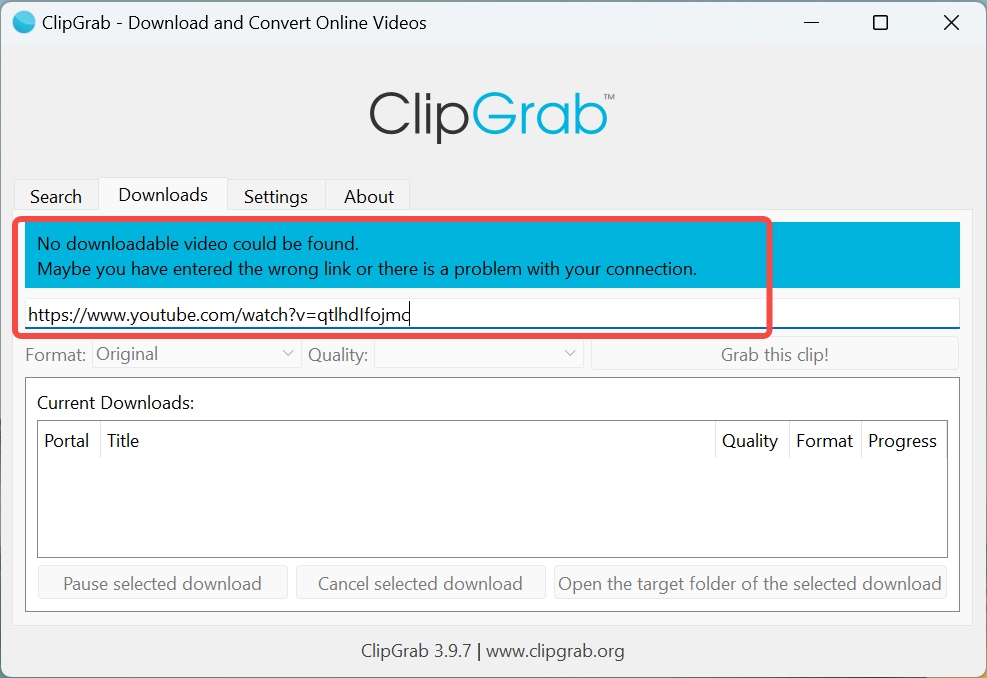
| Workflow | Paste an individual video URL; select output and download |
| Output choices | MPEG4, WMV, OGG Theora, MP3, OGG Vorbis |
| Access | Free, open-source application |
| Reviews | ClipGrab Review |
6. Wondershare Filmora: Recording Playable YouTube Playlist Videos
Wondershare Filmora is an editor and screen recorder for authorized videos that already play normally on your device. Recording does not grant access to unavailable content. It fits an editing task better than a copy-and-paste playlist-download task.
Screen recording runs alongside playback. You need to keep the video playing during capture, then manage the resulting recording. That is a different workflow from selecting the items in a playlist queue.
| Workflow | Screen recording and video editing |
| Prerequisite | Authorized video that plays normally on the device |
| Subscription | Basic USD 49.99/year; Advanced USD 59.99/year promotional |
| Perpetual license | Filmora 16 USD 79.99 |
7. SnapDownloader: Cross-Platform YT Playlist Downloader
SnapDownloader handles playlists on Windows and Mac, with MP4 output, source-supported video up to 8K, and 360-degree VR downloads. Its trial lasts 48 hours. It fits a cross-platform graphical workflow with several subscription and lifetime license choices.
The Personal offers are USD 7.99/month, USD 29.99/year, or USD 39.99 lifetime for one device. The three-device license is USD 69.99. Major upgrades are priced separately, so a lifetime license and access to future major versions are distinct purchases.
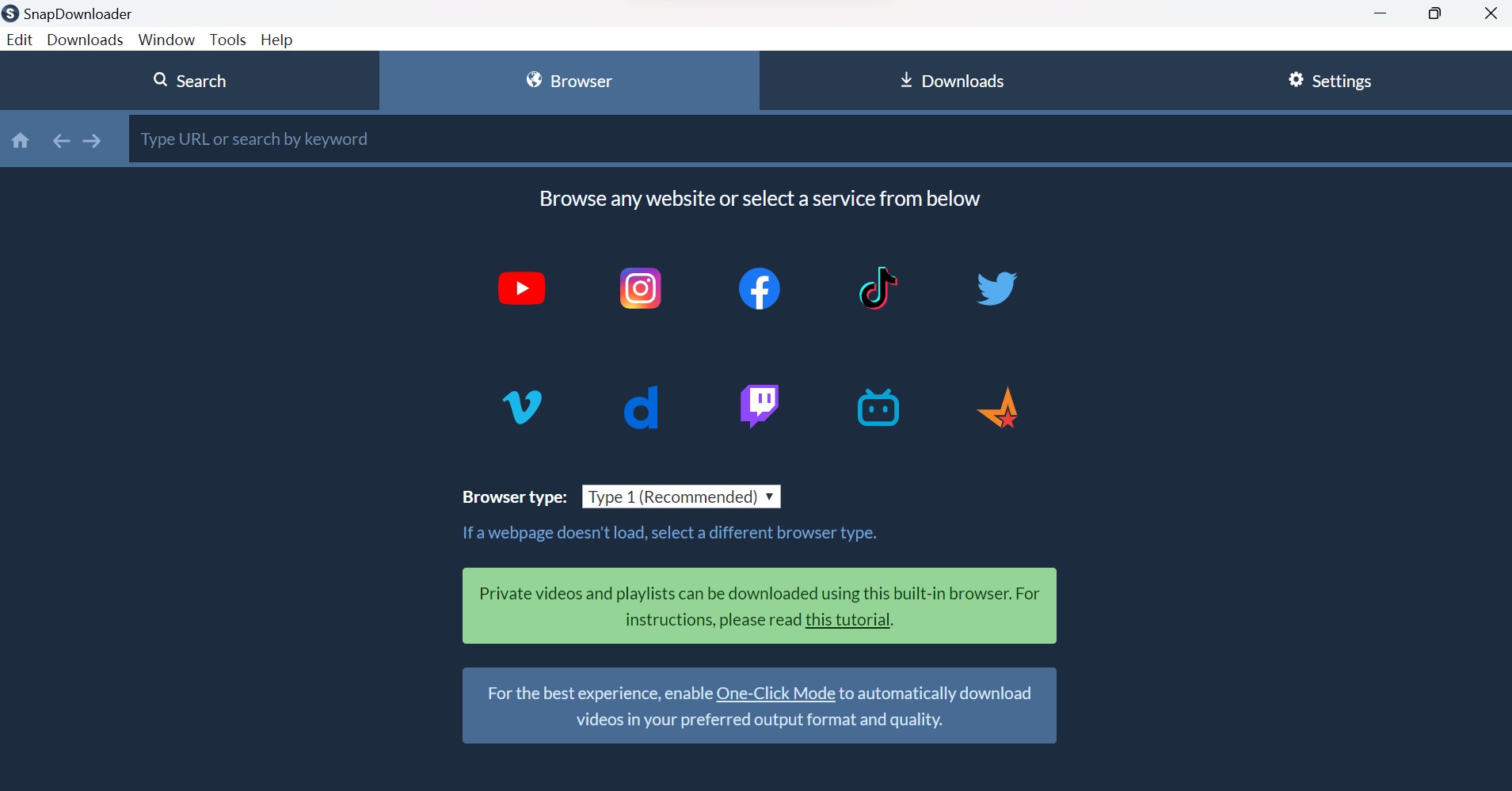
| Video workflow | Windows and Mac; playlists; MP4; source-supported 8K and 360-degree VR |
| Trial | 48 hours |
| License scope | Personal: one device; three-device lifetime license available |
| Reviews | SnapDownloader Review |
8. iTubeGo: Bulk YouTube Playlist Download App
iTubeGo is a YouTube playlist download app with bulk downloading and video output up to source-supported 8K. A graphical YouTube playlist downloader app fits you if you want to select several videos without writing commands. Use the current official installer rather than a repackaged download.
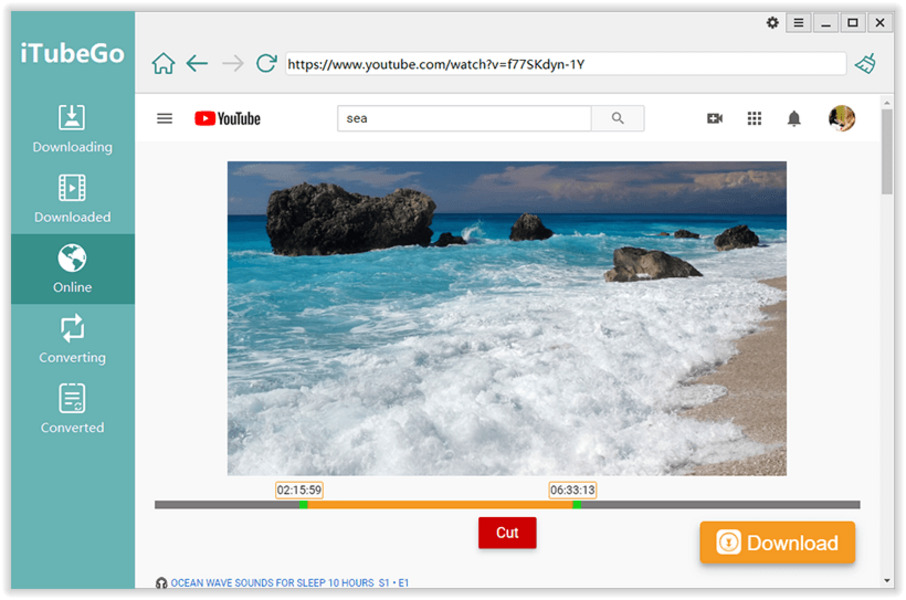
| Workflow | Bulk YouTube playlist downloads |
| Video output | Source-supported video up to 8K |
| Setup | Install the current official application |
| Reviews | iTubeGo Review |
9. Freemake: Windows YouTube Playlist Downloader Overview
Freemake Video Downloader is a Windows application for online video downloads. For a whole-playlist task, use one of the six choices in the comparison below with explicit playlist processing. The Freemake profile provides Windows download context, rather than a batch recommendation.
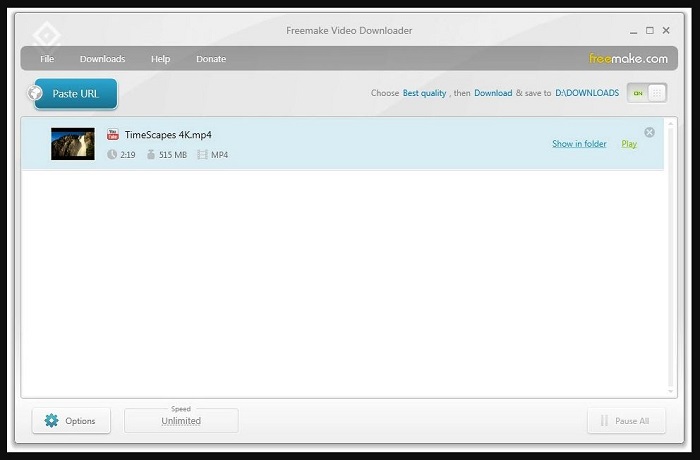
| System | Windows |
| Product | Freemake Video Downloader |
| Workflow | Desktop online-video downloading |
| Reviews | Freemake Video Downloader Review |
10. PlayOn: DVR Recording Overview
PlayOn is a DVR recording option for supported streaming services. PlayOn Home records at 1080p and supports ad skipping during playback. Use it for a supported-service recording task, rather than treating it as a YouTube playlist URL downloader.
PlayOn Home costs USD 34.99 for the first year and USD 39.99/year thereafter, or USD 14.97 per three months. Cloud recording uses a different service workflow. Choose a recorder when recording is the task; choose a playlist downloader for selecting and saving a YouTube collection.
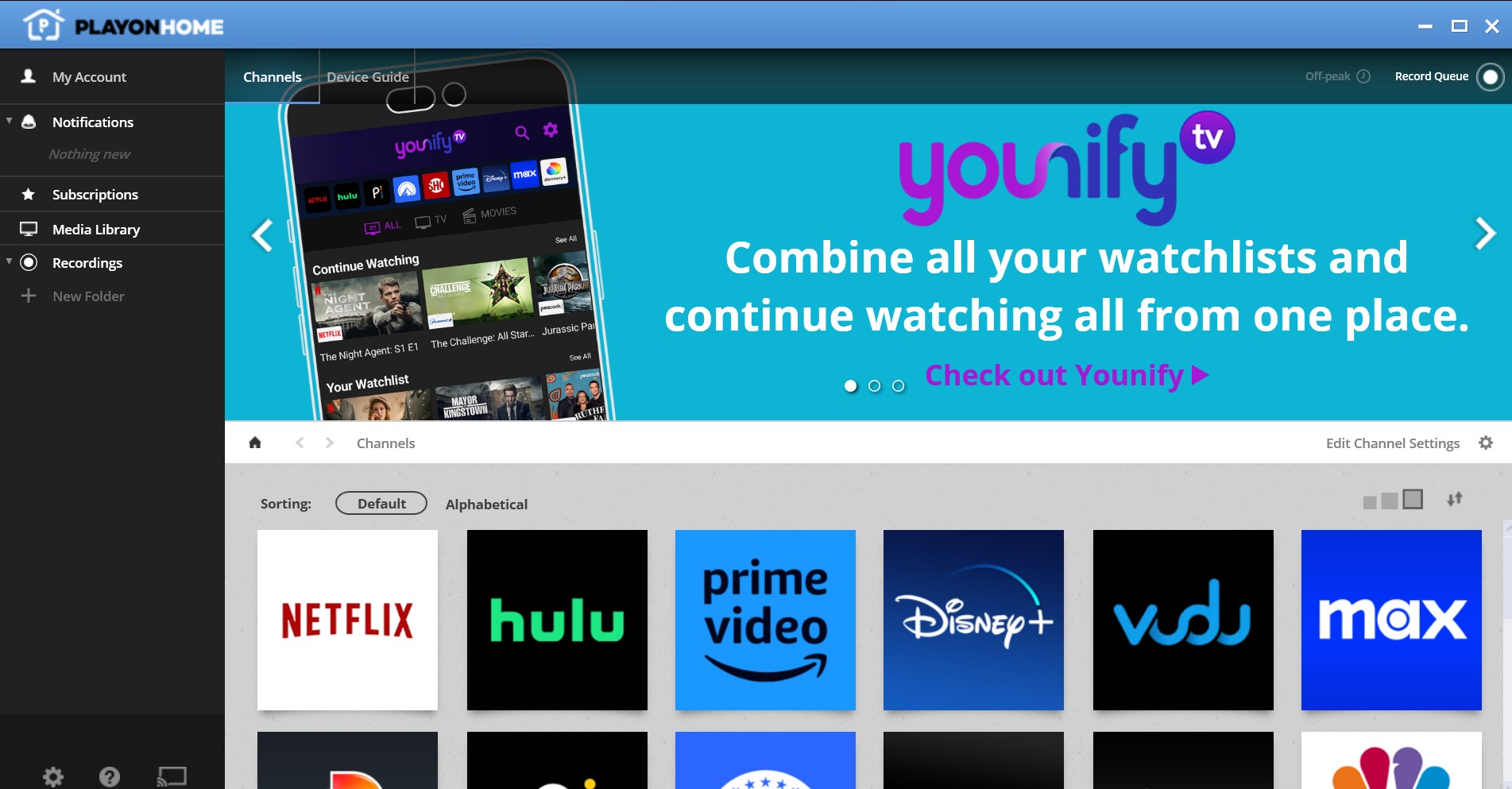
| Workflow | DVR recording from supported services |
| PlayOn Home | 1080p recording; playback ad-skipping support |
| Access | Home subscription; Cloud recording also available |
| Reviews | PlayOn Review |
PlayOn’s US Trustpilot aggregate is 2.3 out of 5 from 54 reviews. Individual reviews from 2025 describe recording-queue and license complaints. Those experiences provide purchase context, rather than a measurement of today’s recording success rate.
Downie product page; 4K Video Downloader Plus product and purchase pages; KeepStreams video-downloader YouTube offer; SnapDownloader product and purchase pages; yt-dlp documentation; Wondershare Filmora purchase page; PlayOn offers; Trustpilot US PlayOn page. October 2026.
I would choose StreamFab YouTube Downloader Pro for graphical batch management, or yt-dlp for a no-cost command-line workflow. Downie fits a Mac-only setup; Plus offers a graphical free tier; KeepStreams and SnapDownloader offer paid desktop playlist workflows. Match the access plan to the collection you need to save.
StreamFab for Browser — Browser-First Option
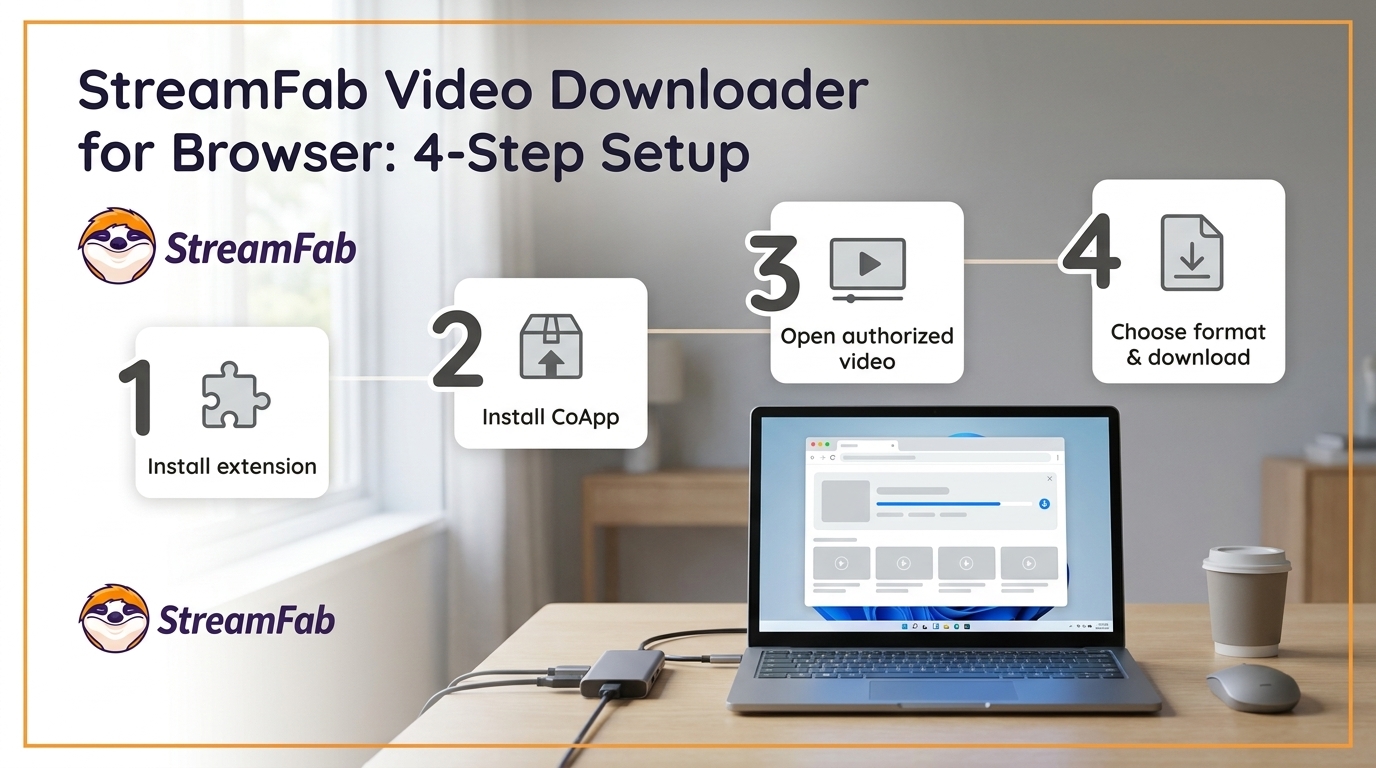
A browser extension with a local helper is different from a no-install web service. StreamFab for Browser requires its local CoApp helper; the StreamFab for Browser product page provides the official package and installation route. Use the desktop playlist application for a selectable whole-playlist queue.
The Chrome Web Store build excludes YouTube downloads. Browser support and availability change with the package version; confirm your browser and target site against the product page’s compatibility information before installation. A YouTube playlist downloader extension and a browser-based playlist service are different setups.

Detect and save videos from your browser with StreamFab for Browser and its local CoApp helper.
- Uses a local CoApp helper to process detected videos.
- Lets you select detected videos and available output settings.
- Requires a local CoApp installation; use the official product package.
- The Chrome Web Store build excludes YouTube; select the package for your supported sites.

Download a YouTube Playlist as MP4 in Six Steps
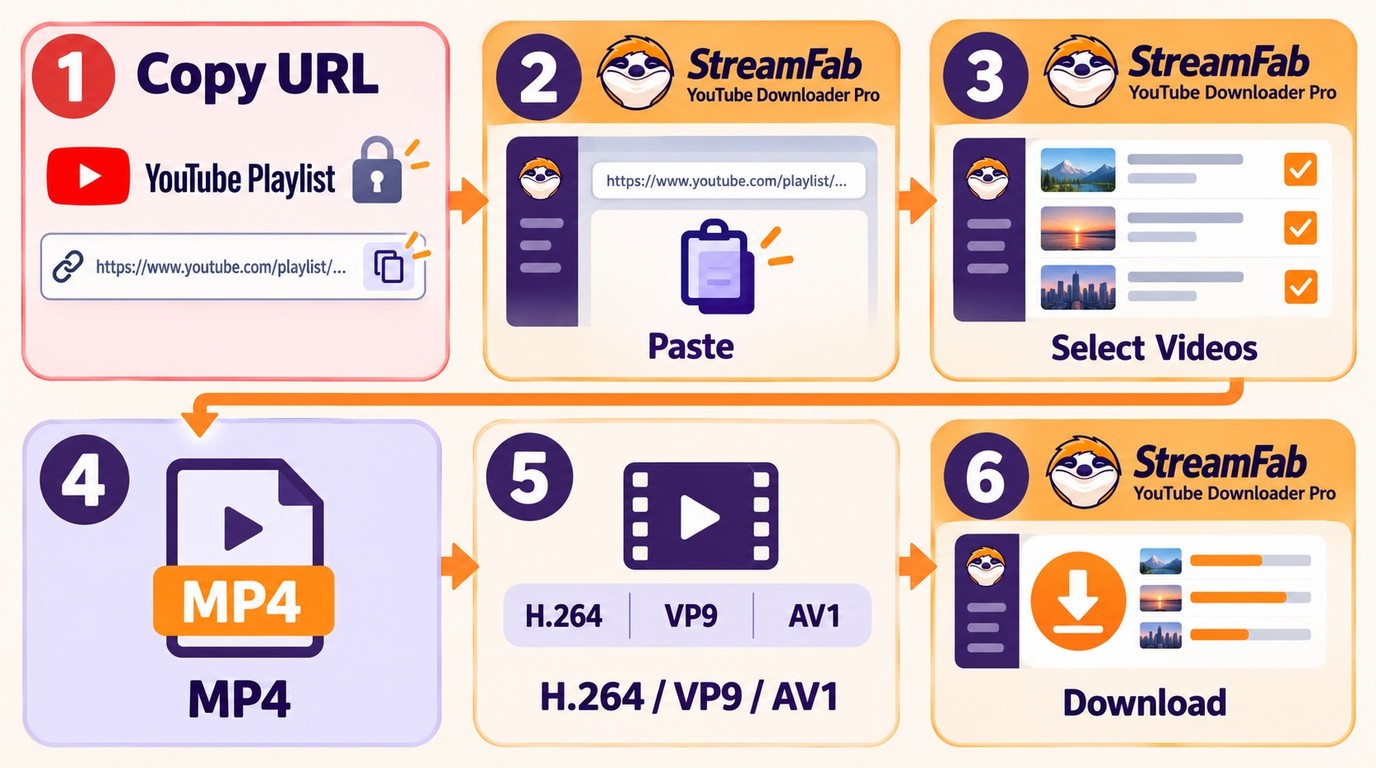
A YouTube MP4 playlist downloader needs a video-output selection and a completed-file check. Start with an authorized playlist that plays in your account and a folder with enough space. In StreamFab YouTube Downloader Pro, use the following sequence without assuming unavailable items will join the batch.
- Copy the playlist URL. Open the collection in YouTube and copy its playlist address. Confirm that you have permission to save the selected content.
- Open the playlist in the application. Let StreamFab analyze the address, then select the intended accessible videos. Compare that selection with the collection you want, especially when the playlist contains unavailable entries.
- Select MP4 video output. Choose a playback-compatible codec, such as H.264 when your player supports it. MP4 is a video container; MP3 and M4A are audio-only choices. MP3 is lossy audio, not an original lossless track.
- Select source resolution, audio, and subtitles. Choose a resolution offered by the video, then the required audio and available subtitles. A 720p choice prioritizes smaller files over detail; 1080p keeps more detail with a larger storage requirement at comparable settings.
- Choose the output folder and start the batch. Use a location you can find again, with enough free space. The Pro queue supports up to five concurrent tasks. Save each playlist to its own folder for easier checking.
- Verify the finished collection. Compare the selected item count with completed files and inspect the failure list. Open a beginning, middle, and final file in your intended player, checking both picture and sound. Revisit incomplete items rather than assuming a finished queue means a complete playlist.
Resolution is a storage choice, not a quality upgrade for the upload. Keep the source ceiling in mind. Select video output for watchable MP4 files, and use YouTube-to-MP3 conversion only when your goal is an audio collection.
FAQs
Is it legal to download YouTube playlists?
Permission is specific to the content and use case. Use authorized access, save authorized content only, do not redistribute it, and follow applicable law and YouTube’s terms. A downloadable file does not grant additional usage rights. YouTube also provides a separate download option for videos you uploaded.
Why do YouTube playlist downloaders stop working or fail to analyze videos?
YouTube player changes interrupt older download engines. Start with the current official application build and confirm the URL plays in your authorized account. For persistent StreamFab failures, use its official update and support path, supplying your build, the affected URL, and whether analysis or downloading failed.
Audio-only results need a video-output selection. Missing audio calls for a supported codec and a file containing both video and audio. For incomplete batches, inspect failed items and folder capacity. An update is a starting point, rather than a guarantee that every failure is resolved.
What is the best free YouTube playlist downloader?
I would choose yt-dlp if you are comfortable with commands: it is free and documents playlist processing and format selection. For graphical controls, 4K Video Downloader Plus has a quantity-limited free tier. StreamFab’s free YouTube downloads are limited to 720p, distinct from Pro’s graphical batch workflow and broader output choices.
How do I download a YouTube playlist online without software?
A YouTube playlist downloader online needs playlist-URL input and batch selection for a whole collection. Paste an authorized playlist address, select accessible items and video output, then compare finished files with your selection. A browser extension with a CoApp helper requires installation and is a different workflow from a no-install web service.
Can ClipGrab download an entire YouTube playlist?
ClipGrab’s documented procedure accepts an individual video URL. For an entire playlist, choose a tool with explicit playlist processing, such as yt-dlp. An individual-video download field is not the same as batch selection.
Does YouTube Premium give me transferable MP4 playlist files?
No. YouTube Premium downloads provide offline viewing within YouTube, rather than transferable MP4 exports. Choose that route when viewing inside YouTube meets your needs. A local-file workflow requires separate permission to save the content.
Conclusion
StreamFab YouTube Downloader Pro fits graphical playlist management on Windows and Mac, with five concurrent tasks and source-supported video choices. Use yt-dlp for a no-cost command-line workflow, or a limited graphical free tier for a smaller task. Select the output your player handles and check the finished collection.
An authorized local copy made while a video is accessible is different from trying to download deleted YouTube videos later. Keep your permitted backups organized, and treat unavailable entries as missing items rather than a promise of recovery.

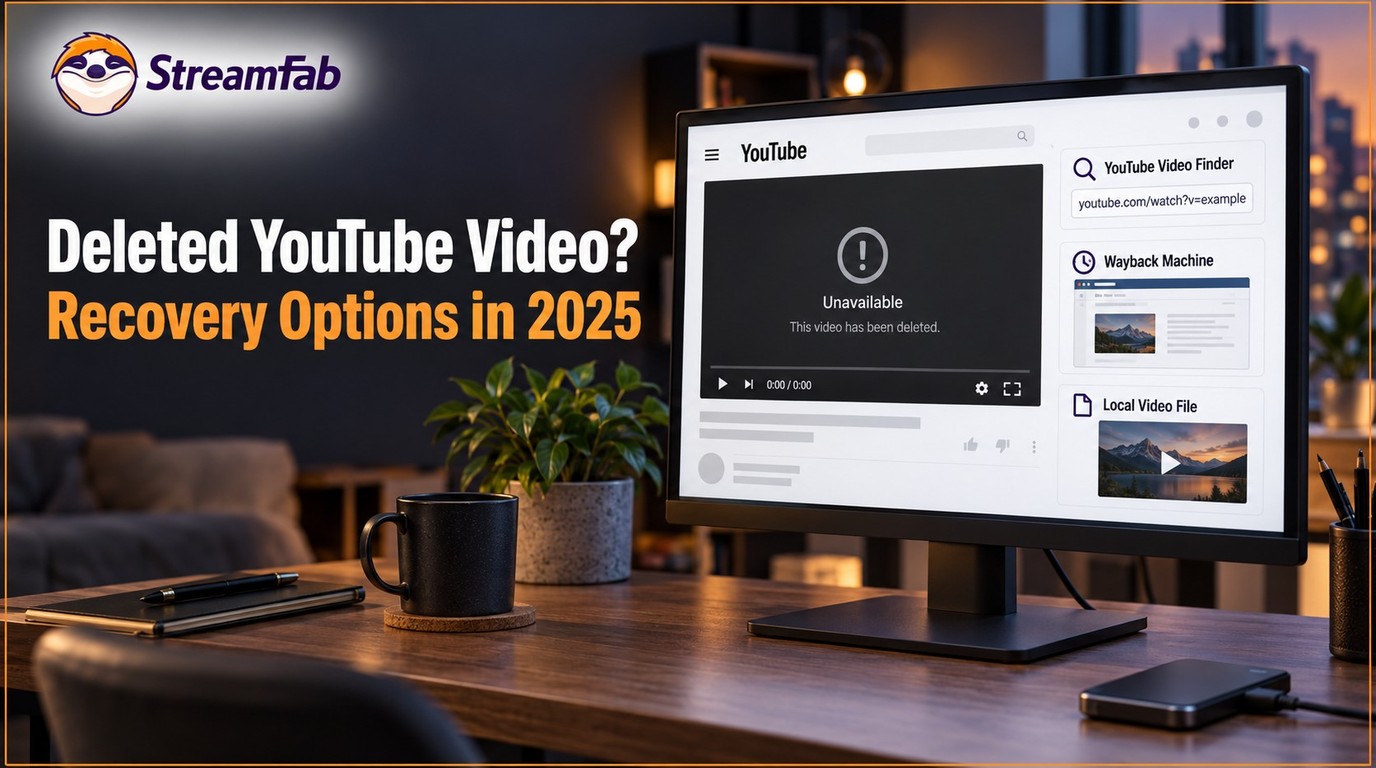
Downloading a deleted YouTube video requires a surviving authorized copy in an archive or existing backup. Learn to distinguish saved media from page metadata, locate videos with or without a URL, and back up accessible videos before deletion. The three prevention workflows include a checklist for verifying saved files.
By Nicole Lopez - Oct 13, 2026
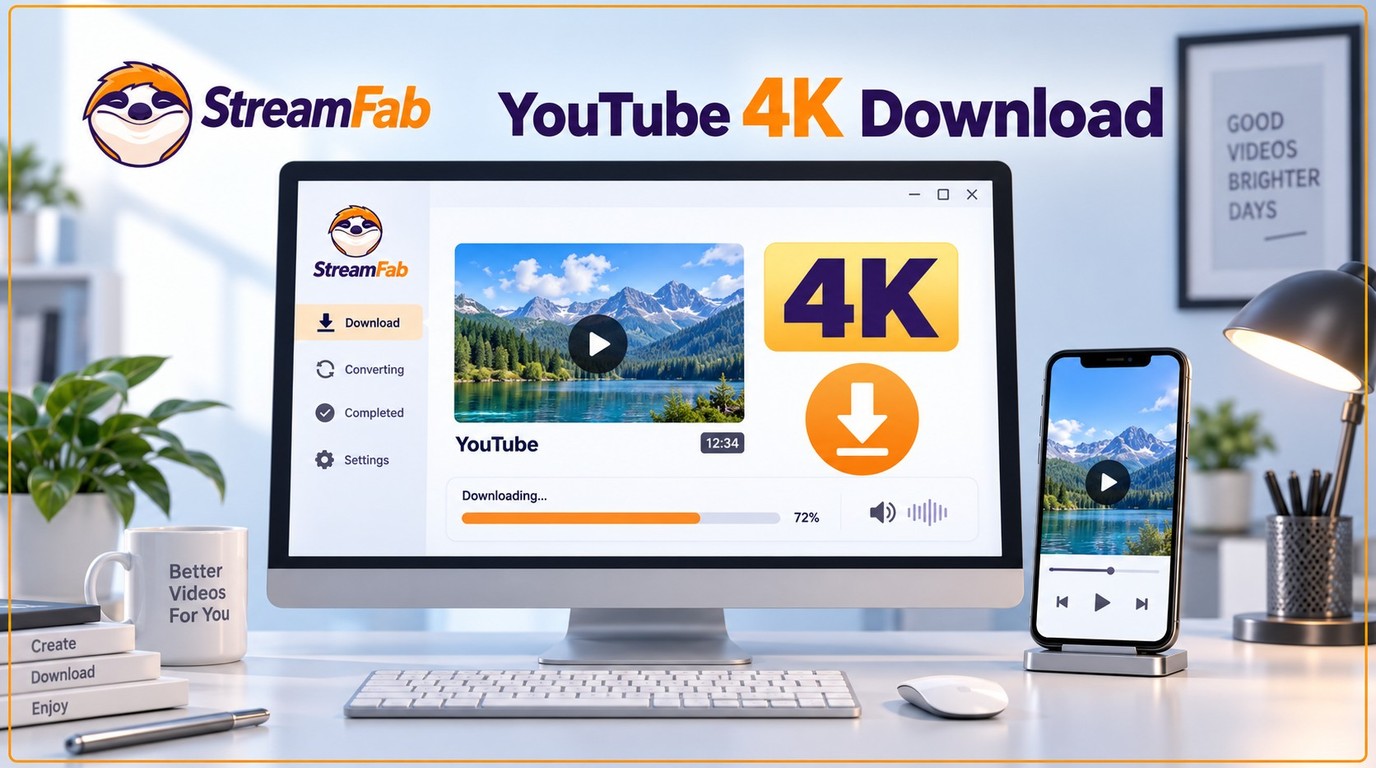
Choose an available 2160p source to download YouTube videos in 4K with audio. This guide explains desktop, browser, and mobile workflows, with checks for resolution, sound, full duration, and HDR. Compare local files with YouTube Premium offline viewing and find concise answers about free tools and missing audio.
By Nicole Lopez - Oct 13, 2026
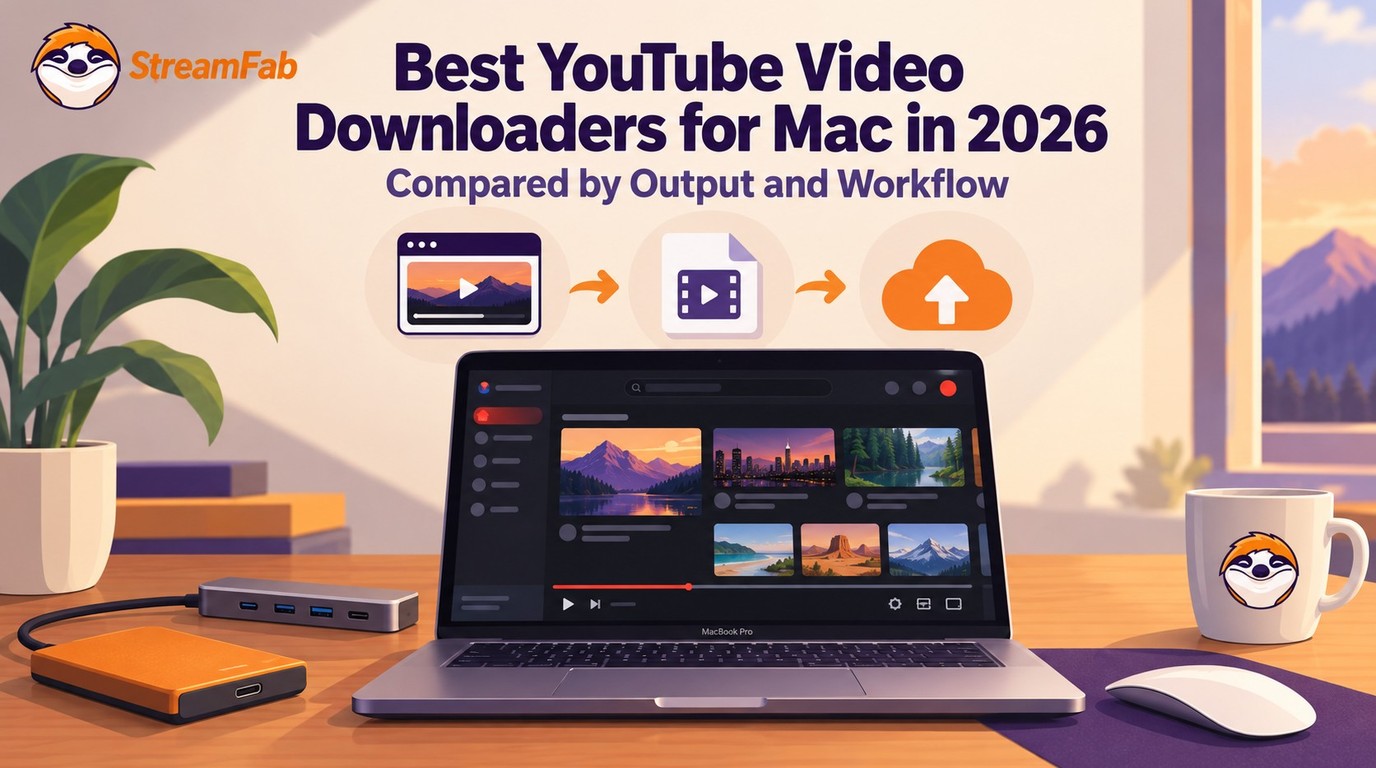
Looking for the best youtube video downloader for Mac in 2026? I tested 6 methods on Apple Silicon M4 Pro running macOS Sequoia — here's what actually works for 4K, Shorts, and audio sync.
By Jacob Harrison - Oct 13, 2026
Most Chrome video downloader extensions cap at 720p and fail on separate audio/video streams. In July 2026, I tested StreamFab for Browser's dual-engine architecture — here's what the CoApp backend actually changes, and when it matters.
By Wilson Wang - Oct 13, 2026