
Download WeTV Videos to MP4 in 2026: App and Laptop Options

Summary: WeTV’s official app is best for temporary in-app viewing on a phone, while authorized laptop workflows can save local MP4 or MKV files for personal offline use. Free online extractors and old scripts may work inconsistently as WeTV changes its access and player behavior.
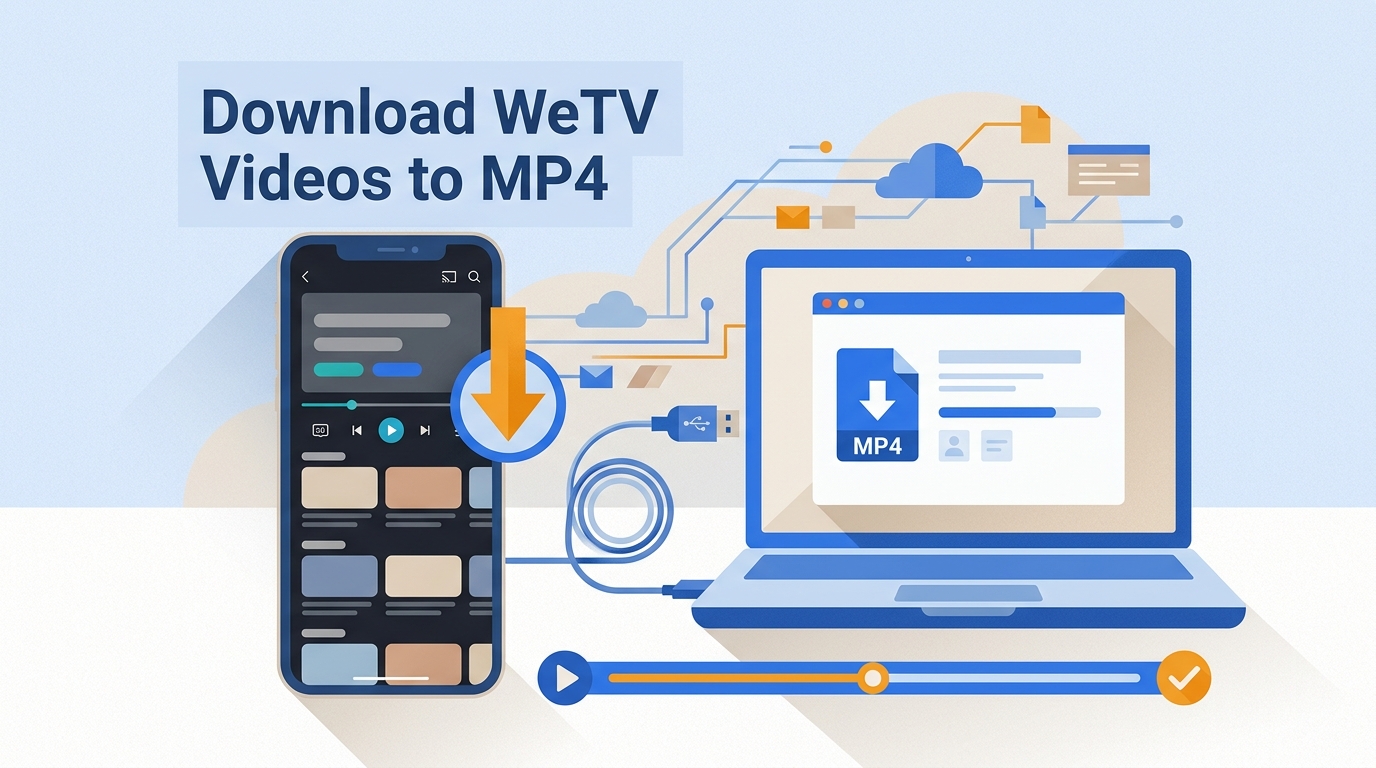
As of July 2026, the official Google Play listing for WeTV shows an update dated July 3, 2026 and more than 100 million installs. The official workflow remains centered on managed, in-app mobile viewing rather than transferable laptop files or separate subtitle exports.
This guide explains what the official WeTV app can save, how an authorized Windows or Mac workflow differs from an app cache, and which method fits mobile viewing, laptop playback, subtitles, or a local MP4 file.
WeTV Download Basics in 2026
WeTV is the international version of Tencent Video, with Chinese, Korean, and Thai dramas, variety shows, animation, and multilingual subtitle options. Availability and offline controls vary by title, region, account, and app version. For another Asian streaming example, see how to download videos from GagaOOLala.
WeTV App and VIP Access Facts
| App or account detail | Current status | Practical impact | Notes |
|---|---|---|---|
| Official app update | July 3, 2026 | Recent mobile app maintenance | Google Play listing |
| Google Play installs | 100M+ | Broad mobile adoption | Install count, not a desktop feature |
| VIP pricing | Varies by region and billing channel | Shown before purchase | No single US price applies to every account |
Official WeTV App Cache Limits
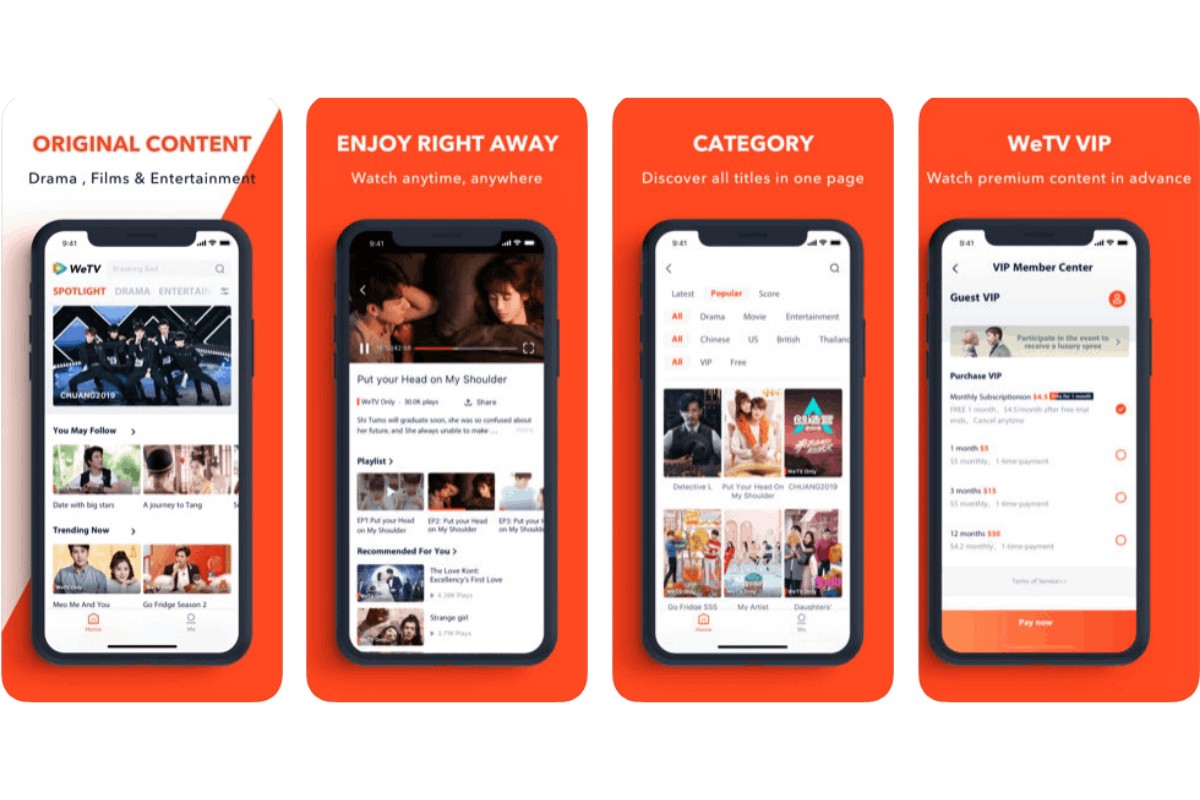
The official WeTV app is the first option for mobile in-app offline viewing when the selected title, region, account, and device support it. Its managed cache stays inside the app, so it is not a standard MP4 file that you can transfer to a laptop, USB drive, editor, or general media player.
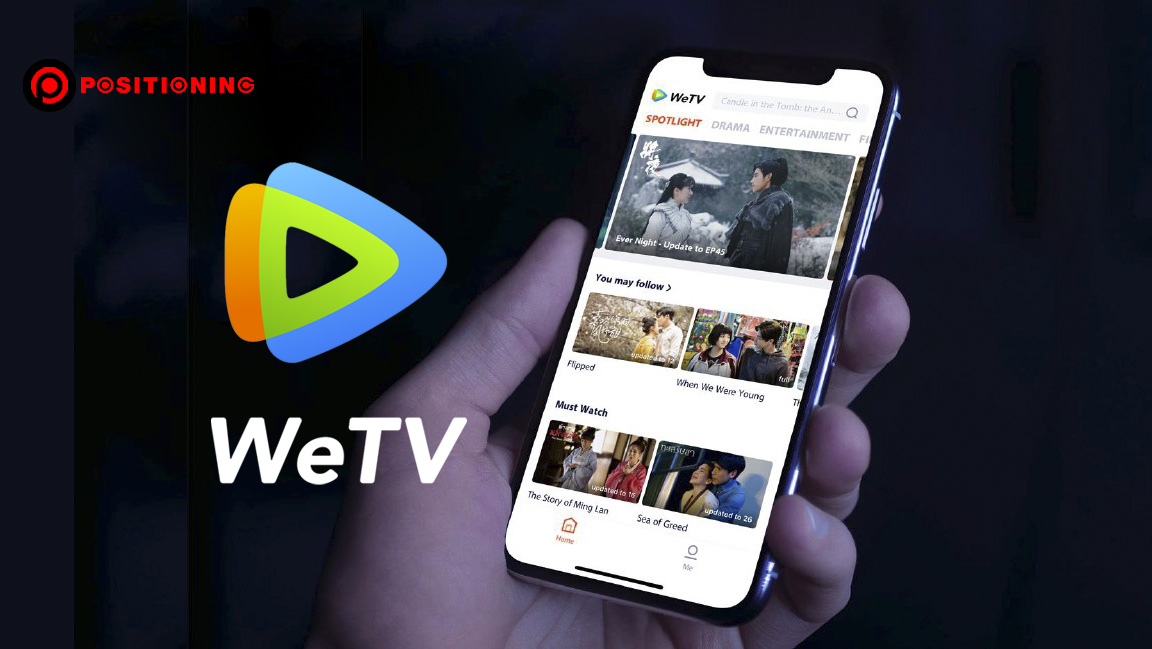
What the Official App Can Save
Before using the download button, check these practical boundaries:
- Eligible downloads play as managed content inside the WeTV mobile app.
- The official workflow does not create a normal MP4 file for laptop transfer or editing.
- Availability and viewing periods can depend on the title, region, account, and current app rules.
- Some titles or quality levels require active VIP access.
- Subtitle choices remain tied to the app and are not provided as separate SRT files.
4 Steps for Mobile In-App Offline Viewing
How to Save WeTV Videos as MP4 on a Laptop
For content you are authorized to access with an active WeTV account or subscription where required, StreamFab is a separate desktop application relative to WeTV’s official in-app cache. Subject to WeTV’s terms and applicable law, it can save local MP4 or MKV copies for personal offline viewing on Windows or macOS. It fits laptop playback, subtitle selection, and series queues; if you only need a short mobile cache, the official app is the simpler option.
- Choose MP4 or MKV with H.264 or H.265; available resolution depends on the source, account, and service.
- Select available audio and save subtitles as separate SRT files or embedded tracks.
- Queue multiple episodes and use scheduled series handling on Windows or macOS.
Desktop Workflow on Windows or Mac
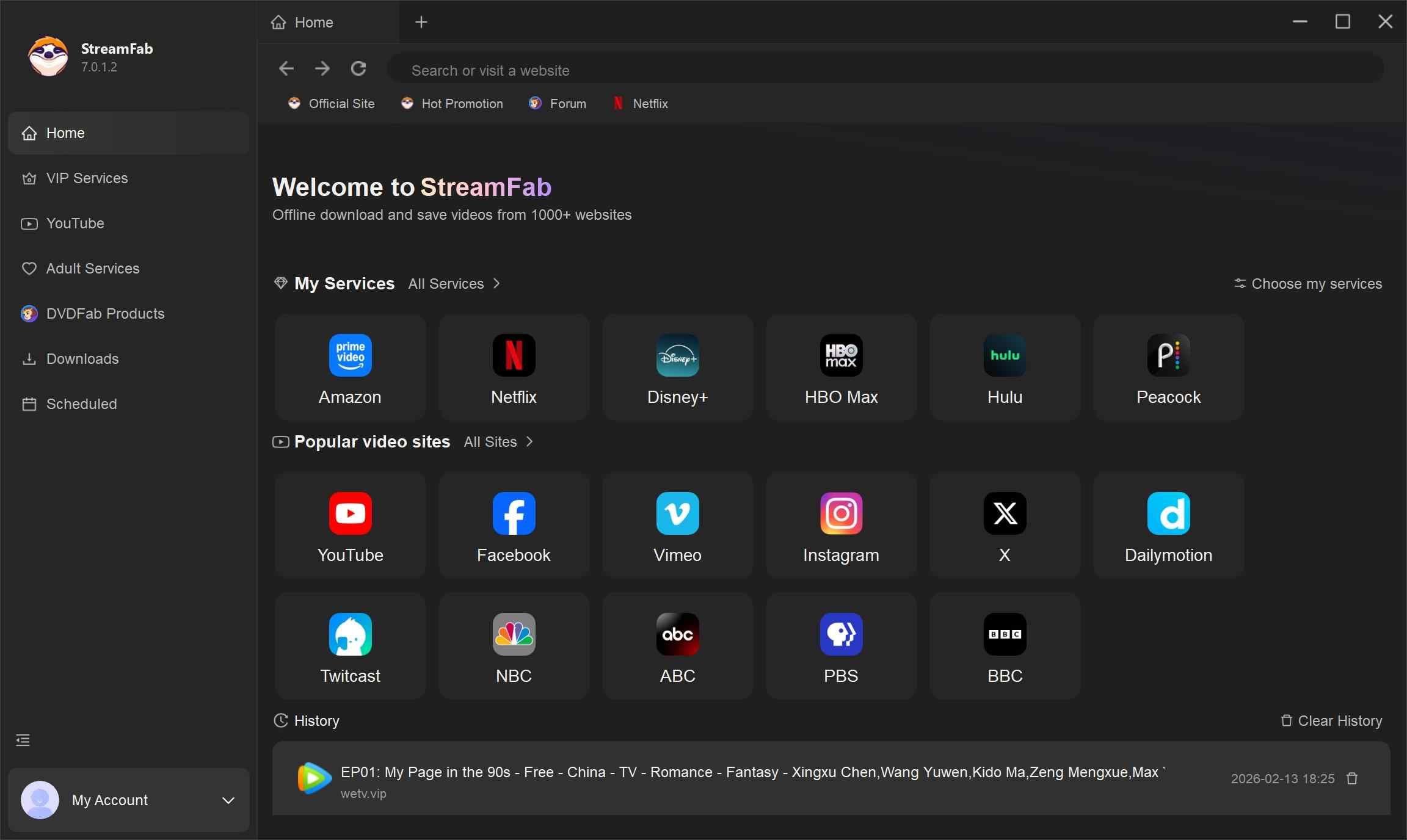
Choose the streaming service
Simply copy and paste your video URL directly into the address bar on the Homepage.
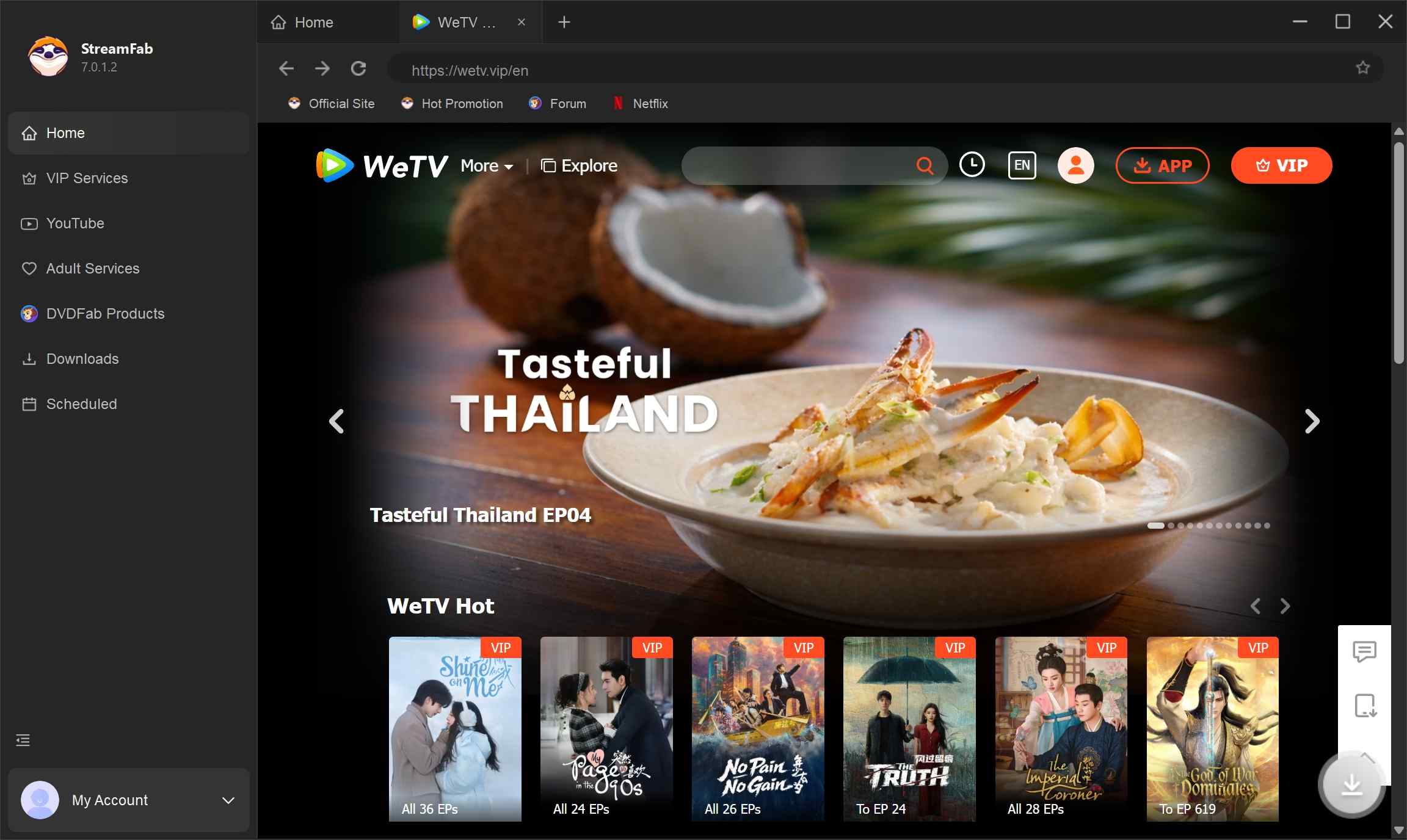
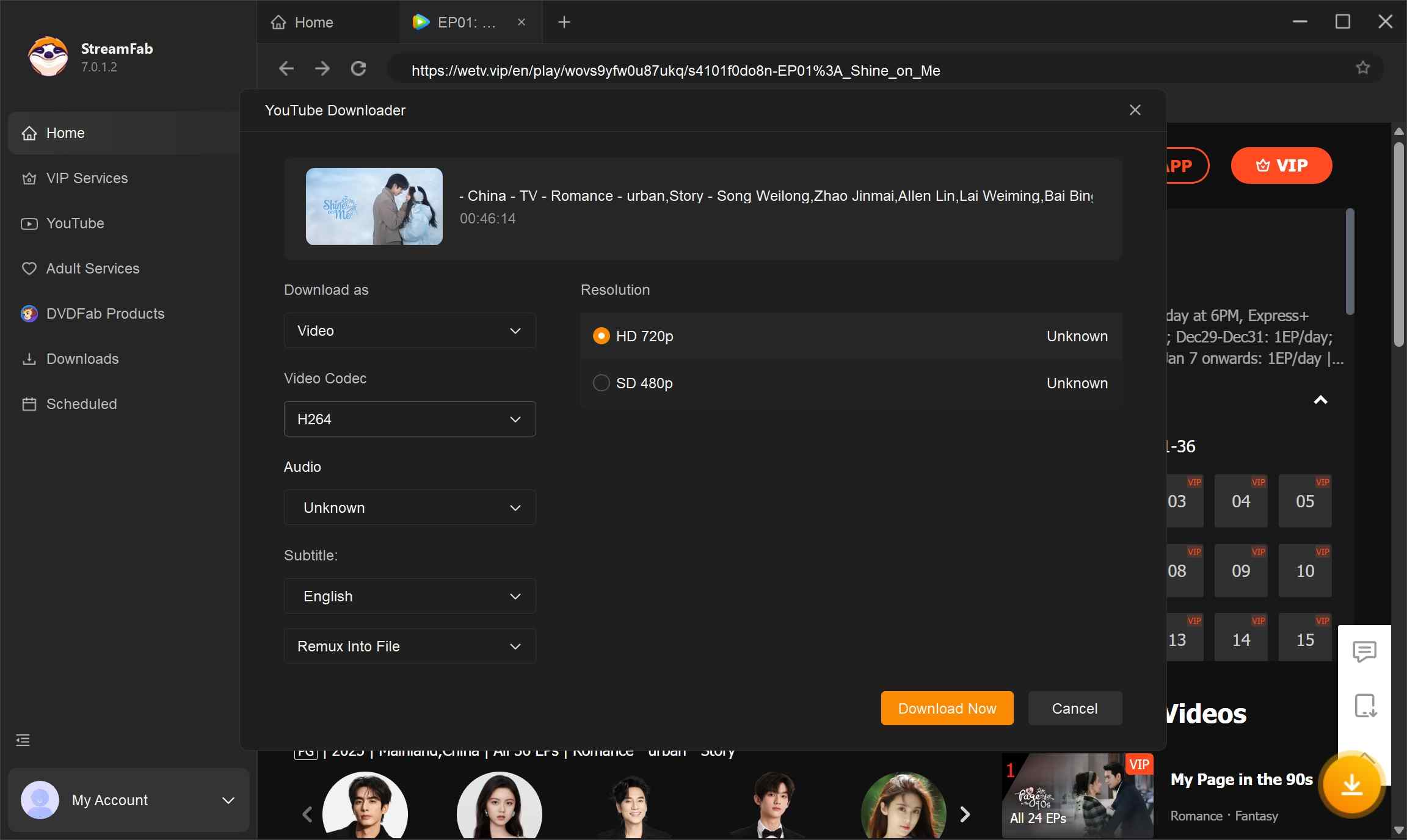
Customize the file
Search for the video and play it, then a pop-up window will ask for your video options. You can choose the audio and subtitle language.
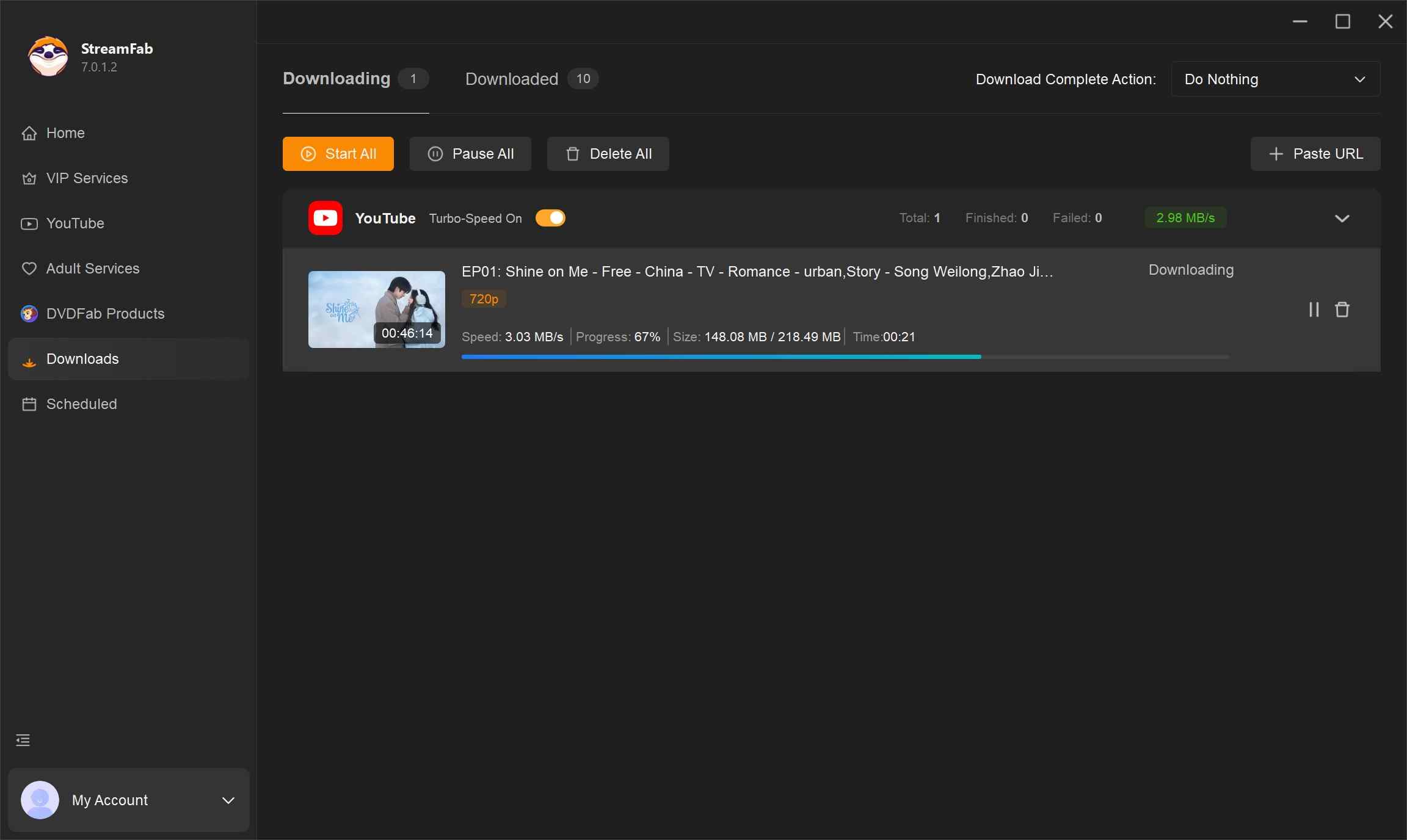
Click the download button
After customization, you can download it right now or add it to the queue.
Choose the Right WeTV Download Method
| Method | Best use case | Fit and limitations |
|---|---|---|
| Official WeTV app cache | Quick mobile offline viewing | Managed in-app content, not a laptop MP4 |
| StreamFab desktop workflow | Authorized MP4/MKV files on Windows or Mac | Requires valid source access and personal-use compliance |
| Online extractors | Occasional public-page attempts | Login, quality, token, and partial-file claims may be unreliable |
| Desktop recorders | Manual capture when permitted | Real-time workflow with variable quality and subtitle handling |
| Subtitle-only services | Saving available subtitle tracks | Does not provide the episode video itself |
| Open-source WeTV scripts | Developer troubleshooting and experimentation | Maintenance-dependent and not a mainstream recommendation |
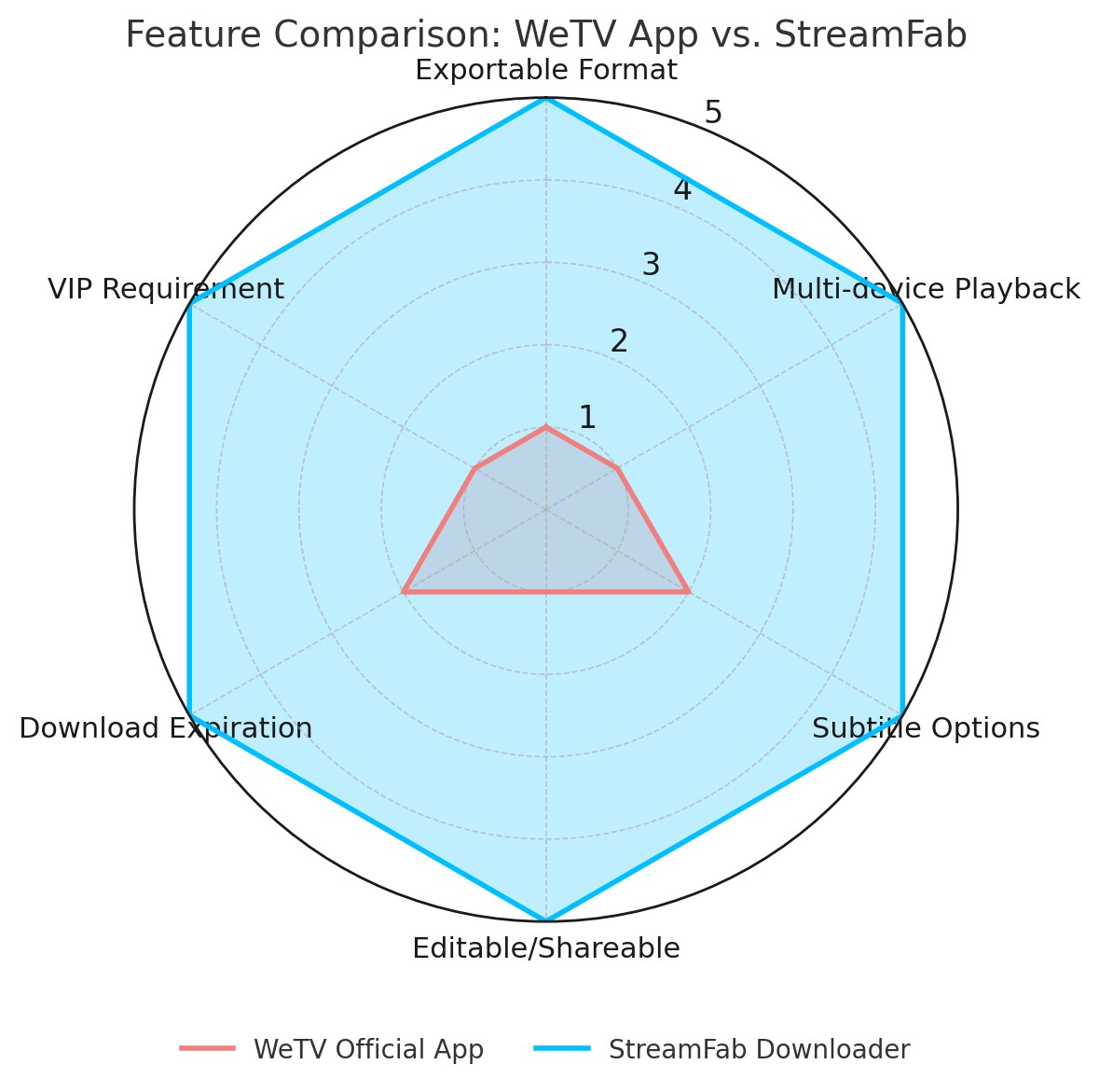
Best fit by scenario:
For quick mobile viewing, start with the official WeTV app.
For authorized laptop playback, MP4/MKV compatibility, subtitle choice, or episode queues, StreamFab is one practical desktop alternative.
I would reserve online extractors and old scripts for technical evaluation because their results depend heavily on current page access, tokens, and maintenance.
For separate platform-specific guidance, see how to download BET+ shows, download TVer videos, or determine whether Philo is included with Amazon Prime.
FAQs
1. Does WeTV officially support video downloads on Windows or Mac?
WeTV’s official offline workflow is primarily an in-app mobile feature, not a standard desktop MP4 download. For authorized content, a Windows or Mac application such as StreamFab can provide a local-file workflow for personal offline viewing, subject to source access, WeTV’s terms, and applicable law.
2. Can I save WeTV subtitles as separate SRT files?
The official app keeps subtitle controls inside its player. StreamFab can save an available subtitle track as an external SRT file or embed it in the video. Subtitle-only services may help with accessible tracks but do not save the episode video. For product-specific issues, see the StreamFab subtitle troubleshooting guide.
3. Are free online WeTV downloaders reliable?
Their results are inconsistent. A page may work for a public clip but fail on signed-in, VIP, region-limited, or tokenized playback, producing partial files or no usable video. Avoid entering WeTV credentials into an unfamiliar site, and treat no-login, high-resolution, or unrestricted-output claims cautiously. The method matrix above summarizes the tradeoffs.
4. Can I save a WeTV video as a normal MP4 file?
The official app cache is not a normal MP4 file. For content you are authorized to access, StreamFab can output MP4 or MKV for personal offline viewing on a laptop. A generic URL-to-MP4 converter is a different tool category and may not support WeTV playback; see the broader URL-to-MP4 guide for that separate use case.
Conclusion
Use the official WeTV app when you need quick mobile in-app viewing. Choose an authorized desktop workflow when you need a local MP4 or MKV file, laptop playback, subtitle selection, or an episode queue. My practical rule is simple: match the method to the file you actually need, and treat free online extractors or maintenance-dependent scripts as less predictable routes.

Are you looking for the best media converter Mac software to address iTunes playback restrictions? Having a reliable video tool at hand will enable you to enjoy your iTunes movies and music for offline play flexibly. You have come to the right page. This post lists the top 5 best converters for Mac used to back up iTunes videos, audiobooks, and Apple Music on Mac easily.
By Nicole Lopez - Sep 29, 2026
Streaming video content is often protected by DRM (Digital Rights Management) technology to prevent users from downloading and recording. This article explains what DRM-protected content is and how to save videos for personal offline viewing.
By Nicole Lopez - Sep 28, 2026
This guide separates modern Apple TV video, Apple Music audio, and legacy iTunes libraries so readers can choose a realistic playback or export path. It covers MP4, M4V, and MKV compatibility, official redownload and iTunes Match eligibility, StreamFab and MusicFab workflows, hardware limits, and the boundaries for authorized personal use in the United States.
By Nicole Lopez - Sep 20, 2026
Identify protected and unprotected M4V files, use authorized Apple TV playback, convert compatible files, or choose a separate supported-streaming workflow.
By Erika Leen - Sep 8, 2026