
StreamFab's 2 Official Sites: StreamFab.com or DVDFab.cn?

Summary: Searching for the StreamFab official site can be confusing because both StreamFab.com and DVDFab.cn appear in results. The direct answer is that both are official. This guide shows which StreamFab official website to use for downloads, purchases, member access, updates, and support.
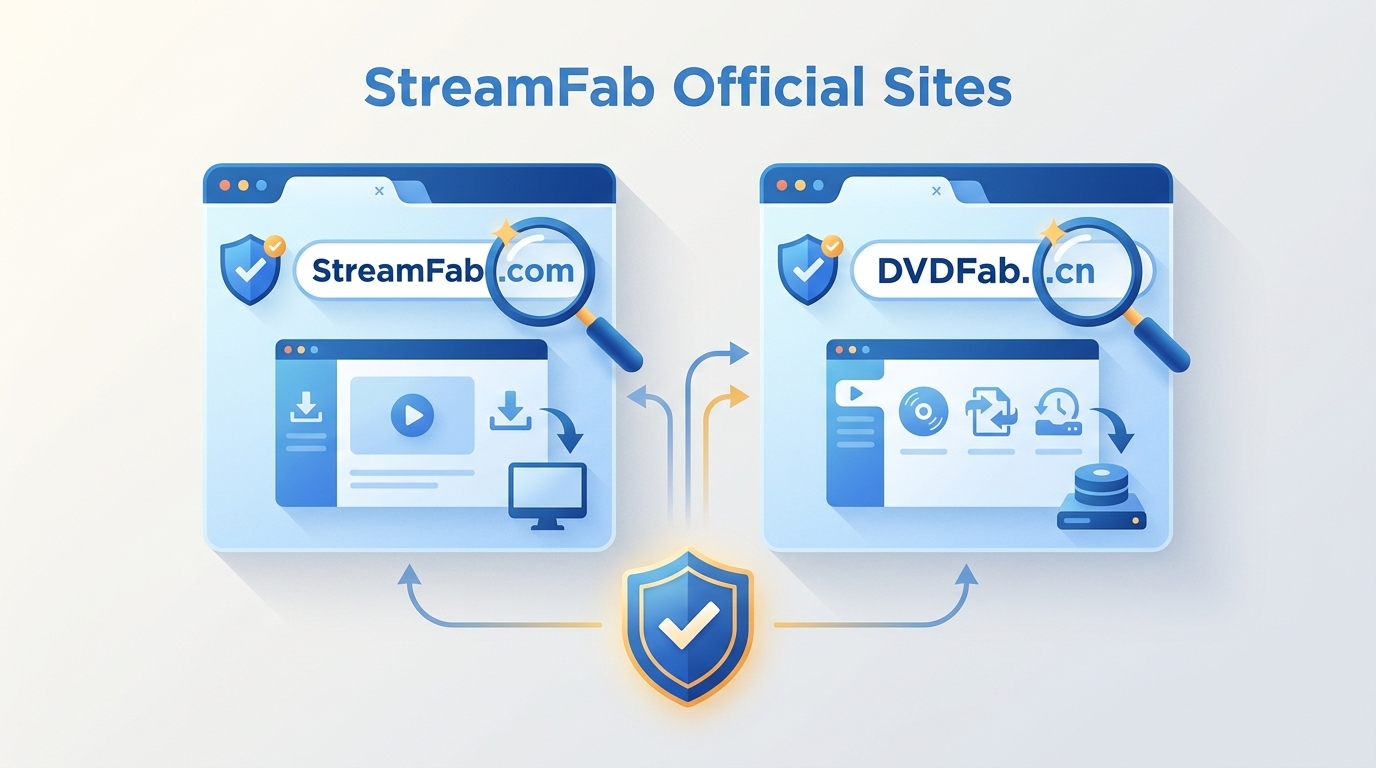
Table of Contents
The Two Official StreamFab Domains
StreamFab.com and DVDFab.cn are official destinations in the same DVDFab StreamFab ecosystem. The product and authorization relationship is shared; the useful difference is navigation. Choose the domain that puts your current task closest to the front door.
StreamFab.com for StreamFab-only tasks
The StreamFab official website is the more focused route for product details, the Download Center, member access, release information, and StreamFab support. It is the clearer starting point when no other DVDFab software is involved.
DVDFab.cn for the broader product ecosystem
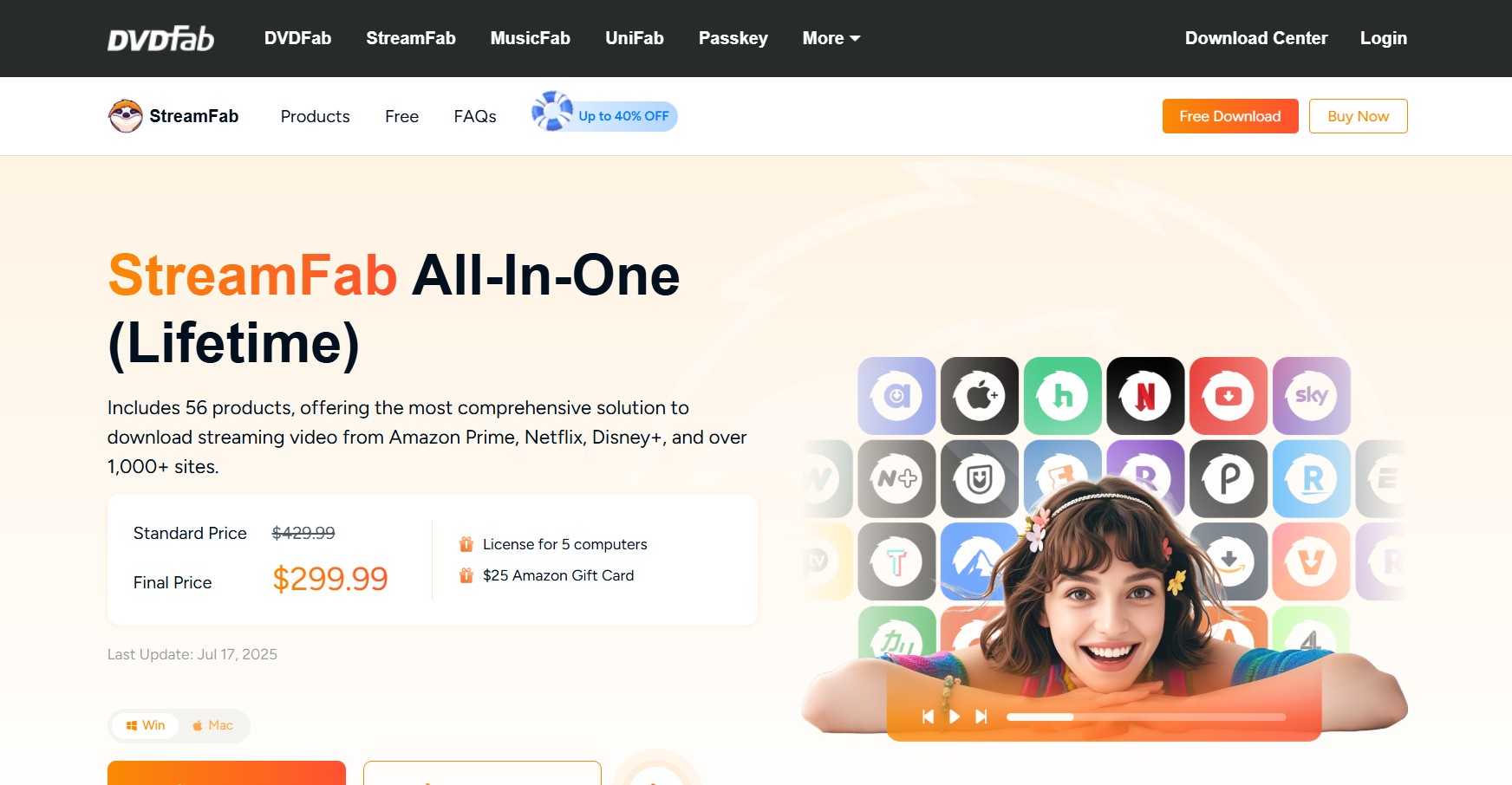
DVDFab.cn is the practical route when StreamFab is one part of a wider DVDFab software setup. It brings StreamFab, DVDFab, MusicFab, UniFab, and related account routes into one ecosystem without changing the authenticity of the StreamFab license.
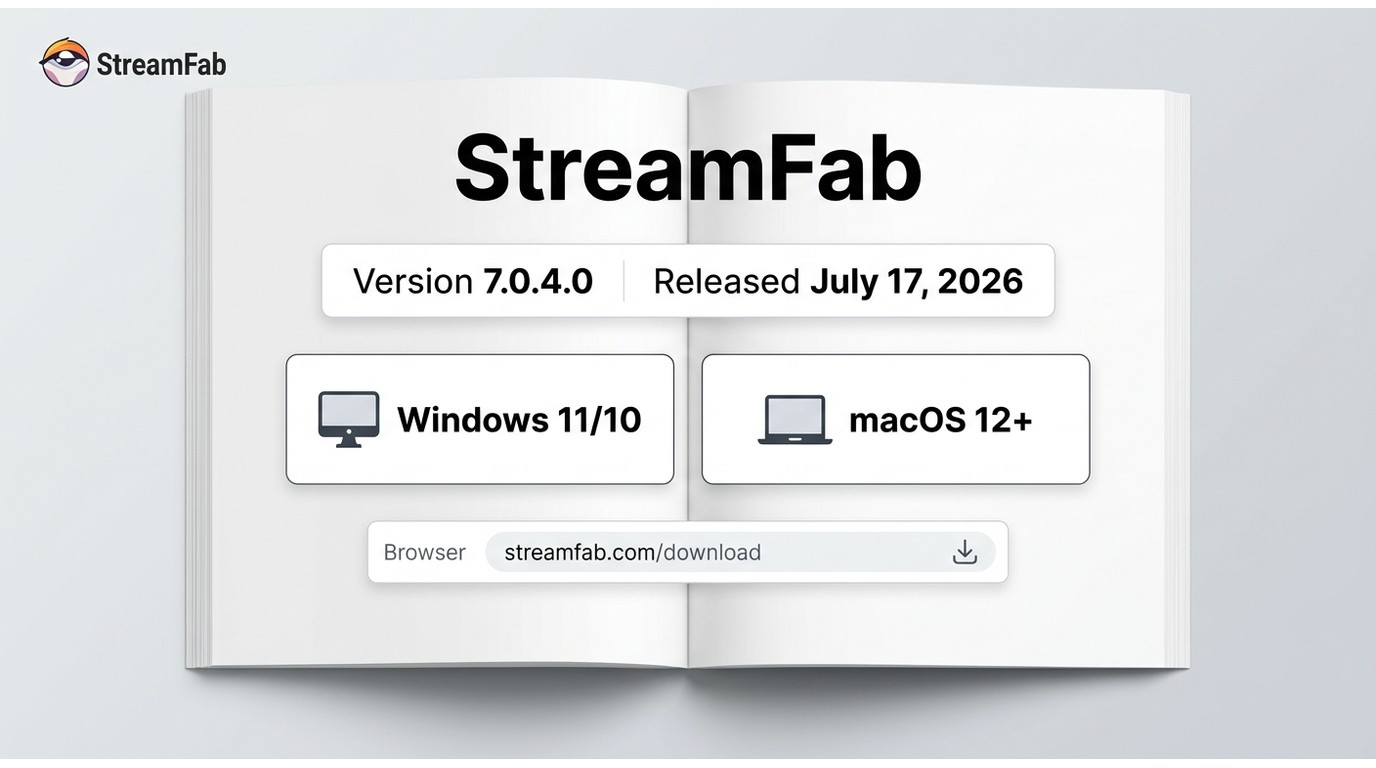
For desktop installation, use the official Download Center: the Windows installer supports Windows 11 and 10, while the macOS installer supports macOS 12 or newer.
Free Download macOS 12.0 or newer

The practical distinction is task-based: use StreamFab.com for focused StreamFab navigation and DVDFab.cn when you also manage other DVDFab products. DVDFab.cn. This site provides information about each product line and their official download methods.
For more information about StreamFab, you can check this unbaised StreamFab review.
Choose the Right Official Destination
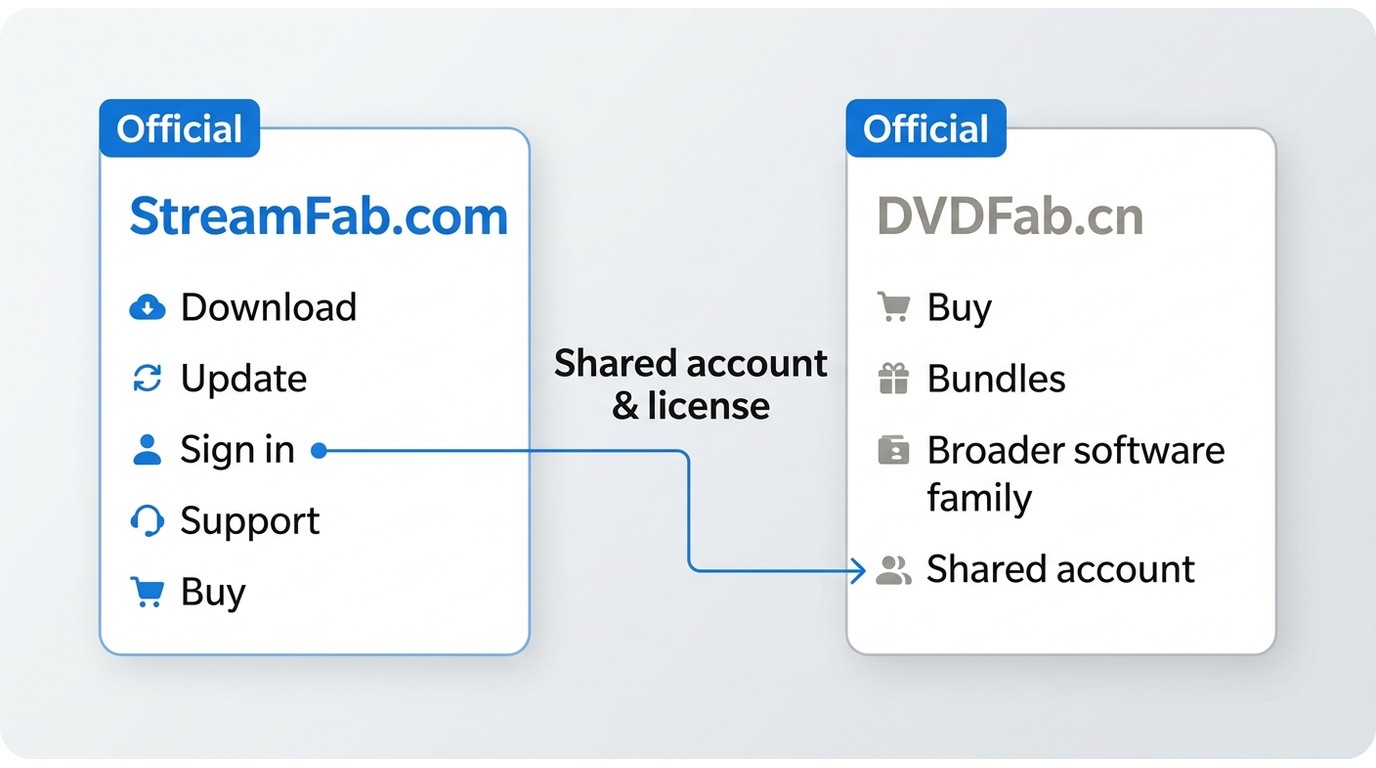
The right StreamFab official site depends on what you need to do next. StreamFab.com provides the shortest path for most StreamFab-only tasks, while DVDFab.cn is better suited to people moving across the broader software family.
| Task | StreamFab.com | DVDFab.cn |
|---|---|---|
| Product details and downloads | Focused product pages, Download Center, member access, and StreamFab support | StreamFab pages within the wider DVDFab software ecosystem |
| Purchase and account management | Official checkout with shared account credentials and authorization | Official ecosystem checkout with the same StreamFab account relationship |
| Best fit | StreamFab-focused navigation | Managing StreamFab alongside other DVDFab products |
Download or update StreamFab
Use the official StreamFab Download Center for a new installer or an offline installer when an in-app update does not complete. This is also the most direct route for a StreamFab free download without relying on an unrelated installer page.
The full workflow belongs in the StreamFab usage guide; this page stays focused on choosing an official destination.
Buy from an official checkout
Start from the official StreamFab product page or the StreamFab area on DVDFab.cn. Promotions, bundles, and optional checkout services can produce different totals, so compare the live official checkout rather than assuming both carts will match.
Discount-specific research is covered in the StreamFab discount guide, which keeps volatile offers out of this domain guide.
Sign in and manage a license
The StreamFab member center is the focused route for signing in and reviewing account information. Credentials and authorization work across the official StreamFab and DVDFab sites, regardless of which official storefront handled the purchase.
Contact official support
Use the official StreamFab contact form or email support@StreamFab.com for account, license, and update issues. The English contact page states a target response within 48 hours.
If StreamFab forums access is delayed, the contact form and email route do not require forum approval. Broader downloader comparisons belong in the streaming video downloader review, not in an official-domain lookup.
Verify an Official StreamFab Download
An official installer check should confirm the domain, the final download destination, and the release details before the file is opened. The Download Center provides those signals in one place.
Check the domain and destination
- Begin on StreamFab.com or DVDFab.cn rather than a look-alike domain.
- Follow the site navigation to the official Download Center and confirm that the final destination remains within the official ecosystem.
- Match the installer to Windows 11/10 or macOS 12 or newer, then review the displayed release details.
Avoid unofficial or modified installer pages. The modified-installer risk guide explains that separate issue without turning this routing page into a workaround tutorial.
For broader questions about credential handling and permitted use, the StreamFab safety and legality guide provides the fuller context. Use StreamFab only for content you are authorized to access, where permitted by platform terms and applicable law.
Confirm the current release
Current verified release: As of July 2026, the official Download Center lists StreamFab 7.0.4.0, dated July 17, 2026, for Windows 11/10 and macOS 12 or newer. If an in-app update fails, download the current installer from that page.
The editor's practical test is simple: a version claim is useful only when it leads back to the official release page, not when it appears on an unrelated download directory.
Accounts and Licenses Across Both Sites
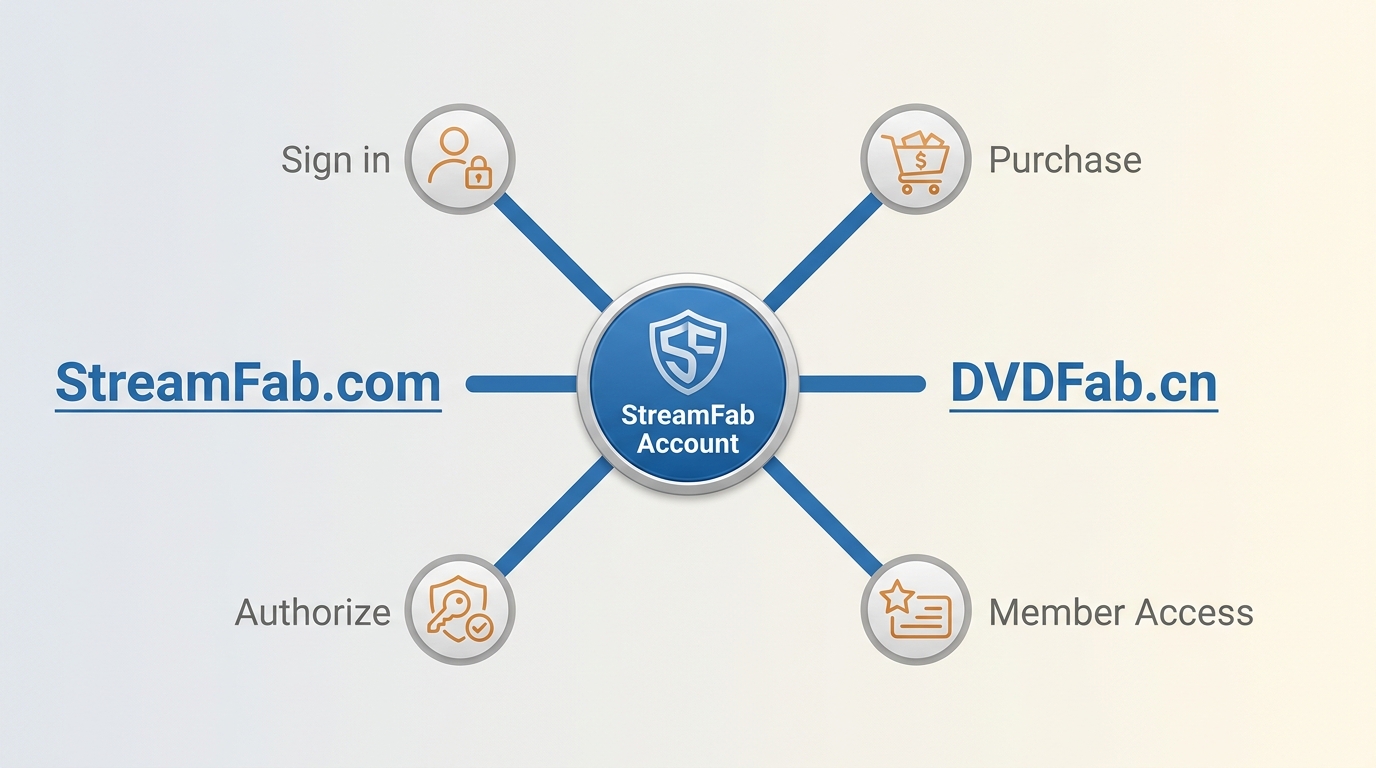
StreamFab.com and DVDFab.cn share the same account and authorization relationship. That interoperability is the clearest operational proof that both domains belong to the same official ecosystem.
Shared credentials and authorization
| Account task | How it works across the official sites |
|---|---|
| Sign in | Use the same StreamFab account credentials on the official member routes. |
| Authorize StreamFab | Authorization follows the account and valid license rather than the storefront layout. |
| Purchase origin | A license bought through either official ecosystem remains tied to the same account relationship. |
| Member access | Use the StreamFab member center for the most focused account route. |
Account recovery and license support
If an account is not recognized, reset access through the member route first. For a license mismatch, failed authorization, or an update that still fails after reinstalling from the Download Center, send the purchase email and order details through official support.
My editorial judgment is to treat the forum as an additional community route, not the recovery path of last resort. Account and license cases belong with the contact form or support email because those channels can review account-specific details.
FAQs
These quick answers cover checkout differences, Android navigation, optional services, and support when forum access is delayed.
Why can prices or checkout totals differ between official StreamFab pages?
Official promotions, bundles, countdown offers, and optional checkout services can differ by page or campaign. Compare the live official checkout, and use the StreamFab discount guide when your main goal is offer research.
Is there a separate official StreamFab website for Android users?
A separate US domain is not required. Start from StreamFab.com for official product navigation, then use the dedicated StreamFab usage guide for the current Android workflow and availability.
What are the optional services shown during StreamFab checkout?
They are add-on services presented separately from the core license. Review each selected item in the official cart and remove an option you do not need before completing payment.
Where can I get help if forum access is delayed?
Use the official StreamFab contact form or email support. Those routes handle account, license, and update questions without waiting for StreamFab forums approval.
Conclusion
Use StreamFab.com for StreamFab-focused product information, downloads, member access, and support. Use DVDFab.cn when you are navigating StreamFab alongside the broader DVDFab software family. Neither route is better for every task; the shorter route is the one matched to your next action.

StreamFab 7 marks the first major update in nearly three years. This review looks beyond surface-level changes and examines what actually matters in everyday use based on real testing, community feedback
By Erika Leen - Sep 28, 2026
Choose between StreamFab’s local file workflow, Audials’ Windows recording and editing, and PlayOn’s local or cloud recording. Compare queue behavior, picture quality, audio and subtitles, and recurring costs, with a repeatable way to check one authorized title before building an offline library.
By Marcia Hatcher - Sep 28, 2026
This article is an official response to users asking regarding the safety and legality of StreamFab. Written by StreamFab team, it moves beyond simple assurances to provide a transparent technical and legal analysis.
By Nicole Lopez - Sep 24, 2026
Wondering what is StreamFab? I tested the StreamFab YouTube Downloader Pro for YouTube TV offline access, 8K AV1 hardware acceleration, and batch archiving limits. See the 2026 real-world benchmark and learn how to avoid API throttling.
By Erika Leen - Sep 24, 2026