
5 Bulk OnlyFans Downloaders for Different Workflows in 2026

Summary: Is there any available OnlyFans bulk video downloader available? Which one is the best to save OnlyFans videos in bulk? This collection tests and reviews the best OnlyFans bulk video downloaders in 2026, to provide you a clear selecting instruction.
An OnlyFans bulk download becomes frustrating when a tool stops detecting media or asks for account access without a clear security model. The best bulk OnlyFans downloaders are therefore the ones that fit your workflow, media scope, and recovery expectations, not the loudest “works now” claim.
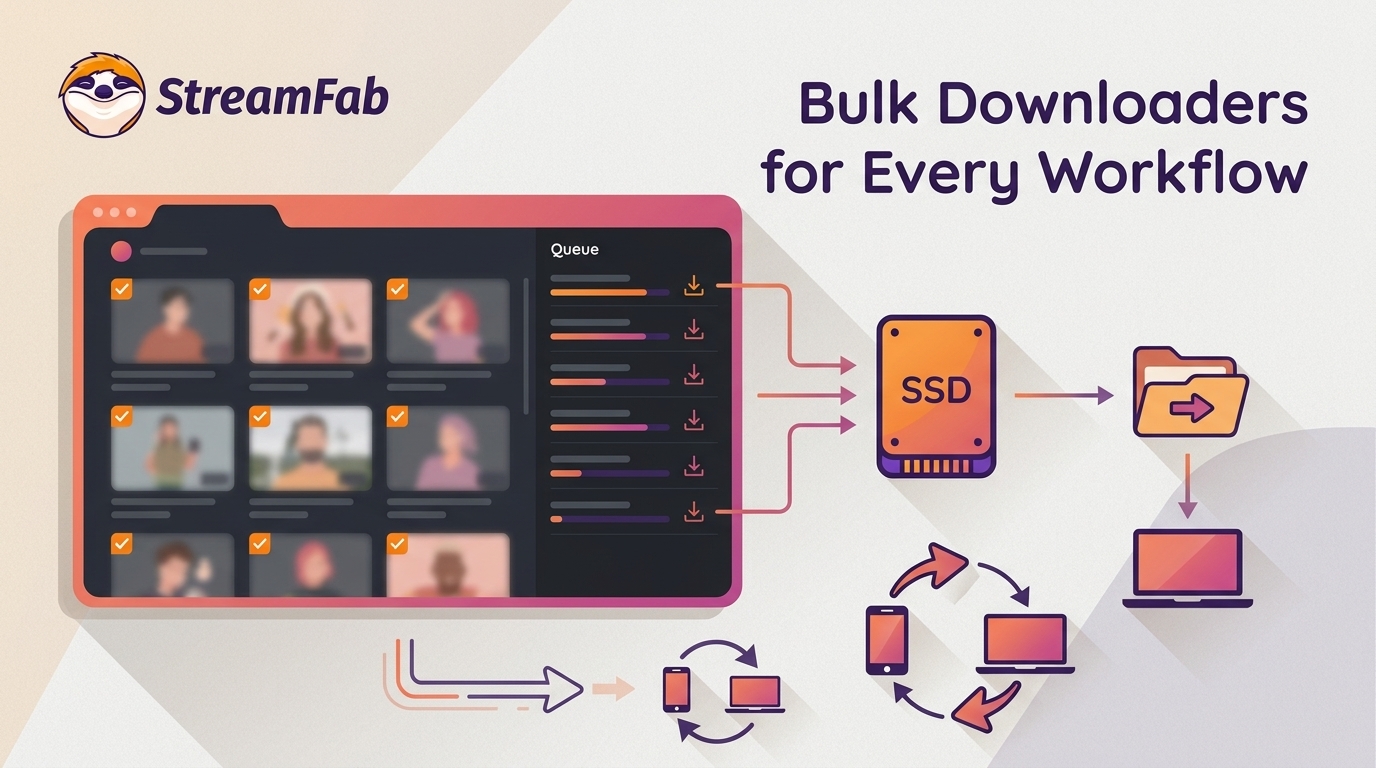
This comparison covers five workflows, a status matrix, media-scope tables, and practical recovery steps. It also explains when an OnlyFans batch downloader suits a desktop queue, a browser-led job, or a technical workflow with uncertain compatibility.
Legal and Account-Safety Boundaries
An OnlyFans bulk downloader should be used within a narrow authorization boundary. Account access does not transfer ownership of a creator’s work, and a local copy does not grant permission to publish or share it.
Personal Use and Creator Rights
Use a downloader only for content you're authorized to access, where permitted by platform terms and applicable law, and do not redistribute or share creators' content.
Creator popularity does not change that boundary: media from top OnlyFans creators remains creator-owned. The same permission and sharing limits apply to screen recordings of OnlyFans videos.

Credential handling and a documented update path matter more than a free label when a tool needs account access.StreamFab copyright and usage guidelines to better understand personal backup and proper usage boundaries.
Account and Credential Safety
Trust starts with how a tool handles authentication. Prefer a local browser flow over an unfamiliar remote login page, inspect extension permissions, and review update history before granting access to a paid account.
- Credentials: Do not share passwords, cookies, or session tokens with people or services you cannot identify.
- Permissions: A browser add-on should request access that matches its stated workflow.
- Maintenance: Recent releases, an active issue channel, and a documented recovery route are stronger signals than a free price tag.
Credential exposure and maintenance history matter more than whether a tool costs nothing to install.
Five Bulk OnlyFans Downloaders Compared
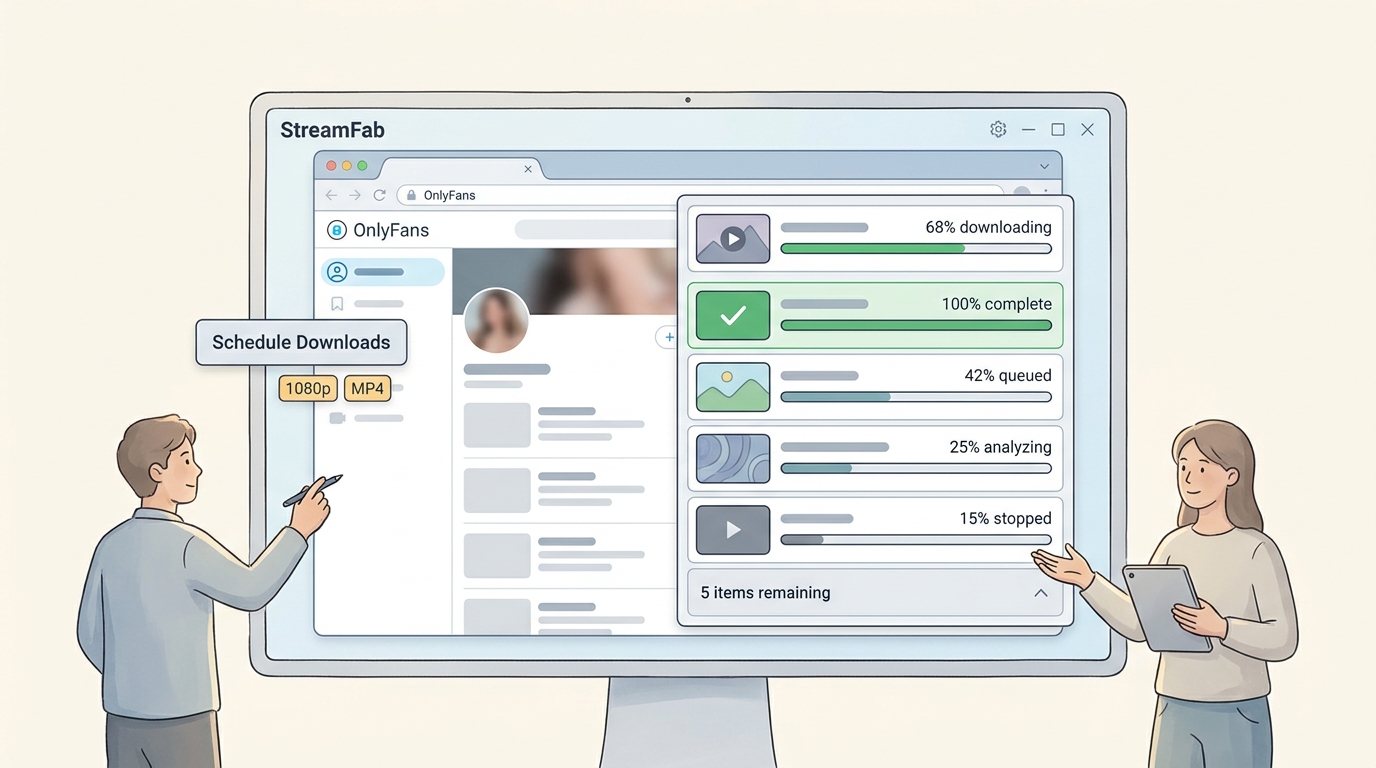
The shortlist keeps five familiar names but judges each bulk OnlyFans downloader by workflow fit, technical effort, media scope, status, and recovery support. The fit-and-scope comparison provides the cross-tool view.
- StreamFab fits scheduled desktop queues for Windows and Mac.
- CleverGet fits manual desktop batches with a conventional app workflow.
- yt-dlp requires a compatibility warning because OnlyFans support is not verified.
- OFdownloader fits smaller browser-led jobs when its source and permissions are clear.
- Mass.Downloader fits incremental media saves when full chat-history archiving is not required.
1. StreamFab: Scheduled Desktop Automation

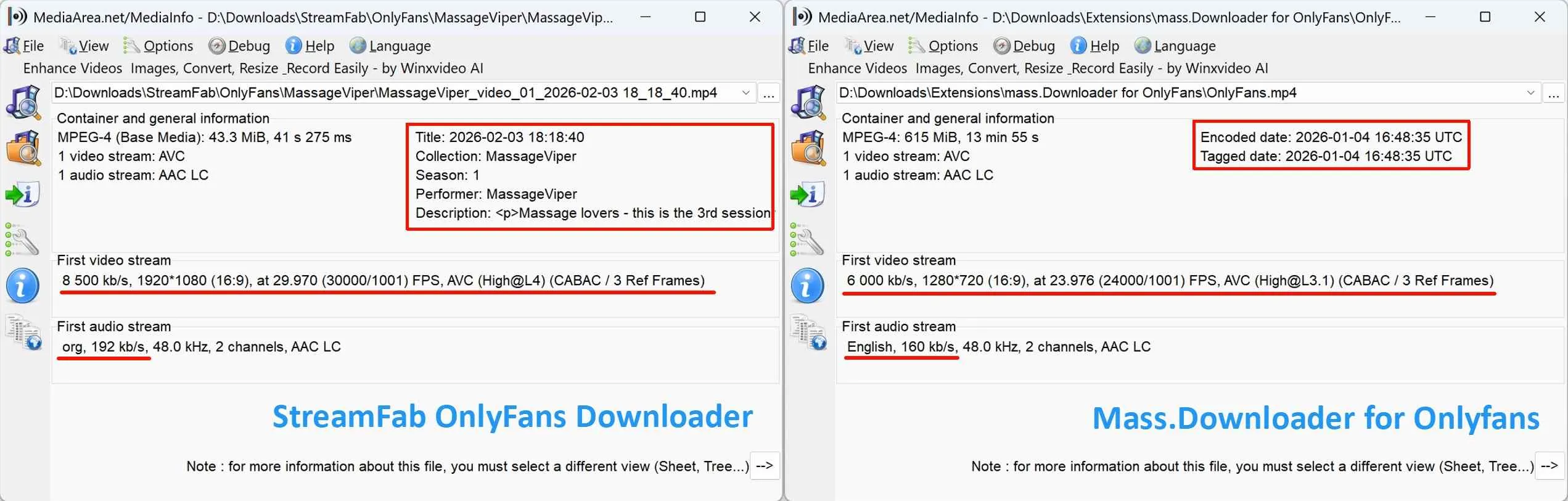
StreamFab OnlyFans Downloader is a desktop alternative for authorized personal offline viewing. Its local browser workflow supports scheduled downloads, output up to 1080p, original AAC 2.0 audio, and MP4 or MKV files on Windows and Mac.
For an OnlyFans archive download that includes recurring creator posts, scheduling reduces repeated manual queue work. Supported media can also include purchased OnlyFans videos when they are available to the signed-in account.

Specifically engineered for high-volume video archiving. Unlike browser-based tools that require manual link grabbing, StreamFab uses an integrated browser to analyze entire creator profiles automatically.
- Scheduled queues for recurring saves
- Local browser workflow with batch selection
- Up to 1080p with AAC 2.0 and MP4/MKV
- Trial allows 3 videos per service
- Requires Windows or Mac software
It suits readers who value scheduled desktop automation and local file organization. It is not ideal for a no-install or phone-first workflow. If media detection stops after a site change, refresh the account session, install the current supported build, and follow the documented support route.
The StreamFab OnlyFans Downloader for Browser offers a browser-led option, but large recurring queues remain better matched to desktop scheduling.
Prerequisites: a valid OnlyFans account with access to the selected media, a Windows or Mac computer, and enough local storage for the queue.
Download StreamFab OnlyFans Downloader on your Windows & Mac computer, follow the prompts to install it, and then follow the prompts to open the OnlyFans website. 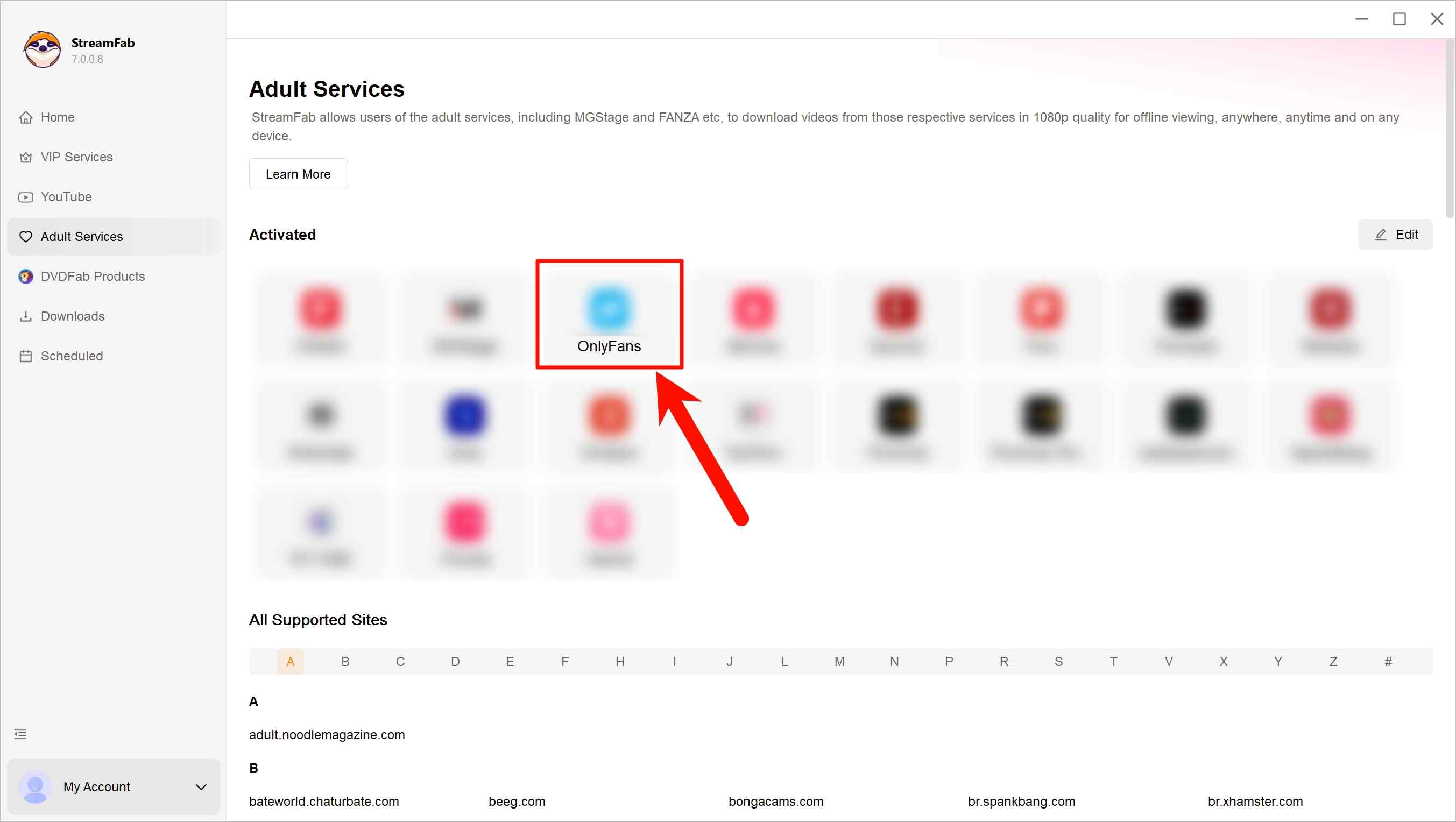
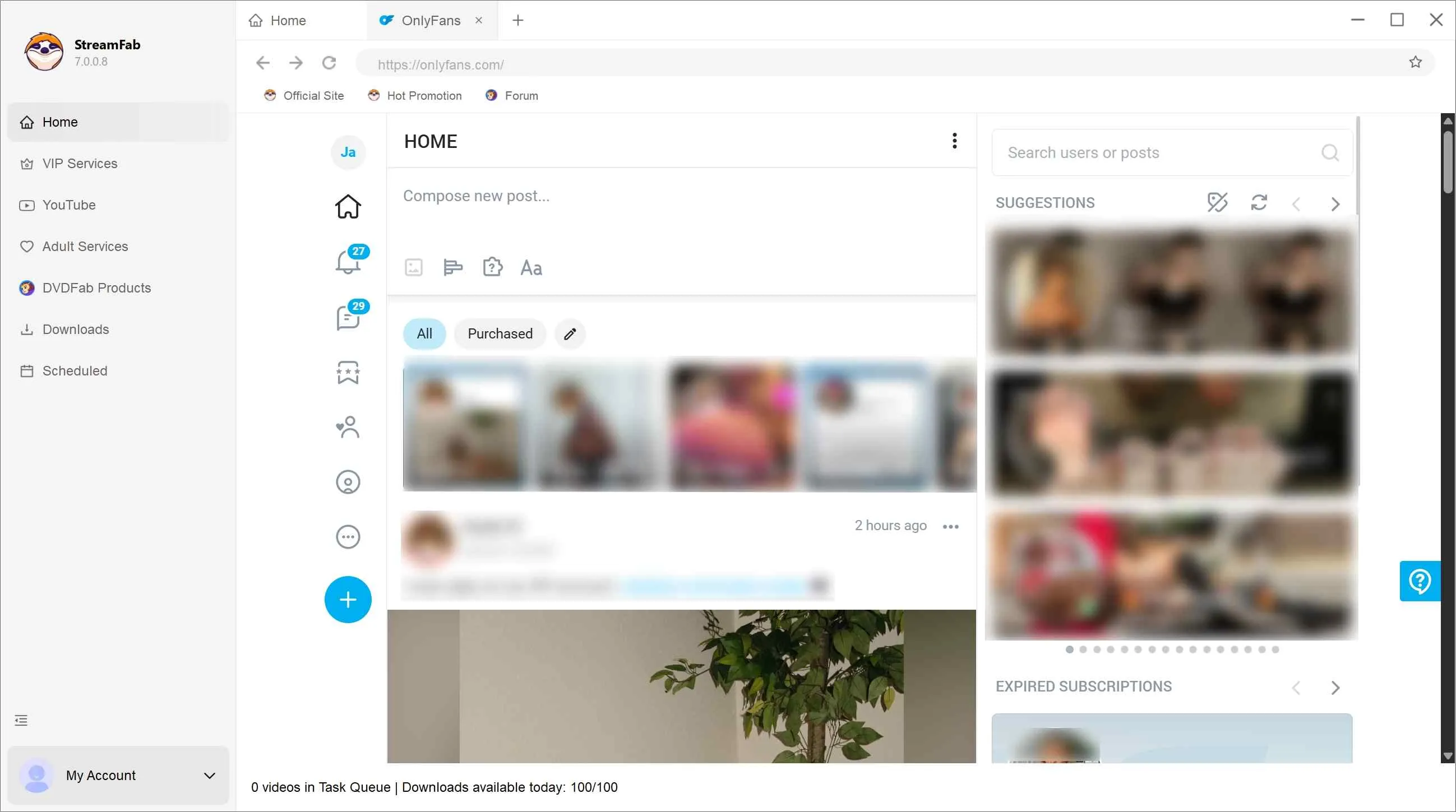
Log in to your own OnlyFans account, search for the video you want to watch, and play it. You can also navigate to the creator's profile page if you want to download the video on a specific creator's homepage.
When you play videos and profile pages, StreamFab will quickly and automatically analyze the videos, and then a pop-up window will appear to let you set the download format. Bulk downloading OnlyFans videos is also selected in this step. Check all the videos you want to download to start bulk downloading. In addition, the area in the lower left corner is the setting for automatic downloading, which you can set according to your needs.
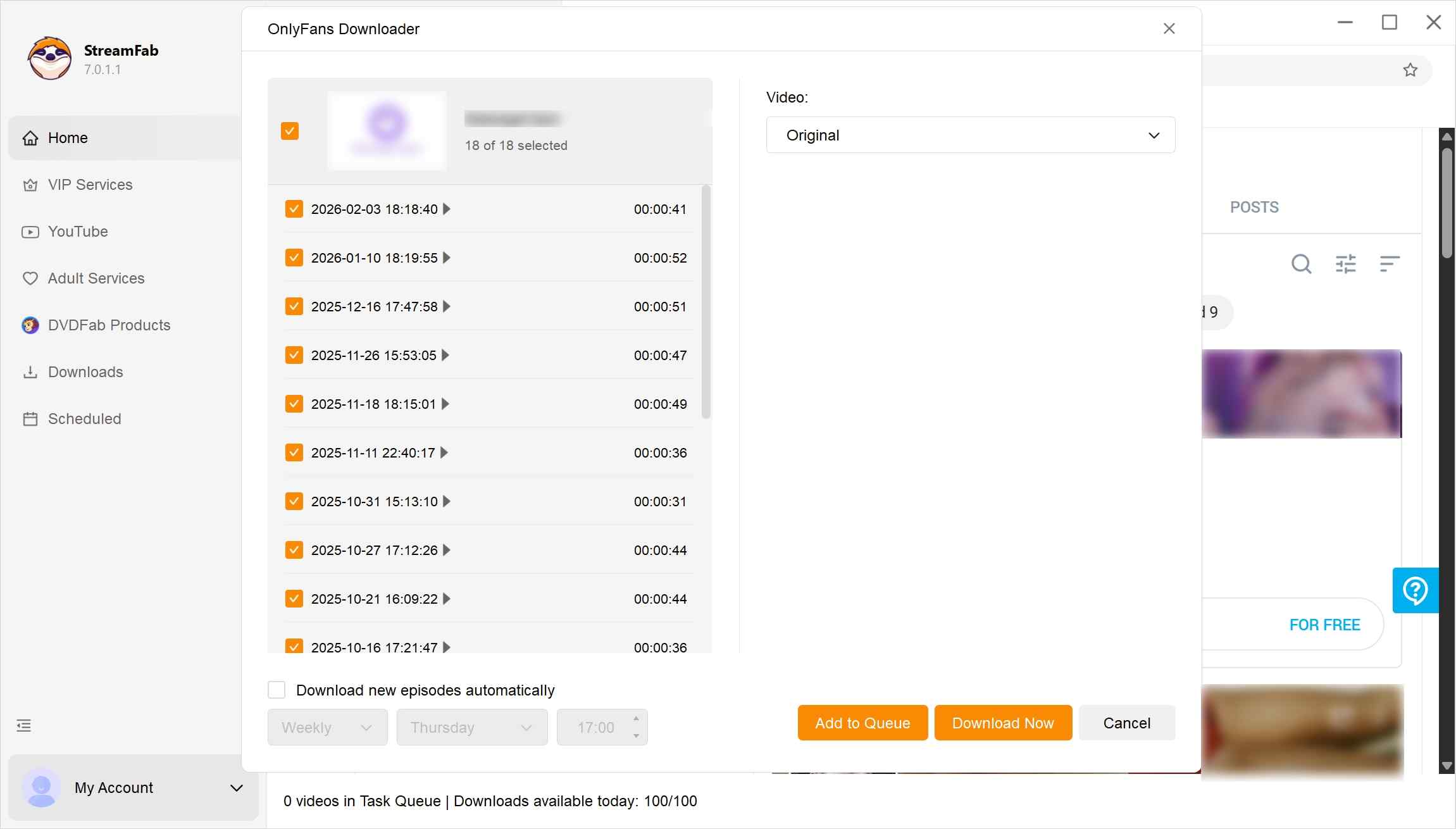
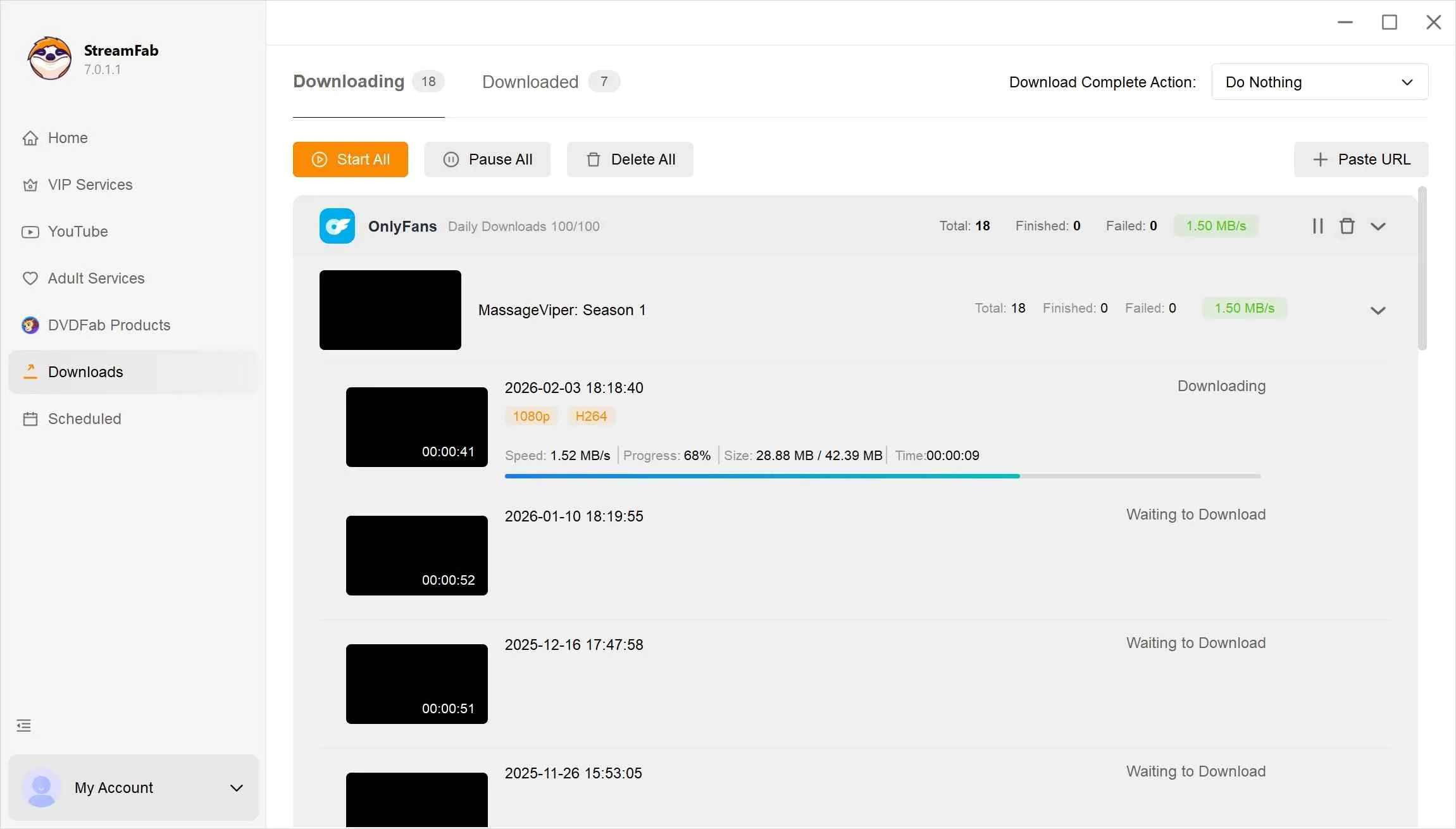
Finally, you can click "Download Now" to start bulk downloading the video immediately or click "Add to Queue" to download it later.
2. CleverGet: Manual Desktop Batches
CleverGet remains an active desktop option for manual batch downloads. It fits readers who prefer a conventional built-in browser and direct queue control, but it is less suitable for someone expecting documented scheduled updates.
Product-specific CleverGet testing can clarify its setup and fit, while the related OnlyFans protected-video error guidance explains a separate playback-detection issue.
- Desktop batch workflow
- Built-in browsing for media detection
- Active product with a conventional app interface
- Manual queue review may be needed
- No verified scheduling advantage in this comparison
- Cost depends on current license terms

Click the CleverGet OnlyFans Downloader official website to download the software. Launch it.
Access OnlyFans via the built-in browser, sign in to your account, and find the videos you wish to download in bulk. Or you can search in the browser and paste it into the software.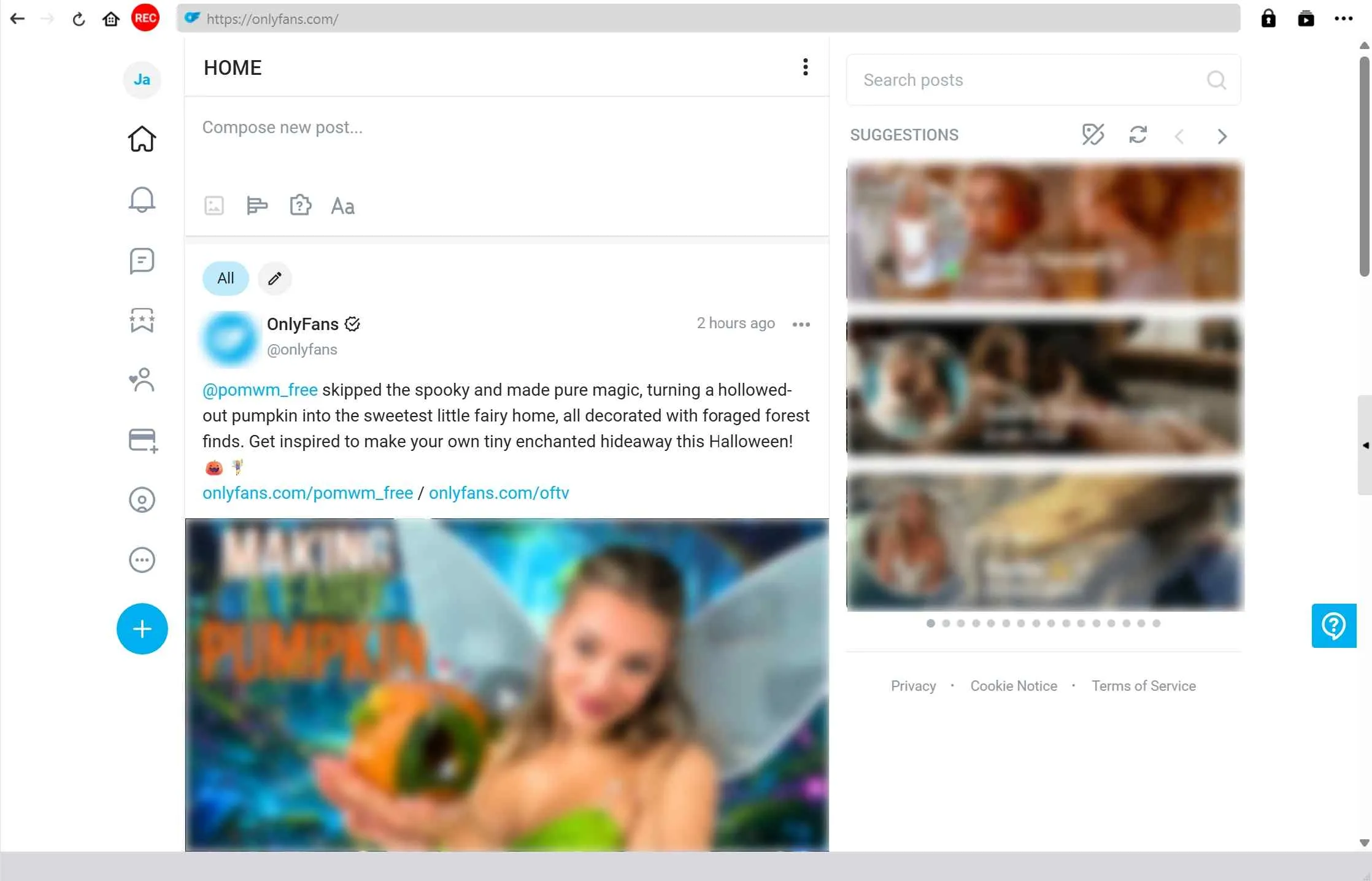
Wait for the downloader to recognize it, and a pop-up window will appear asking you to set the format information. Check the videos you want to bulk download and click Download.
3. yt-dlp: Current Compatibility Warning
yt-dlp is actively maintained as a general downloader, but the yt-dlp OnlyFans workflow is not a verified option. An issue report identifies an OnlyFans profile URL as unsupported, so users should not rely on yt-dlp for OnlyFans downloads unless platform support is clearly established.
My take is that an active general project does not automatically become a working OnlyFans downloader. Technical users can monitor releases and issue activity, but this entry should not be treated as a recommended free fallback until platform support is established.
- Free and open-source general downloader
- Active project maintenance
- Command-line control for supported sites
- OnlyFans profile URL reported unsupported
- No verified OnlyFans workflow
- Technical setup does not establish compatibility
Download the latest yt-dlp.exe from the official GitHub repository and place it in a dedicated folder (e.g., C:\OF_Archive).
Log in to OnlyFans in your Chrome/Firefox browser and use an extension like "Get cookies.txt" to export your session cookies as cookies.txt into the same folder as the tool.
Open your command prompt, navigate to your folder, and run "yt-dlp --cookies cookies.txt 'https://onlyfans.com/username'." This tells the tool to use your active subscription to fetch all videos.
To avoid re-downloading the same files, add the "--download-archive archive.txt" flag to your command. This creates a log that skips previously saved videos in future runs, perfecting your incremental bulk workflow.
4. OFdownloader: Lightweight Browser Workflow
OFdownloader is a lightweight browser workflow built around profile-level detection and a Download All action. It can fit smaller jobs, but extension availability, installation source, requested permissions, and site compatibility need more attention than the one-click label suggests.
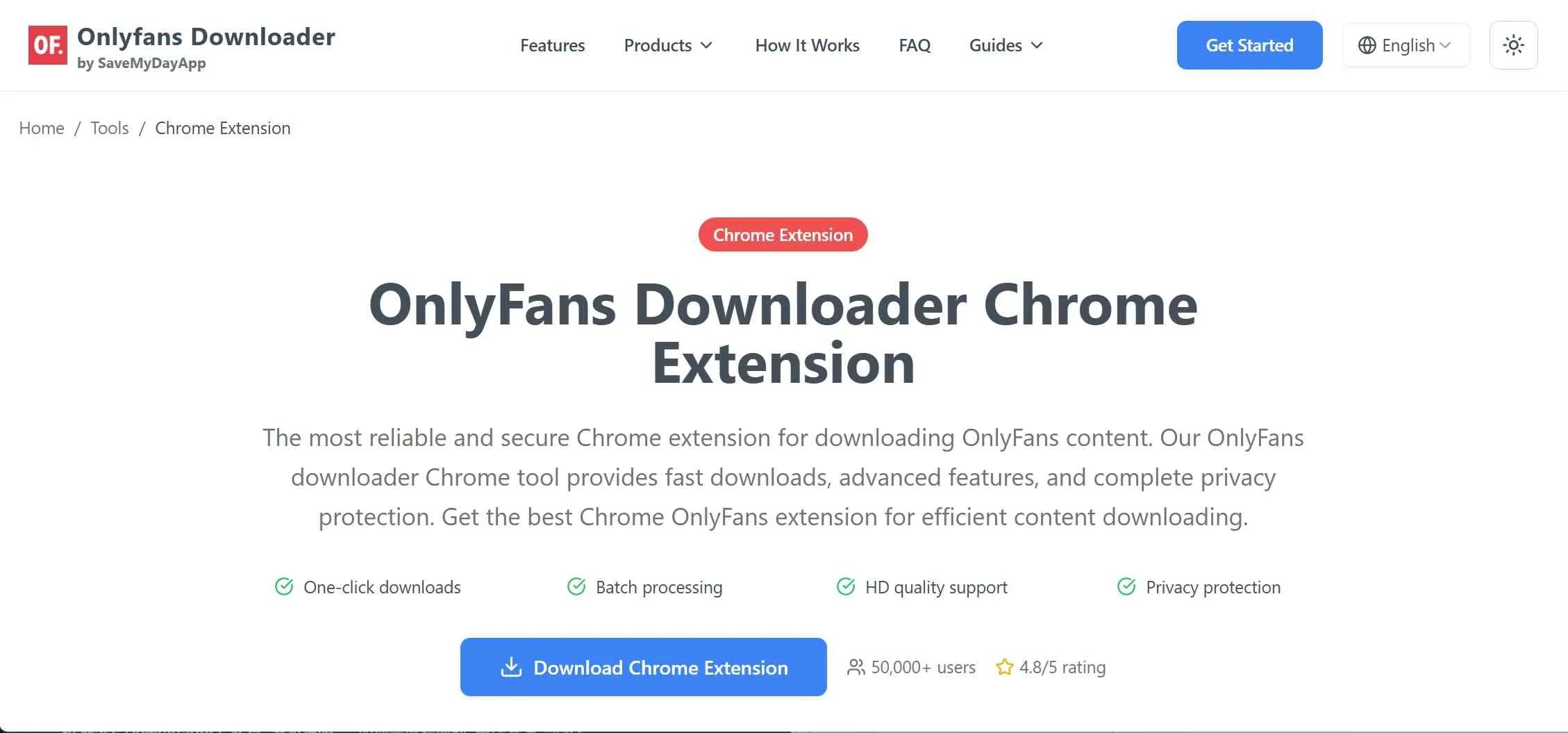
If an official store listing is unavailable and installation requires sideloading, inspect the publisher and permissions before proceeding. When a browser or site change breaks detection, review the extension's update channel or switch to a maintained desktop workflow.
Browser support is not interchangeable: a Chrome-led add-on may not match a workflow for saving OnlyFans videos in Firefox.
- Profile-level Download All control
- No desktop app required for basic use
- Store and source status can change
- Permissions and update history need review
Download the OFDownloader extension from the official site and extract it. Then install it on your browser by dragging it to the Extension page. Enable it.
Open Chrome and visit the OnlyFans website and log in with your account. Click on the “OnlyFans Downloader Chrome” extension icon, and it will display a window.
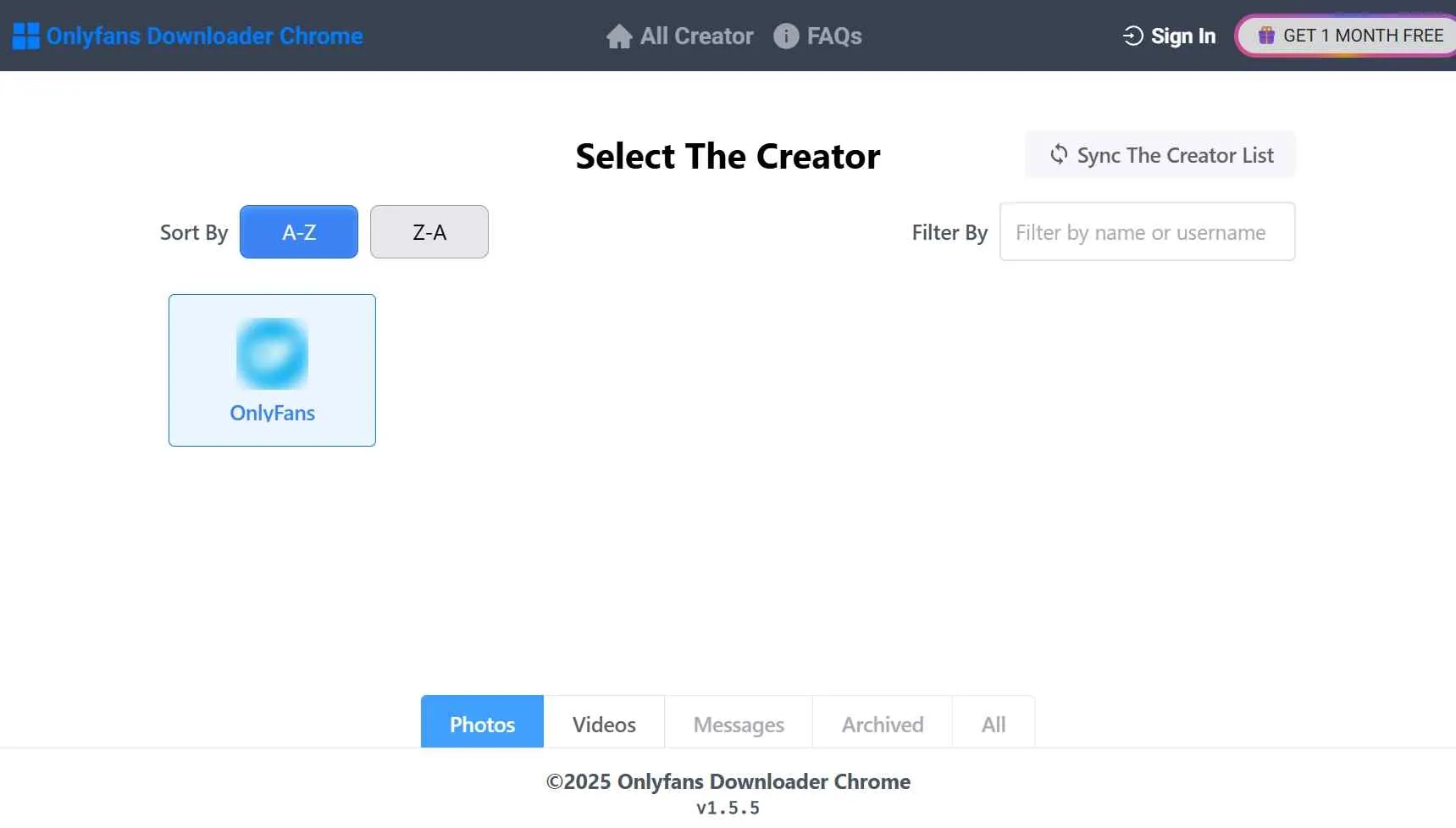
Choose your preferred OnlyFans creators, click "Download," and the extension will automatically save all their videos to your device.
5. Mass.Downloader: Incremental Media Saves
Mass.Downloader centers on incremental downloads, allowing repeated runs to focus on newly available items rather than rebuilding the same queue. That makes it relevant to an OnlyFans mass download workflow where duplicate handling matters.
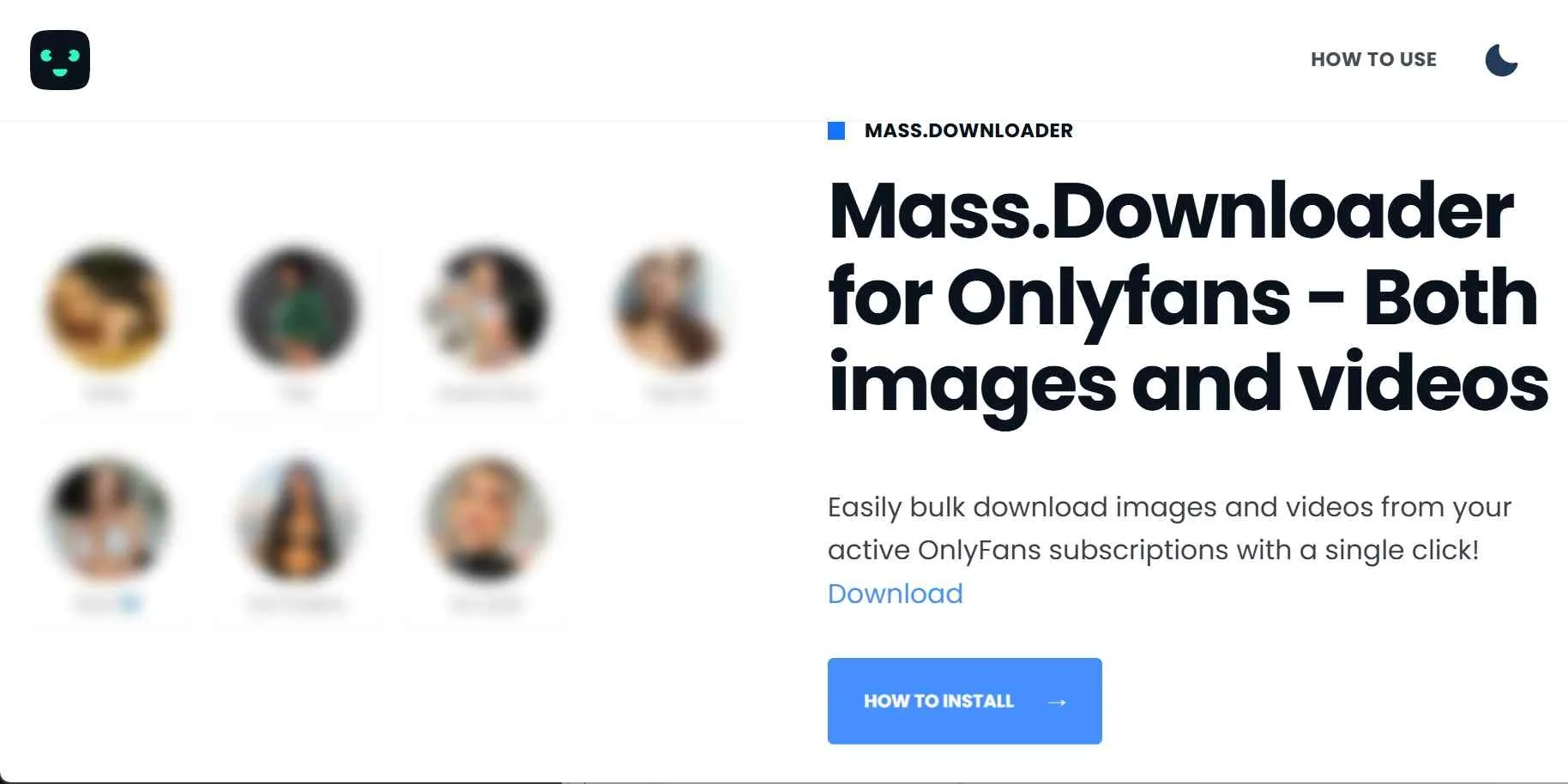
Its documented scope can include posts, purchased media, and downloadable message media. That does not establish full chat-history archiving. It fits incremental browser saves, but not readers who need verified full-chat coverage or a low-maintenance large-library queue.
- Incremental saves avoid repeated items
- Supports posts, purchases, and downloadable message media
- Browser-led media selection
- Protected-video support can vary
- Full chat-history archiving is not verified
- Large jobs may need manual queue review
Visit the official hotfansdownload.com site to install the extension directly.
Log in to OnlyFans and open the specific creator’s profile, your Purchased media library, or even a Chat history you want to archive.
Click the extension icon to open the dashboard and choose your source. Then select "Posts," "Purchased," or "Chats" depending on where the videos are located.
Trigger the download and enable the Incremental toggle; this ensures the tool only grabs new content, saving you from sorting through duplicates in your local folders.
Bulk Downloader Comparison by Fit and Scope
The useful comparison is not a single winner. A bulk media downloader for OnlyFans should match the size of the queue, the media types involved, the installation environment, and the level of recovery support you expect. The changeable availability details in both tables are assessed as of August 2026.
Workflow, Cost, and Current Status
Scheduled desktop automation favors StreamFab, manual desktop batches favor CleverGet, small browser jobs favor OFdownloader, and incremental browser saves favor Mass.Downloader. yt-dlp remains outside the verified peer set because current OnlyFans compatibility is unconfirmed.
- Recurring desktop queues: StreamFab offers scheduling and a 30-day trial limited to three videos per service.
- Manual desktop control: CleverGet suits readers who want an active desktop alternative without relying on an extension.
- Small browser jobs: OFdownloader reduces installation overhead but depends on extension source, permissions, and updates.
- Incremental browser saves: Mass.Downloader focuses on new media across repeated runs.
Videos, Photos, Posts, and Messages
OnlyFans batch content is broader than video. A bulk image downloader for OnlyFans may prioritize photos and posts, while another reader may care about purchases or downloadable message media. Coverage varies by tool and media type, so support for one category should not be treated as account-wide coverage.
| Tool | Videos | Photos, posts, purchases | Messages and history | Batch behavior |
|---|---|---|---|---|
| StreamFab | Protected-video support; up to 1080p | Posts and purchased videos | No stated message-media support | Batch and scheduled queues |
| CleverGet | Manual video batches | No stated photo support | No stated message-media support | Manual desktop queue |
| OFdownloader | Detected profile videos | Coverage depends on build | No stated message-media support | Download All for small jobs |
| Mass.Downloader | Videos where supported | Posts and purchases | Media only; no full history | Incremental saves |
Why are desktop tools better suited to large libraries?
Desktop tools can manage storage, long queues, and recovery logs more predictably than a phone browser. Occasional mobile saves on downloading OnlyFans videos on Android are a different use case and are better handled as short, device-specific workflows rather than large queues.
For iPhone users, downloading OnlyFans videos on iPhone is better treated as an occasional device workflow than a large-library queue.
What Still Works in 2026
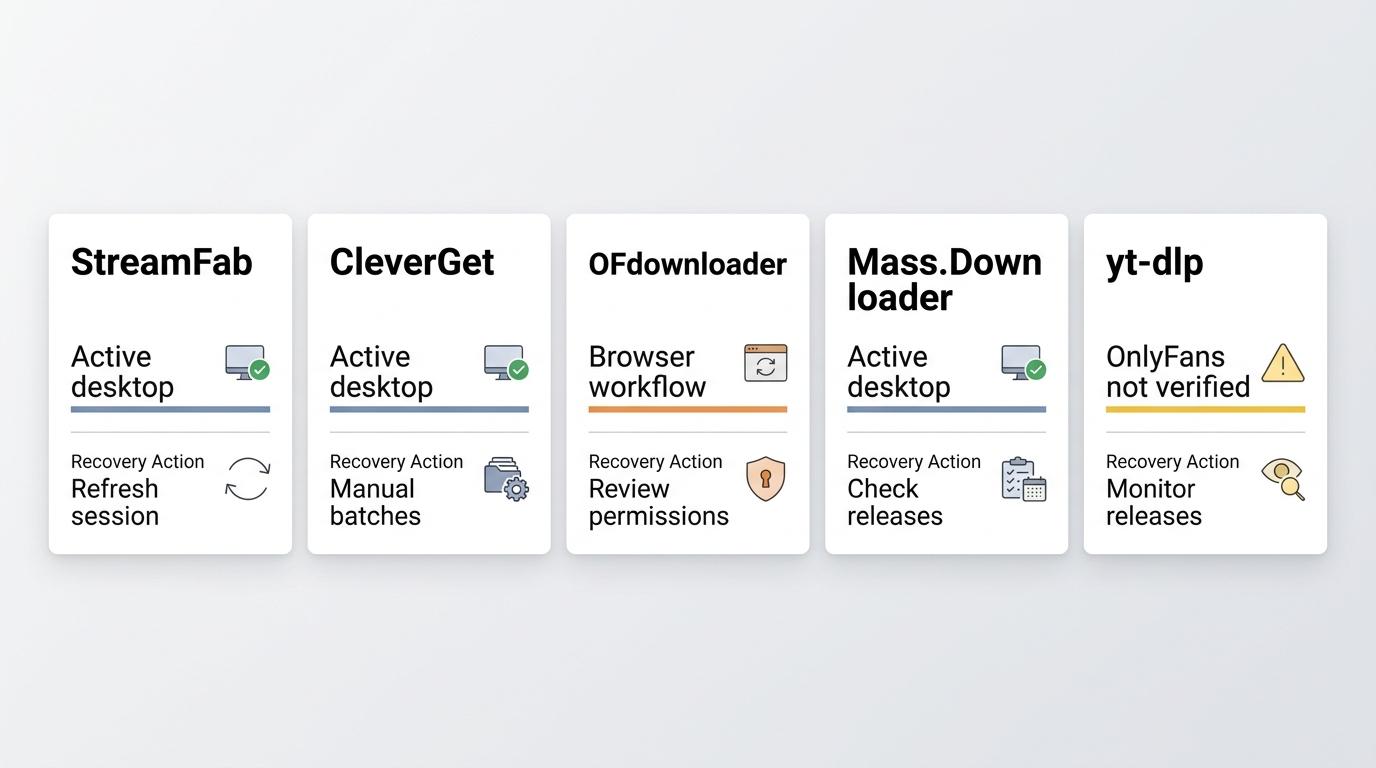
An OnlyFans batch downloader can stop detecting content after a platform, browser, or account-session change. Current status therefore matters, but a clear recovery route matters more than a static label.
Last-Tested Status Matrix
StreamFab and CleverGet remain active desktop options, while OFdownloader and Mass.Downloader remain browser-led workflows whose source and update status require attention. yt-dlp is not verified for OnlyFans.
| Tool | Status and type | Environment | Cost model | Recovery path |
|---|---|---|---|---|
| StreamFab | Active desktop option | Windows, Mac | 30-day trial; 3 videos/service | Refresh session; update; support |
| CleverGet | Active desktop option | Desktop app | Paid model | Update app; vendor support |
| OFdownloader | Browser extension workflow | Supported browser | Plan varies | Review source, permissions, updates |
| Mass.Downloader | Browser extension workflow | Supported browser | Plan varies | Refresh session; review updates |
Common Failures and Recovery Paths
Most failures can be narrowed to installation source, stale sessions, outdated builds, changed permissions, or an unsupported site path. Work through the checks in order before moving a large library.
- Confirm that the app, extension, or project still lists an active release channel.
- Review recent release notes and issue activity for OnlyFans-specific changes.
- Try one authorized item and record the visible failure message.
- Refresh the account session inside the tool without sharing session data elsewhere.
- Install the current supported build and review browser permissions again.
- Escalate with the product version, operating environment, and failure description.
A documented recovery path is more useful than an undated “works” badge because it tells you what happens after the next site change.
Account Access and Recovery Checklist
Prefer tools with local authentication and a clear update path when an account session needs to be refreshed.
- Protect Session Data: Treat cookies and session tokens like passwords; do not share them.
- Review Permissions: Browser access should match the extension's stated function.
- Refresh the Session: Sign out, sign back in, and reconnect through the tool's normal login flow.
- Escalate Clearly: Install the current supported build, then use vendor support or the project's issue tracker with the version, environment, and visible failure description.
OnlyFans Bulk Downloader FAQs
Can a free tool handle a large OnlyFans library?
Sometimes, but “free” covers very different models. An open-source project may require technical setup and active maintenance, a trial may allow only a few files, and an extension may limit features. StreamFab's 30-day trial allows three videos per service, so it is useful for evaluation rather than a large bulk job.
Will OnlyFans know if I use a bulk downloader?
No tool should promise invisibility. Protect credentials and session data, access only media available to your account, review permissions, and follow platform terms and applicable law. Account-safety choices matter more than claims about being undetectable.
Is an open-source downloader easier to trust?
Visible source code can help inspection, but it does not prove current OnlyFans compatibility or safe defaults. I would check recent releases, issue activity, credential handling, installation complexity, and the recovery path before trusting an open-source workflow with account access.
Conclusion: Which Bulk Downloader Fits Your Workflow?
There is no universal answer to the “best OnlyFans archiver” query. Choose scheduled desktop automation for recurring queues, a manual desktop app for hands-on batches, or a browser workflow for smaller or incremental jobs.
- Choose StreamFab when Windows or Mac scheduling and local output matter; skip it for a no-install or phone-first workflow.
- Choose CleverGet when a manual desktop queue fits your routine.
- Choose OFdownloader for smaller browser-led tasks when its source and permissions are clear.
- Choose Mass.Downloader when incremental saves matter more than full chat-history coverage.
- Do not treat yt-dlp as a verified OnlyFans choice while the documented platform path remains unsupported.
A broader OnlyFans downloader comparison covers non-bulk use cases, but this page's decision should stay anchored to queue size, media scope, account access, and recovery support.

Convert authorized OnlyFans videos to MP4 on Windows or Mac using a desktop workflow or a permitted screen recording. Learn how file formats differ from delivery and access, what StreamFab’s output settings provide, and what four dated Reddit reports describe. Five FAQs cover installation, the trial, subtitles, batch selection, and source quality.
By Marcia Hatcher - Oct 13, 2026
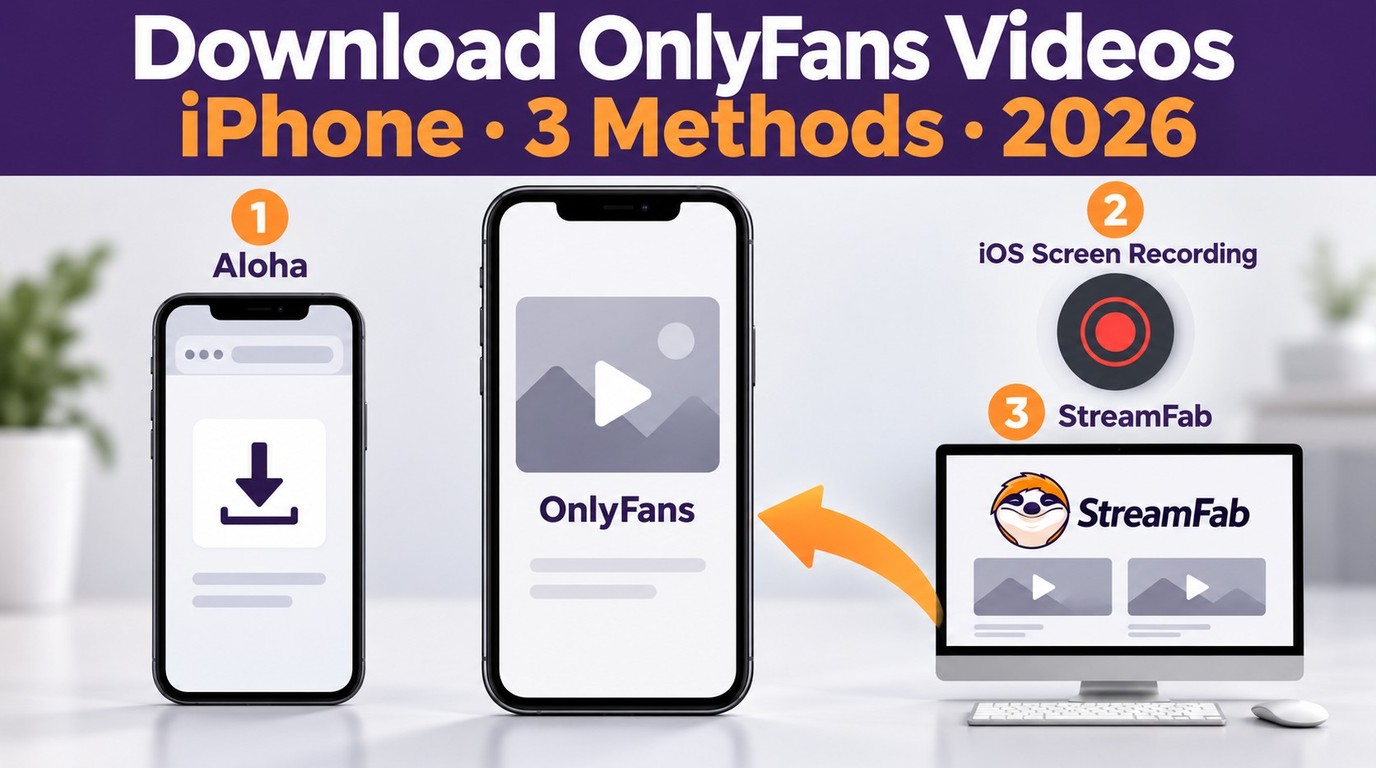
How to download OnlyFans videos on iPhone in 2026: 3 tested methods ranked by success rate, from Aloha browser to iOS screen recording to the PC transfer workflow.
By Erika Leen - Oct 13, 2026
Paid for OnlyFans but can't save it? We tested 4 tools to rip and save OnlyFans content in 2026—no black screen, full 1080p, zero account risk.
By Erika Leen - Oct 13, 2026
Can you screen record OnlyFans in 2026? Fix the black screen on iPhone & PC with these tested methods — from OBS tricks to dedicated download tools.
By Marcia Hatcher - Oct 13, 2026