
CleverGet OnlyFans Downloader Review 2026: Price, Features, and Verdict

Summary: CleverGet offers up to 1080p MP4 output, batch downloads, and a limited trial, but current compatibility is the deciding factor. This review weighs its August 2026 promotional pricing, safety boundaries, maintenance risk, and the StreamFab alternative for scheduled MP4/MKV workflows.
Table of Contents
Introduction to CleverGet OnlyFans Downloader
OnlyFans has no official desktop download button. If you're searching for CleverGet OnlyFans Downloader, the real question is whether the current build can detect and finish posts available in your account often enough to justify a paid license.
CleverGet offers up to 1080p MP4 output and batch downloading, while the limited trial is the practical place to check account-specific compatibility. This review weighs price, output, safety, update risk, and a Windows and Mac alternative, then turns those points into a choose-or-skip verdict.

Also read the CleverGet Amazon Downloader review
Detailed Review of CleverGet OnlyFans Downloader
The CleverGet video downloader review comes down to three evidence blocks: OnlyFans-specific output, current US price and trial context, and a dated compatibility check with clear pass conditions.
OnlyFans Output Specifications
CleverGet's OnlyFans product page lists output up to 1080p in MP4 and batch downloading. That fits readers who want to save available OnlyFans videos to MP4 rather than manage one file at a time.
Those specifications define the intended workflow; they do not settle reliability after a platform update. My judgment is to use format, resolution, and batching as purchase filters, then use the trial for the compatibility decision.
Current US Price and Trial
As of August 2026, CleverGet lists promotional US prices of $34.96 for one year and $55.96 for lifetime access. It offers a limited trial rather than an unrestricted no-cost version.
The trial should answer one question before payment: does the current build complete the mix of subscription posts and purchased videos you use? I would treat the lifetime option as a value only when that check passes and update support keeps pace with OnlyFans changes.
Test Setup and Scenario Results
Reliability should be judged in a dated trial window, with the account, app version, content type, and pass condition recorded before the first download.
- Use your own active OnlyFans account and select subscription posts and purchased videos available to that account.
- Record the operating system, CleverGet version, and test month.
- Define success as a complete, playable MP4 with the intended audio and available subtitles.
- Log completed and failed attempts, including retries, without turning one run into a universal percentage.
My rule is simple: undated speed and success percentages are poor buying evidence. The useful scenario result is whether a fresh trial session finishes a single video and a small batch after the latest platform change.
Is CleverGet OnlyFans Downloader Safe to Use?
OnlyFans is an 18+ platform. Use the official cleverget.org installer, scan it before launch, and restrict saved files to personal offline viewing of content you are authorized to access. No downloader can promise that account activity is invisible.
- Avoid modified installers from mirrors or file-sharing sites.
- Do not share, repost, sell, or commercially use saved creator content.
- Keep the workflow within OnlyFans terms and applicable law in your location.
Using CleverGet OnlyFans Downloader
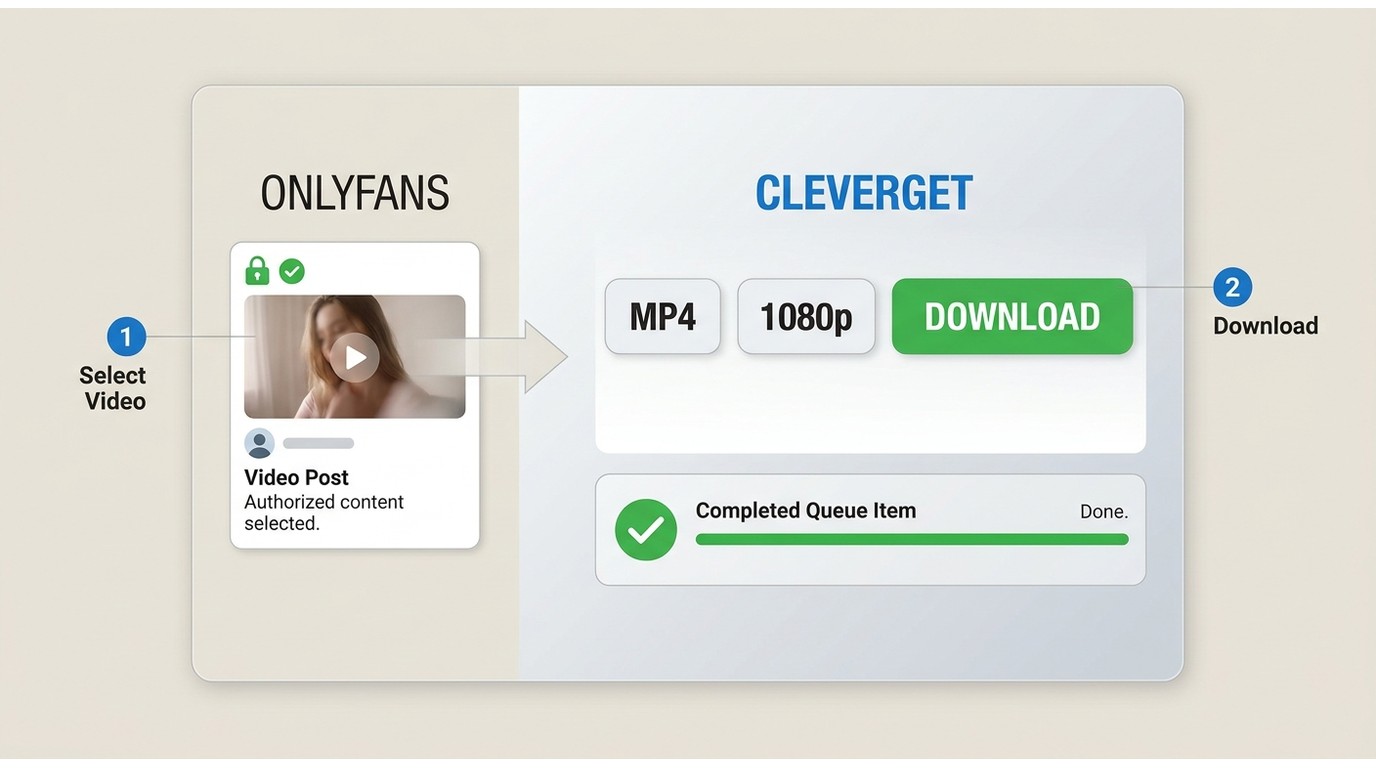
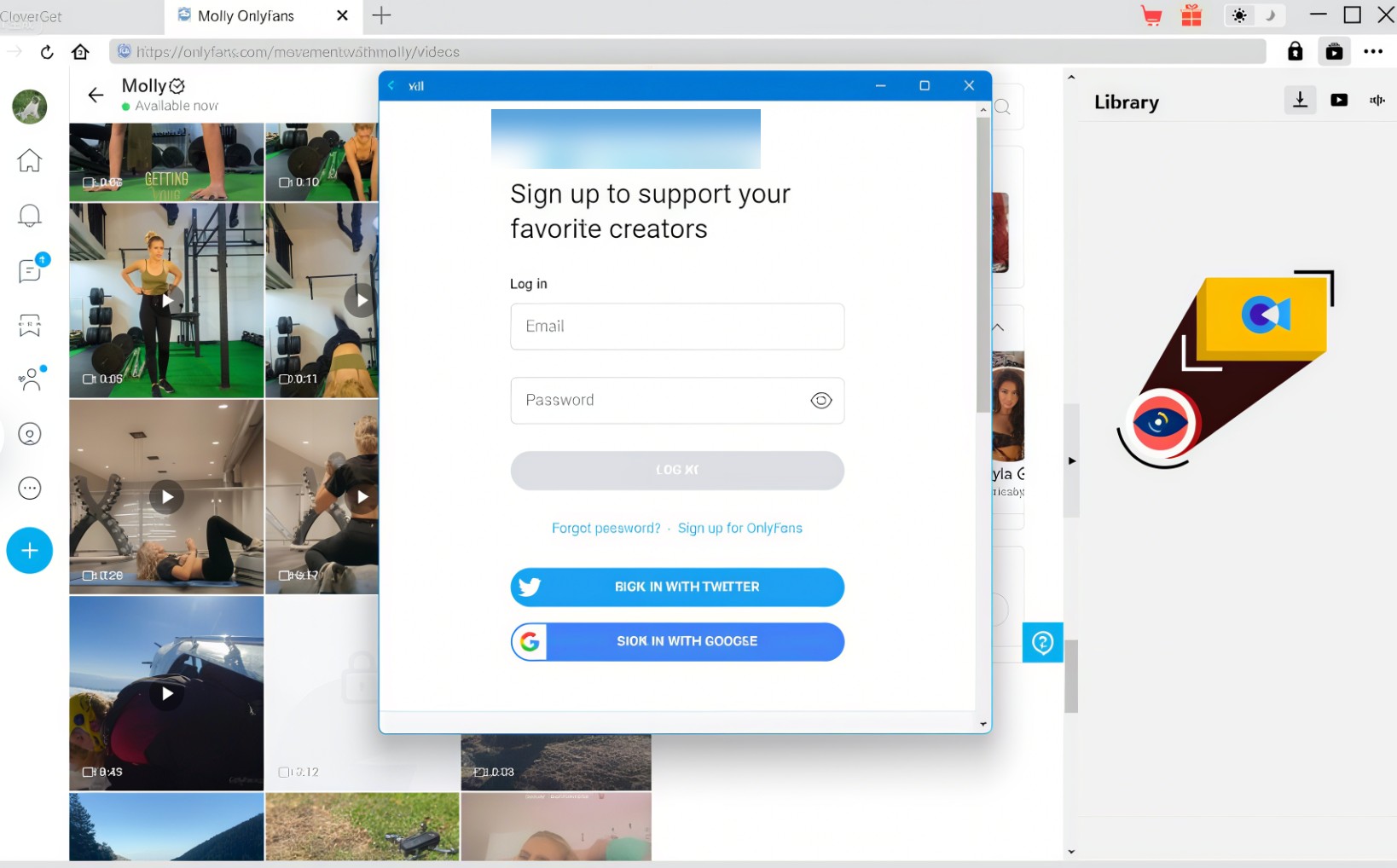
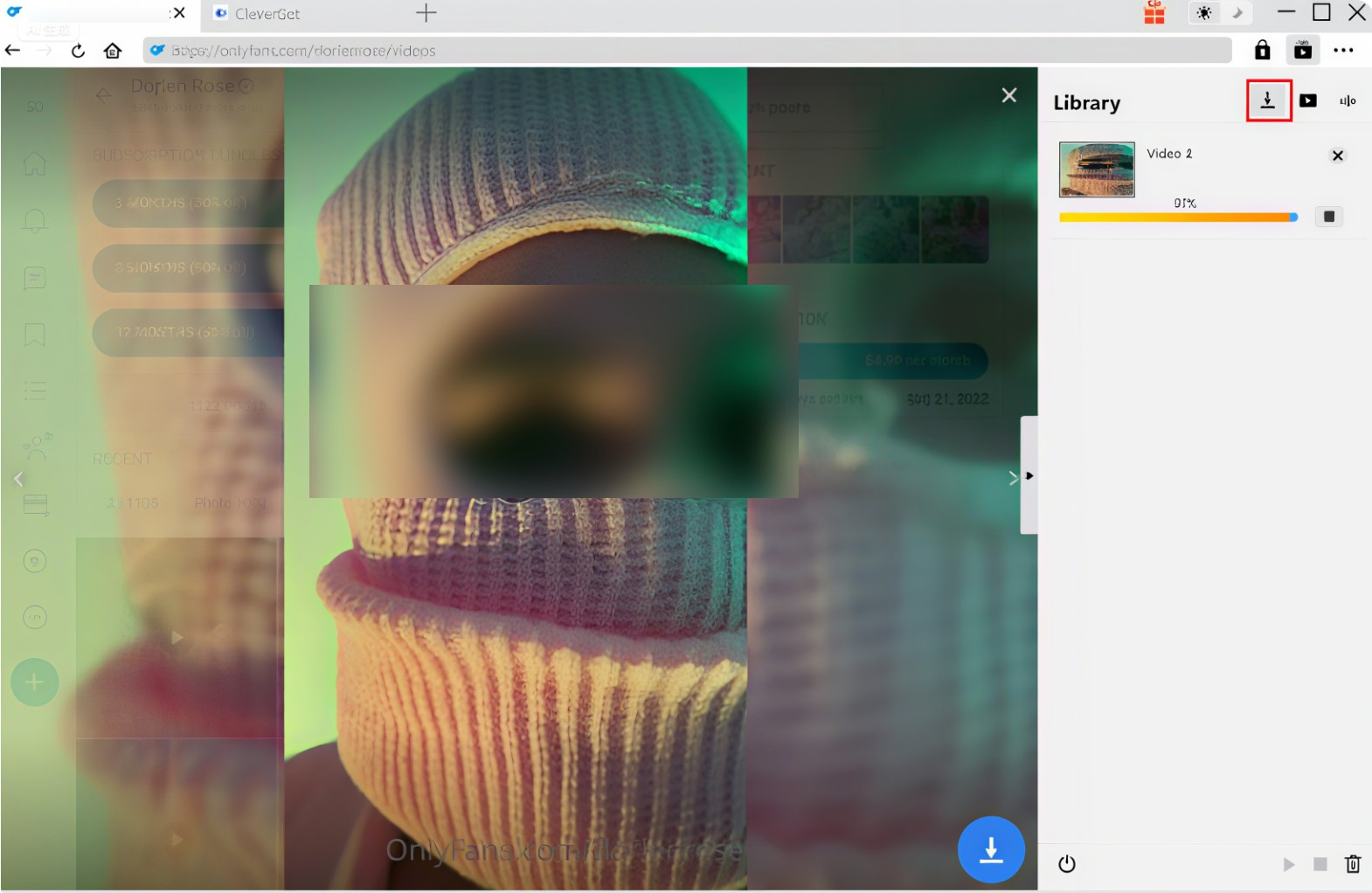
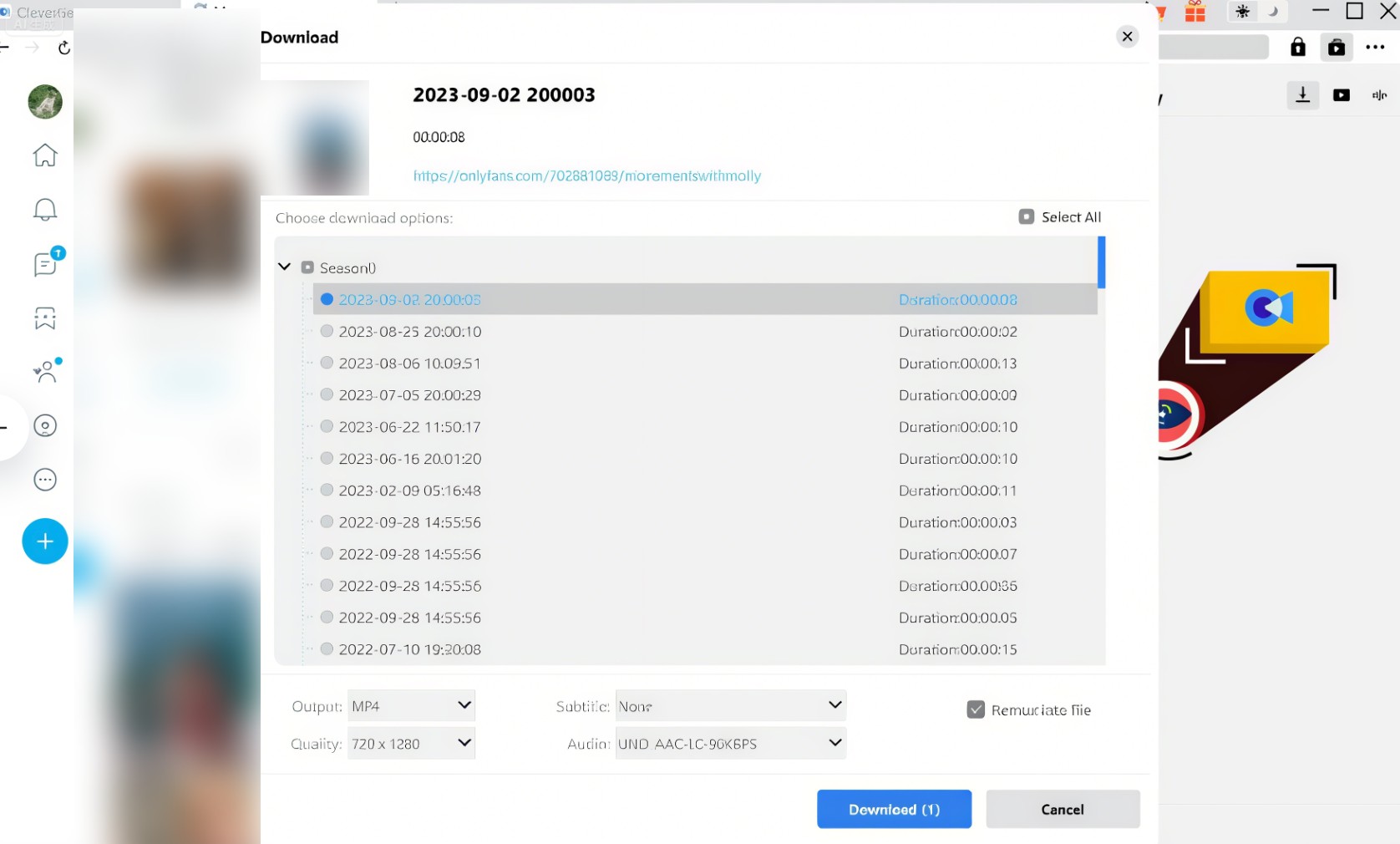
Prepare an active OnlyFans login, access to the target post, the current CleverGet installer, and enough local storage before starting the workflow.
Saving a supported post as a regular file is different from screen recording OnlyFans. Choose the post in CleverGet's browser, set the output, and use the protected step card below for the exact sequence.
CleverGet OnlyFans: What Works and What Frustrates Users
CleverGet's verified strengths are a clear output target, MP4 files, and batching. The friction point is compatibility: OnlyFans delivery changes can alter detection or completion, so update cadence matters more than an old headline percentage.
- Clear output target: Up to 1080p MP4 matches a standard desktop file workflow.
- Batch queue: Multiple selected videos can be queued in one session.
- Subtitle handling: Subtitle availability depends on the source post and current app support.
- Compatibility changes: OnlyFans delivery updates can affect detection and completion.
- Reliability evidence: Old percentages without a dated setup should not drive a purchase.
- Trial decision: Run the content types you actually use before paying.
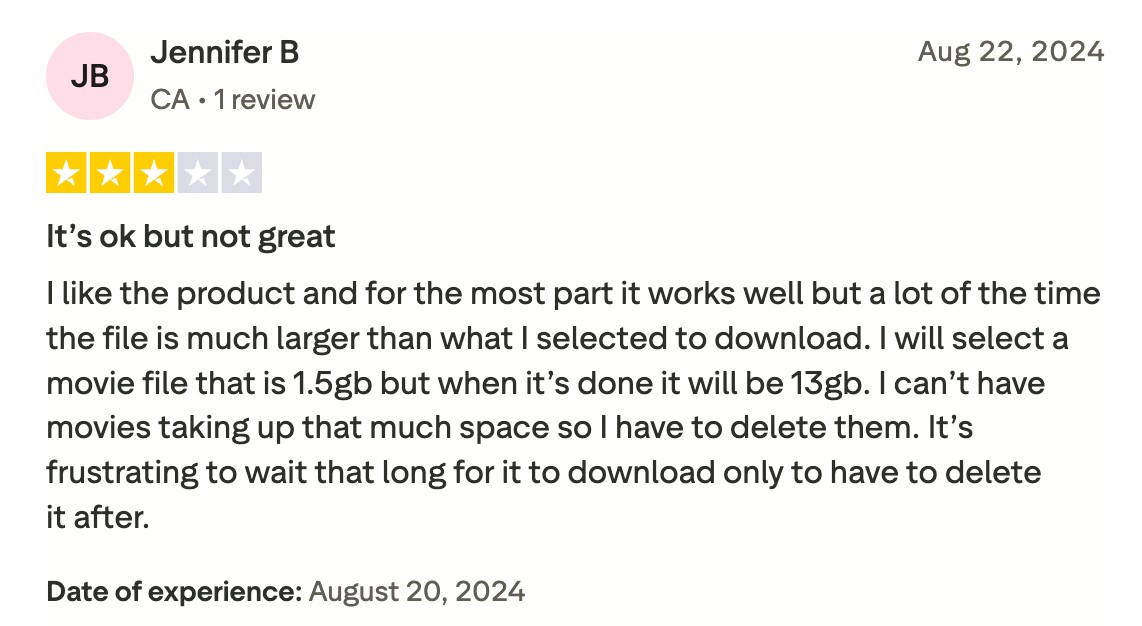
The linked Trustpilot feedback is a volatile brand-level customer service signal, not evidence of CleverGet OnlyFans reliability or a product-specific success rate.

My experience after practical use:
I downloaded CleverGet and put it to the test. The interface is honestly super simple—clean, easy to figure out, no complaints there. But when it came to downloading OnlyFans subscription videos, things got a little… frustrating.
I separate feature coverage from maintenance quality. A tool can list the right format and resolution yet still be a poor fit if a fresh trial run needs repeated restarts. For occasional use, that friction may be tolerable; for a recurring archive workflow, it becomes the deciding cost.
Better Alternative: StreamFab OnlyFans Downloader
- Best for: Windows or Mac users who want scheduled checks, batch downloads, and a choice of MP4 or MKV.
- Not ideal for: readers seeking a no-cost, mobile-only solution or a workflow outside this personal-viewing boundary.
StreamFab is the stronger fit for readers who need scheduled checks and both MP4 and MKV output, but it should be judged on workflow fit rather than unsupported speed claims. Disclosure: This review is published on a StreamFab website.
For personal offline viewing of content you're authorized to access, where permitted by platform terms and applicable law, StreamFab's product page states support for up to 1080p, MP4 or MKV, AAC 2.0, batch downloads, scheduled checks, and Windows or Mac. It also states that login credentials are handled locally.
A bulk OnlyFans downloader suits recurring queues, while the StreamFab OnlyFans Downloader review explains licensing and workflow details for a closer purchase check.
When used with your own OnlyFans account, StreamFab can help you create personal backups of a wide range of content you have already unlocked—such as regular posts and message clips—and save them in up to 1080p resolution and in widely compatible MP4 or MKV formats.
- Up to 1080p output for supported OnlyFans videos.
- MP4 or MKV files with AAC 2.0 audio.
- Batch downloads for multiple selected videos.
- Scheduled checks for new subscription posts.
- A 30-day trial allows 3 video downloads for this service.
StreamFab vs. CleverGet: Side-by-Side Comparison
The table compares six purchase decisions. A verified OnlyFans downloader comparison adds other workflows, while this side-by-side view stays focused on CleverGet and StreamFab.
| Decision | CleverGet OnlyFans | StreamFab OnlyFans |
|---|---|---|
| Current US price | $34.96/year; $55.96 lifetime | Current product-page plan |
| OnlyFans output | Up to 1080p MP4 | Up to 1080p MP4/MKV |
| Trial scope | Limited trial | 30 days; 3 videos |
| Batch or scheduling | Batch downloads | Batch + scheduled checks |
| Compatibility evidence | Account trial check | Account trial check |
| Best fit | Occasional MP4 batches | Scheduled MP4/MKV workflow |
Using StreamFab OnlyFans Downloader
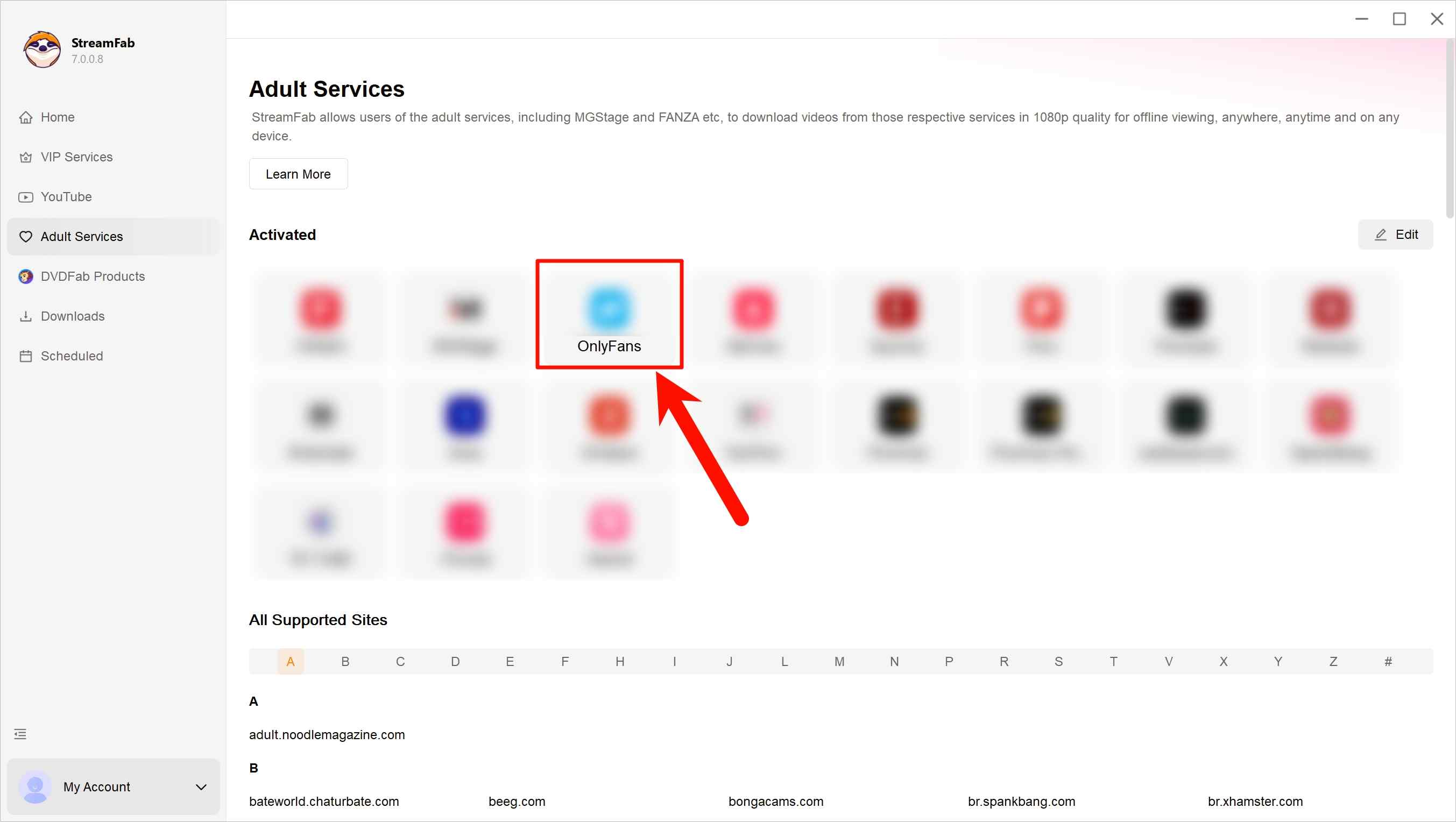
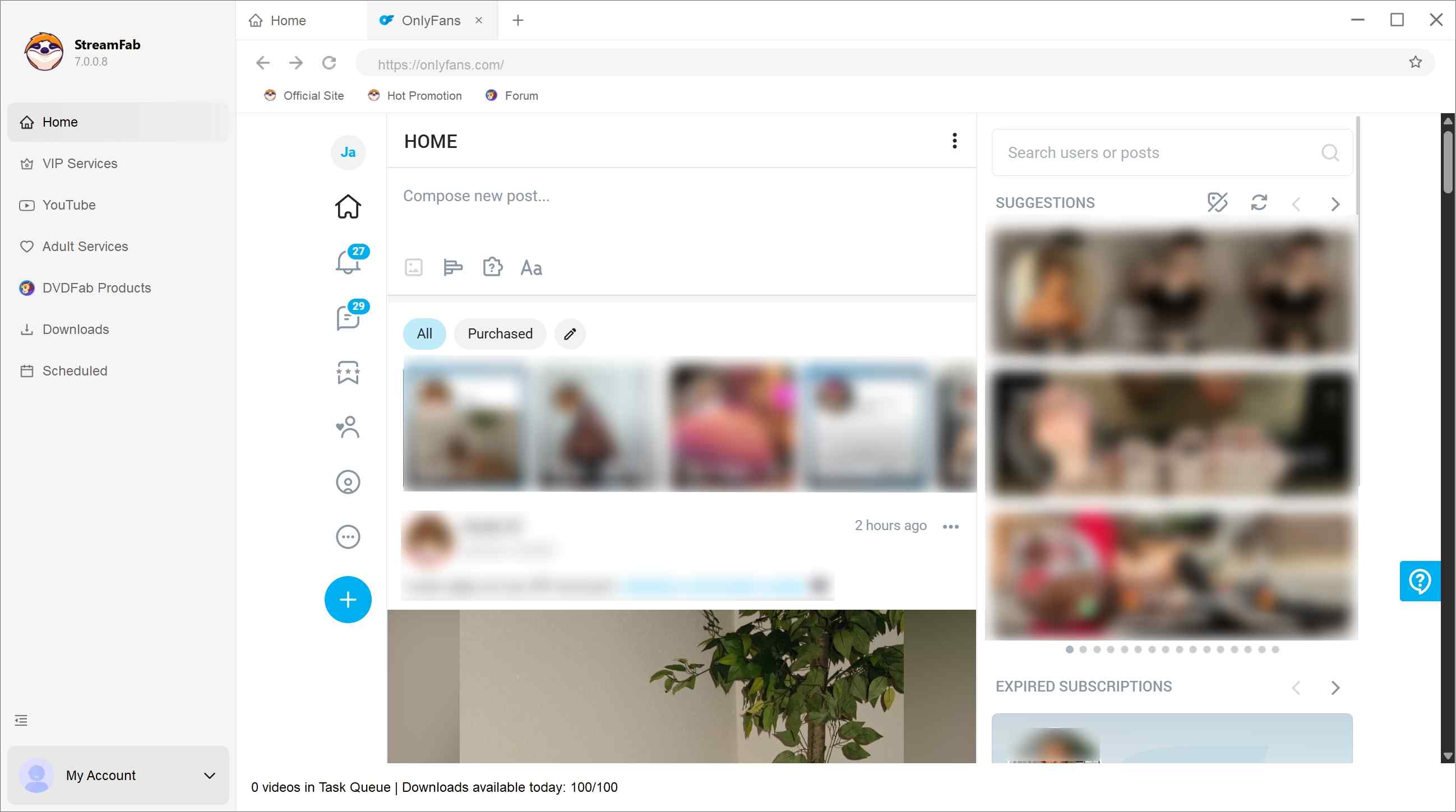
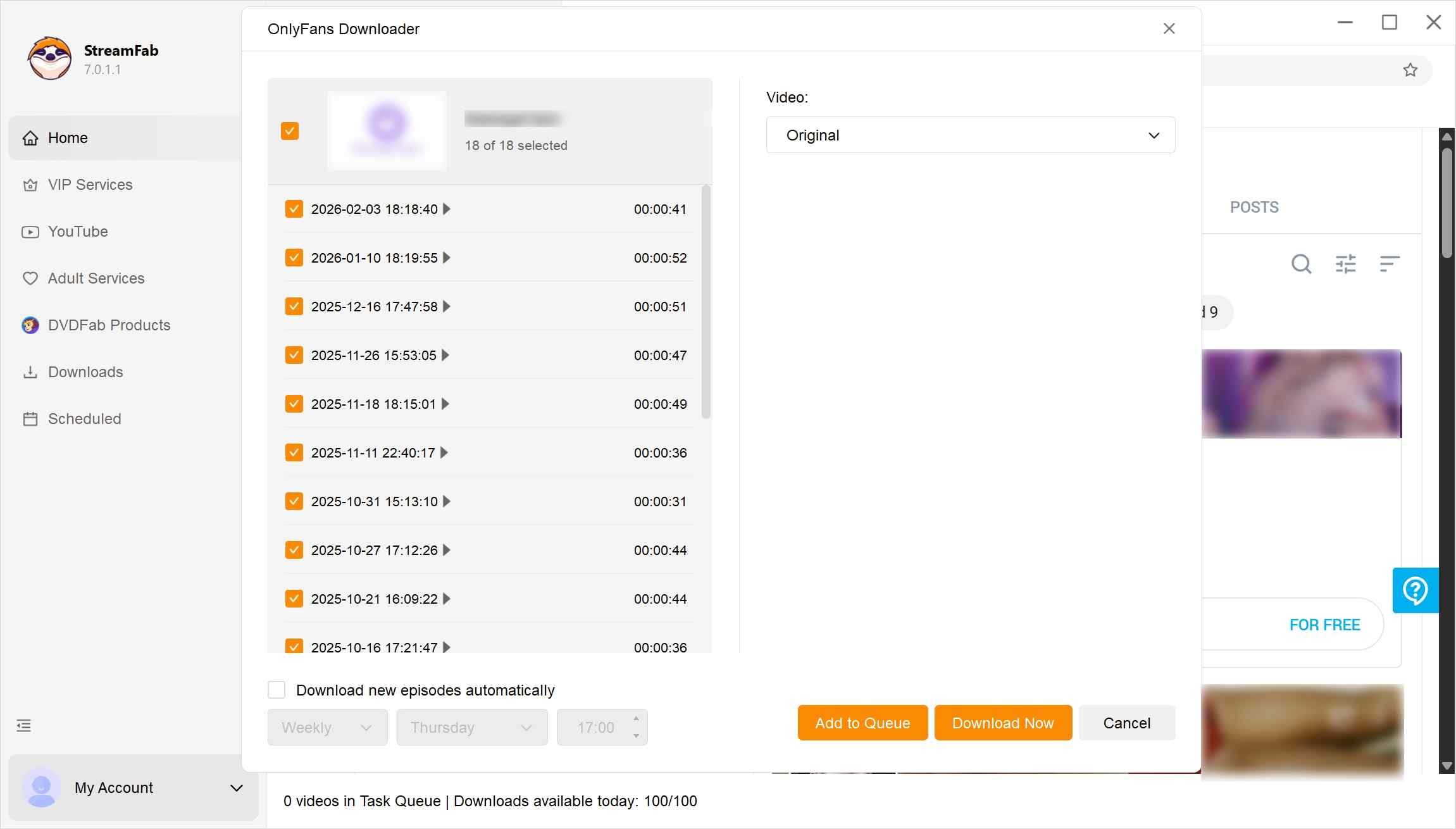
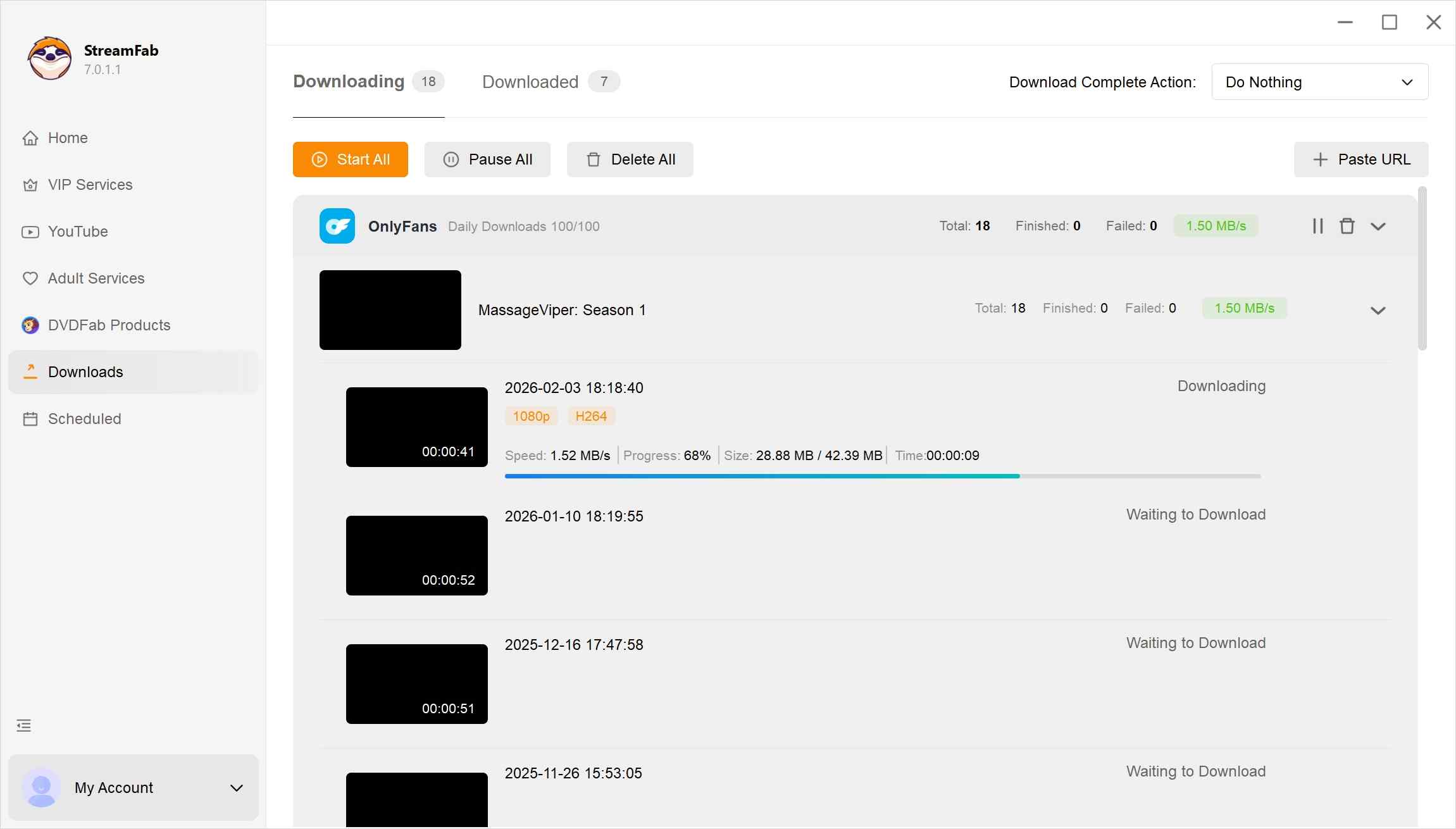
Sign in with your own account, choose a supported post, set the output preferences, and start the queue. The OnlyFans purchase download workflow is useful when your library contains paid posts.
How to download OnlyFans videos on Android?
How to download OnlyFans videos on iPhone?
OnlyFans video downloaders for Firefox
OnlyFans video downloaders for Chrome
CleverGet OnlyFans FAQs
What does CleverGet's OnlyFans trial include?
CleverGet provides a limited trial rather than a no-cost full version. Use it to confirm detection and file completion on content already available to your account; paid-plan pricing is separate.
Why can CleverGet fail to download?
Common causes include expired account access, an unavailable post, network interruptions, an outdated app, or a recent OnlyFans delivery change. The CleverGet troubleshooting guide organizes the basic checks, but no single fix covers every failure.
Has CleverGet's official website changed?
Yes. cleverget.com redirects to cleverget.org. Use the official domain and avoid modified installers distributed through mirrors or file-sharing sites.
Can OnlyFans detect CleverGet downloads?
Do not assume download activity is invisible. OnlyFans does not publish a guarantee that external app activity cannot be detected, and account events may be logged. That privacy boundary matters more than any marketing promise.
Can CleverGet save content without a subscription?
No. The workflow requires your own authorized access to the post through an active subscription or purchase. It should not be used to avoid payment, access controls, platform terms, or applicable law.
Conclusion: Is CleverGet Worth It?
CleverGet is worth considering for occasional MP4 batches when a fresh trial run completes your usual content types. It is a weaker fit for recurring workflows that depend on scheduled checks or stable compatibility after frequent platform changes.
- Choose CleverGet if: the listed promotional prices fit your budget, you mainly need MP4, and your present trial completes both single videos and a small batch.
- Skip CleverGet if: you need scheduled checks, MP4/MKV choice, or you encounter repeated detection and completion failures after an OnlyFans update.
Your present trial result matters more than old percentages because platform updates can change compatibility. For broader format choice and scheduling, StreamFab fits a recurring Windows or Mac workflow; for infrequent MP4 saves, CleverGet may be sufficient.
Current promotional context: August 2026.
Choose CleverGet when:
- You need occasional MP4 batch saves from content available in your account.
- The limited trial completes your usual content types.
- Choose StreamFab when:
- You need MP4/MKV, AAC 2.0, batching, and scheduled checks.
- Pause before buying when:
- Recent platform changes disrupt detection or completion.
Your fresh trial result should decide the purchase.

Convert authorized OnlyFans videos to MP4 on Windows or Mac using a desktop workflow or a permitted screen recording. Learn how file formats differ from delivery and access, what StreamFab’s output settings provide, and what four dated Reddit reports describe. Five FAQs cover installation, the trial, subtitles, batch selection, and source quality.
By Marcia Hatcher - Oct 13, 2026
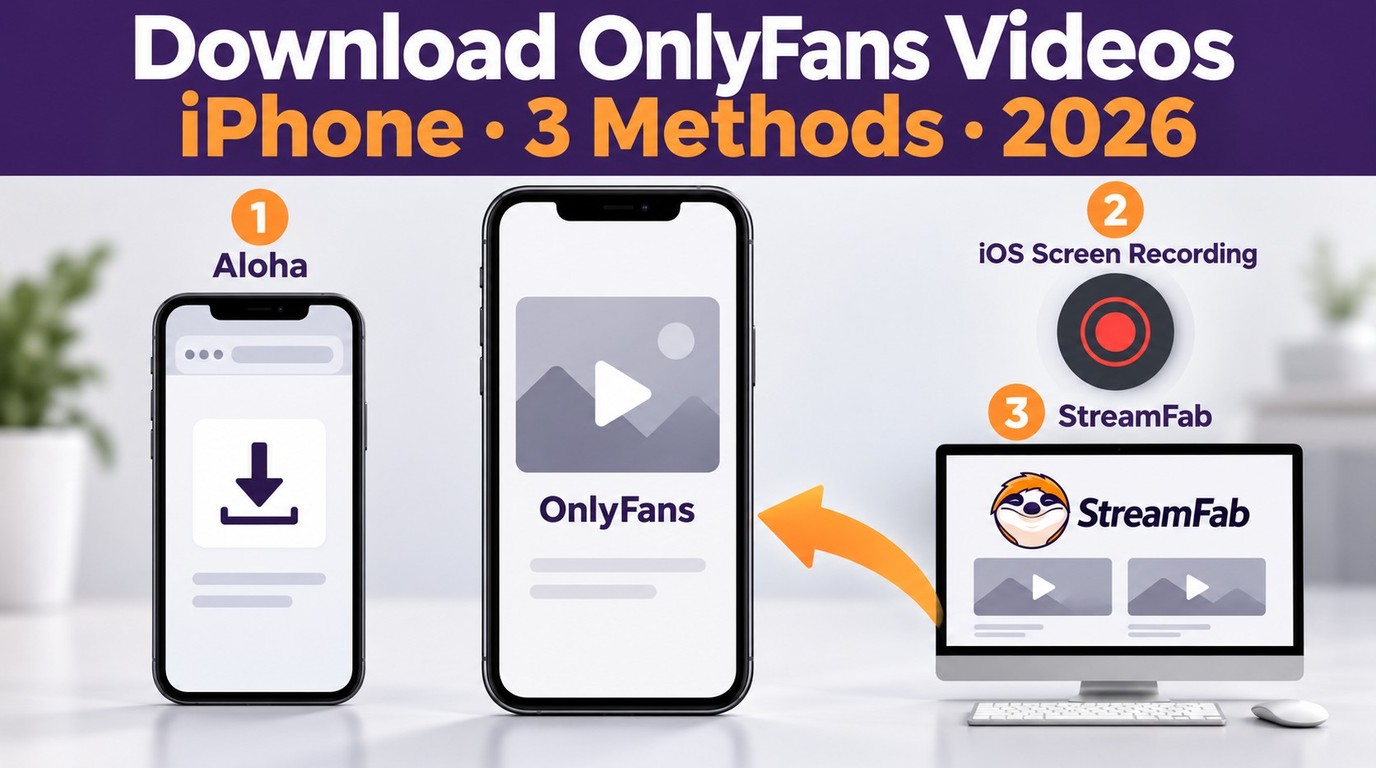
How to download OnlyFans videos on iPhone in 2026: 3 tested methods ranked by success rate, from Aloha browser to iOS screen recording to the PC transfer workflow.
By Erika Leen - Oct 13, 2026
Paid for OnlyFans but can't save it? We tested 4 tools to rip and save OnlyFans content in 2026—no black screen, full 1080p, zero account risk.
By Erika Leen - Oct 13, 2026
Can you screen record OnlyFans in 2026? Fix the black screen on iPhone & PC with these tested methods — from OBS tricks to dedicated download tools.
By Marcia Hatcher - Oct 13, 2026