
MP4 Movie Downloads in 2026: 4 Routes Compared

Summary: Feeling difficult to figure out the most suitable website or tool? This article teaches you how to achieve HD MP4 movie downloads and shows the top sites designed to download MP4 movies easily. Read on to know more.
Table of Contents
Most MP4 movie downloads are not the same as a streaming app’s Download button: official downloads are usually app-bound, while a true MP4 is a visible file that compatible players and devices can open. The right route depends on the file you receive and where you plan to watch it.
When readers search for MP4 movie downloads, the real need is usually a portable movie file for a TV, laptop, media server, or trip. In my view, file type matters more than a prominent Download button, because app-only access and a visible file solve very different problems.

This guide compares four routes: public-domain files, official app-only downloads, authorized desktop local-file workflows, and browser or online tools with variable support. It also explains the codec, audio, subtitle, and device issues that can make an .MP4 file fail to play.
What Counts as an MP4 Movie Download?
What You Actually Receive
A true MP4 movie file is visible in your device storage and can be opened by compatible software. By contrast, offline downloads from Netflix, Prime Video, Disney+, Max, and similar services generally remain inside the service’s app. They are designed for offline viewing on supported devices, not as open files for editing, external storage, or a media server.
Match the File Type to Your Use
Choose app offline downloads when you want supported-device viewing within a service’s app. Choose a visible file only when you genuinely need a compatible local file for personal use, such as playback on a TV, portable player, or supported media library. Save only content you are authorized to access, where permitted by platform terms and applicable law.
Is It Legal and Safe to Download MP4 Movies?
The safest starting point is to identify both the rights status of the title and what the source actually delivers. A file being labeled MP4 does not establish that it is authorized or safe.
Public-Domain Files
Public-domain movies and files offered directly by a rights holder are the clearest sources for open movie files. Check the item page for rights information rather than assuming that an old title, a familiar name, or a “free download” label means the work is public domain.
Downloading copyrighted movies from unauthorized sources can infringe copyright. Use public-domain, licensed, or otherwise authorized sources, and follow applicable law and platform terms.
Official App-Only Downloads
Subscription services may offer downloads for offline viewing, but those downloads are normally managed inside the app and subject to the service’s device, account, and availability rules. They are not the same as a visible MP4 movie file.
Risk Signals on Free Sites
Be cautious when a site obscures who operates it, uses misleading download buttons, prompts you to install unfamiliar software, or asks for permissions unrelated to playback. Those signs do not prove a site is unsafe, but they are strong reasons to leave and look for a clearer source.
- Pop-up Party: If the site has more pop-up ads than a jack-in-the-box convention, run away.
- Deceptive Buttons: You see a giant "DOWNLOAD" button, but 10 smaller, less obvious ones are scattered around. The fake ones often lead to malware.
- No "About Us" or Contact Info: Legitimate sites aren't afraid to say who they are. Anonymity is a huge red flag.
- It Asks You to Install a "Special Downloader": Unless it's from a reputable software company, this is often a trojan horse for viruses.
- The URL Looks Weird: If the URL is a jumble of letters and numbers or uses a strange domain extension, be very suspicious.

Choose public-domain, licensed, or otherwise authorized sources, and use any saved content for personal viewing in line with platform terms and applicable law.
MP4 Download Options Compared
Source-by-Source Matrix
| Option or source | What you receive | Visible MP4 file | Typical devices | Authorization condition | Quality controls | Best fit | Key limitations |
|---|---|---|---|---|---|---|---|
| Public-domain archives | Open media files when offered by the archive | Usually | Compatible players and storage | Confirm public-domain or licensed status | Depends on the supplied file | Classic films and open files | Catalog and formats vary by title |
| Official streaming-app downloads | App-managed offline access | No | Supported mobile devices and apps | Active eligible account and service rules | Managed by the service | Offline viewing within the app | Not editable or transferable as an MP4 file |
| Authorized desktop local-file workflow | Local MP4 or MKV output where supported | Yes | Compatible computers, TVs, and players | Authorized personal use, platform terms, and applicable law | Format, track, and subtitle options vary | Readers who need a local-file workflow | Requires desktop software and current service support |
| Browser or online tools | Variable output and support | Variable | Browser and compatible devices | Use only with authorized sources | Often limited or unclear | Simple authorized web video tasks | Permissions, safety, and compatibility vary |
Best Fit for Each Route
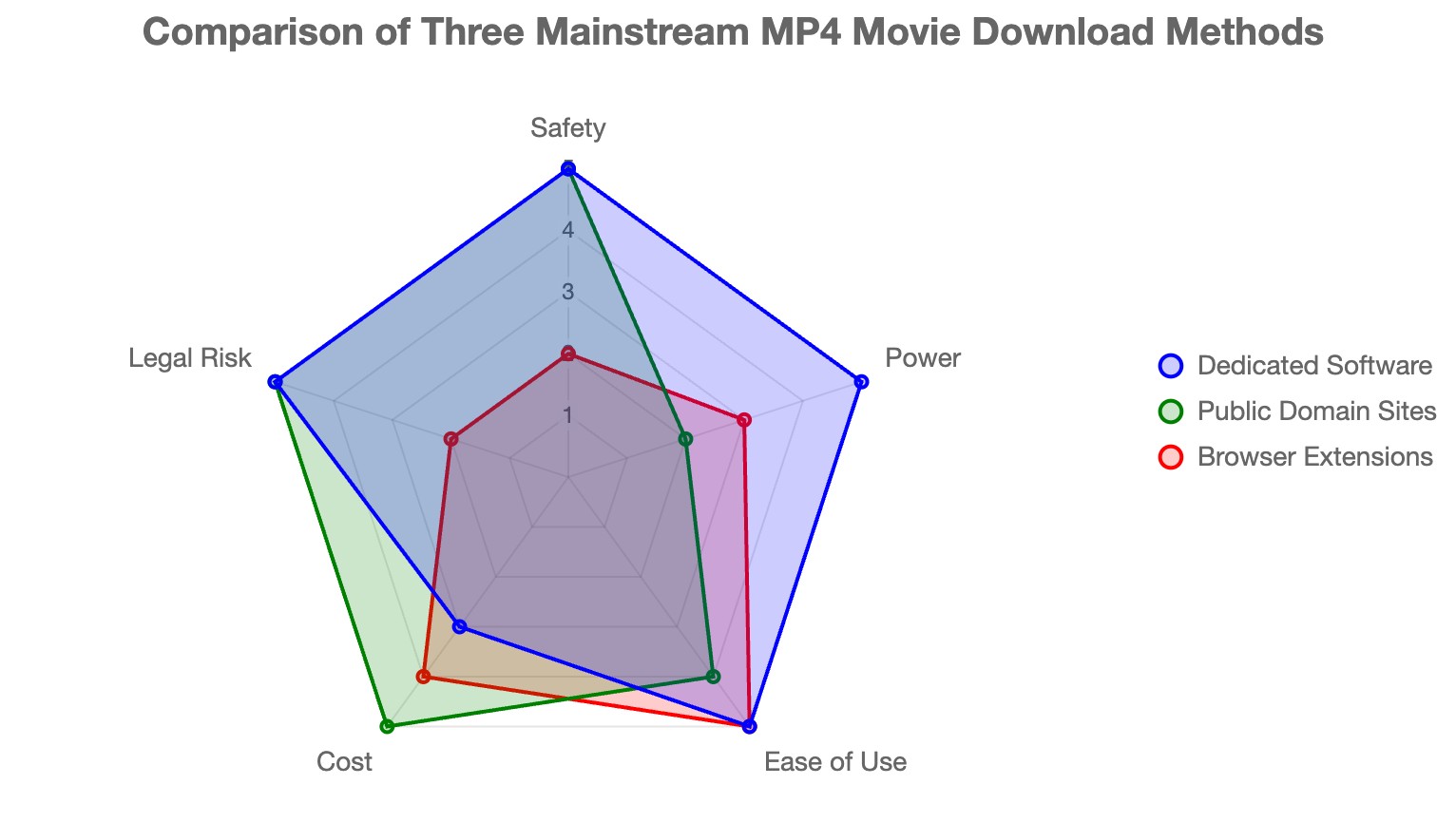
Public-domain archives fit readers who need legal open files. Official apps fit readers who simply want supported offline viewing. A desktop workflow fits readers who need a visible local file and are comfortable using software. Browser and online tools require extra caution, especially when a site’s permissions or output details are unclear. Readers comparing browser-based methods to convert a link to MP4 should first confirm that the source and intended use are authorized.
Official Services: App-Only Examples
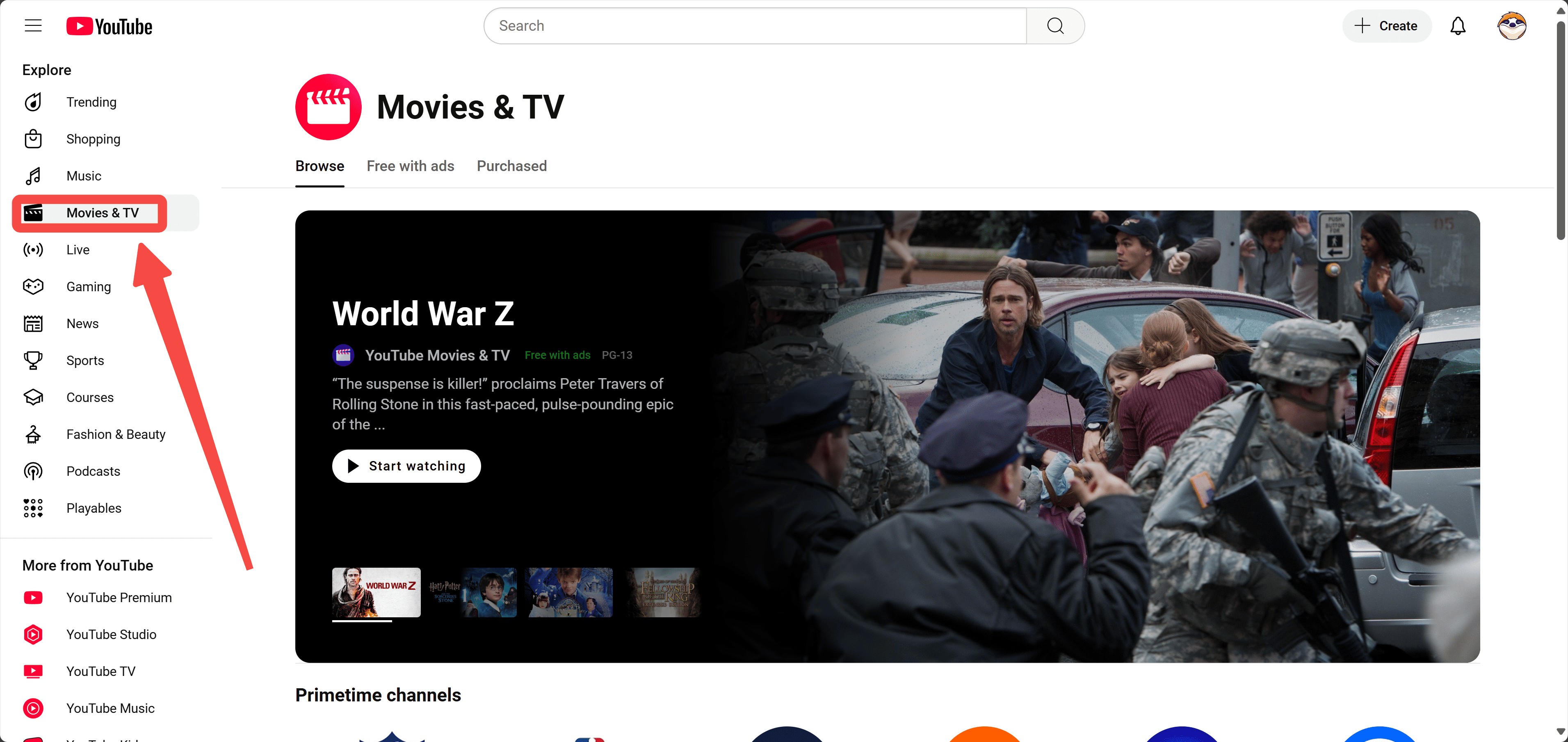
YouTube: Streaming Access and Authorized Uploads
YouTube can host movies from official channels, rights holders, and public-domain collections, but viewing access does not automatically mean an open MP4 download is offered. Check the uploader, rights information, and available controls before treating a video as a downloadable file.

- Official channels and rights-holder uploads are easier to identify
- Playback quality depends on the upload and your device
- File-download availability depends on the specific video and rights holder

- Rights and download options differ by video
- Offline viewing, where available, may be app-managed
- A watchable video is not necessarily available as an open MP4 file
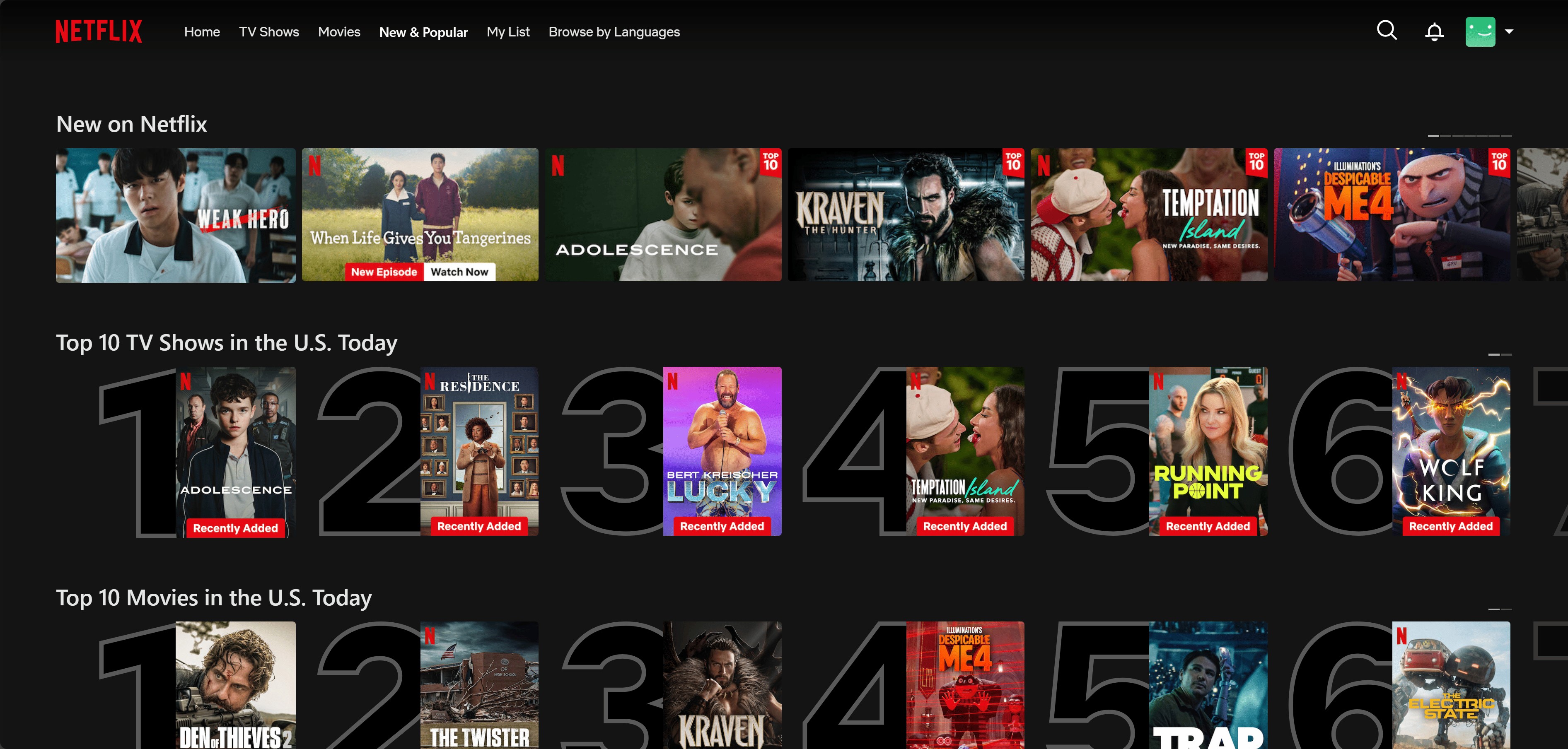
Netflix: Supported App-Only Offline Viewing
Netflix official downloads are app-bound rather than open MP4 files. Netflix removed download support from its Windows app in 2024; official offline viewing is limited to supported mobile devices and remains subject to service rules. The separate guide on downloading Netflix videos to MP4 addresses a local-file workflow rather than the official app download feature.
- Official app-based offline viewing on supported devices
- Playback quality depends on the title, plan, and device
- Downloads remain managed within the Netflix app
- Official downloads are restricted to the Netflix app
- Availability can vary by title, account, and region
- Supported devices and download availability may change
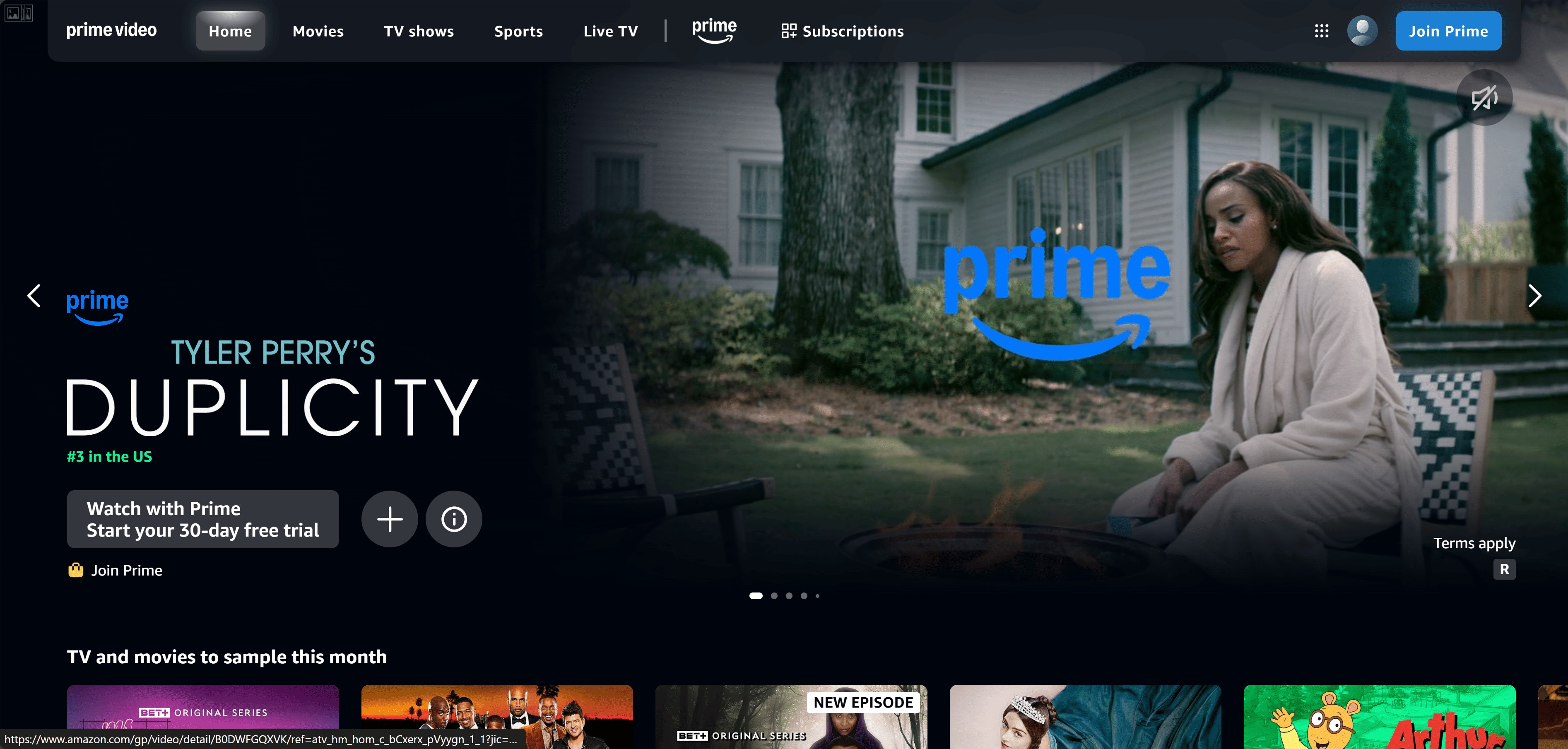
Amazon Prime Video: Official Offline Viewing
Prime Video may offer offline viewing through supported apps, depending on the title, account, device, and region. This official option is app-managed and should not be confused with an open MP4 file that can be moved to external storage or edited.

- Official streaming service with app-managed offline options
- Playback quality depends on the title, plan, and device
- Availability differs by title and region
- Official offline viewing is available only where Prime Video supports it
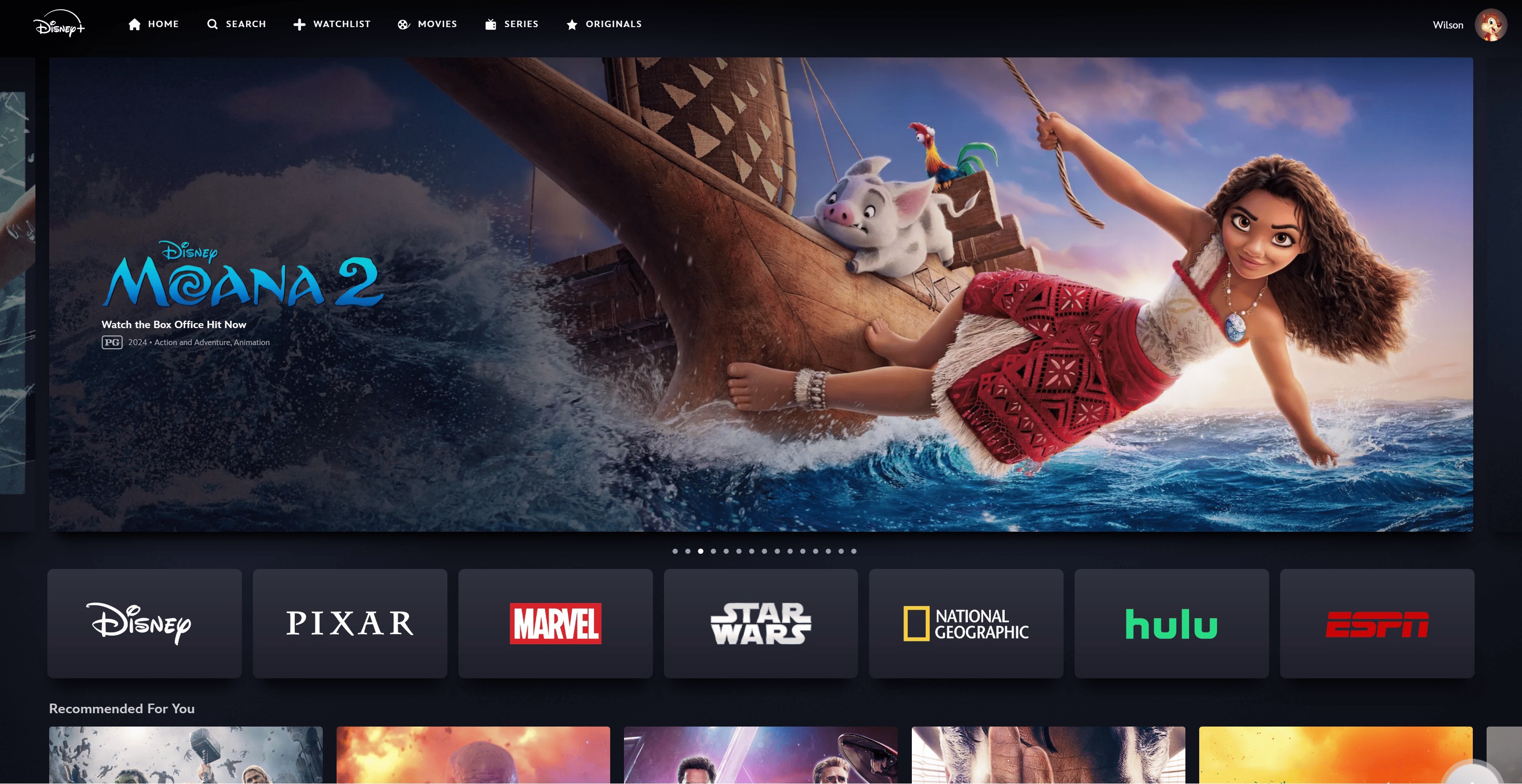
Disney+: Official Offline Viewing
Disney and Hulu integration was described as an in-progress 2026 rollout rather than a completed change. Disney+ offline viewing, where available, remains within the app on supported devices and is not an open MP4 file.
The Disney Plus movies to MP4 guide covers a separate local-file workflow; it should not be confused with Disney+ app downloads.
- Official service with app-managed offline viewing where supported
- Playback quality depends on the title, plan, and device
- Downloads remain inside the Disney+ app
- Official offline viewing is available only on supported devices and within the app
Max: Official Offline Viewing
Max video quality varies by title, plan, and supported device. Its official offline feature, where available, is intended for app-based viewing and does not provide an open MP4 file for external storage, editing, or a media server.
- Official streaming service with app-based viewing
- Video quality depends on the title, plan, and supported device
- Offline availability depends on current service support
- Official offline viewing is available only where Max supports it

Official offline downloads are useful when you need viewing within a supported app, but they are not a substitute for a visible file when you need compatible local playback, editing, or external storage.
In 2026, most of us are tired of paying for subscriptions only to be forced to sit through ads or deal with restrictive, encrypted files that only work on one device. If you want to break free from these digital walls and build a high-quality movie archive that stays with you, it’s time to look at a more powerful approach.
This is where a dedicated, professional downloader changes the game—transforming temporary streams into permanent, ad-free MP4 backups.
Save Authorized Movies as Local MP4 Files
StreamFab Desktop Workflow
If you genuinely need a visible local file rather than app-only offline access, StreamFab is a desktop workflow for Windows and Mac. Disclosure: StreamFab is a DVDFab product. It supports MP4 and MKV output, batch queues, selectable audio tracks, and subtitle downloads for supported services. Use it for authorized personal offline viewing, subject to platform terms and applicable law.
- Install the current Windows or Mac version.
- Open a source you are authorized to access.
- Choose the available output format, audio track, and subtitle options.
- Start one task or a queue, then check the file extension, codec, resolution, audio, subtitles, and playback on the device you plan to use.
Fit, Limits, and Current Status
This route suits readers who need a local MP4 or MKV file, queued tasks, and track selection. It is not ideal for readers who only need official mobile offline mode or do not want desktop software. Service support and output options can vary by platform, title, account, region, and software version; supported devices and availability may change, so review current status on the official site.
A desktop option for authorized personal offline viewing when a visible local file is genuinely needed.
- Available output handling depends on the supported service and current software version.
- Supports MP4 and MKV output, with quality options that vary by service and title.
- Codec choices affect file size and compatibility with the device you plan to use.
- Batch queues can help organize multiple supported tasks.
- Selectable audio tracks, subtitle downloads, and metadata support can help organize a local library.
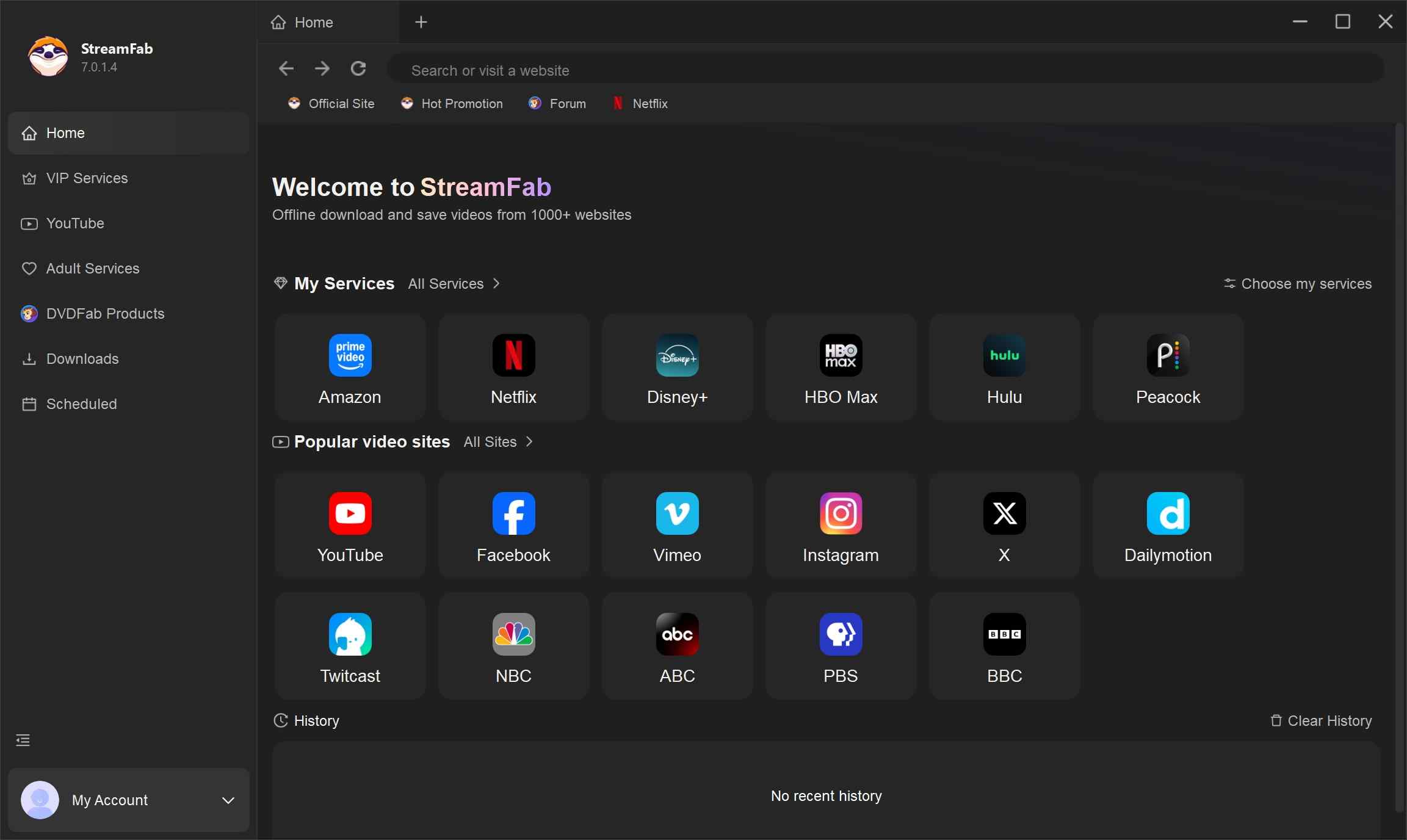
Access your preferred streaming service
Use the built-in browser to select your service icon (like Netflix or Disney+) or simply paste the video link directly into the address bar. The interface is designed to make navigation as simple as possible.
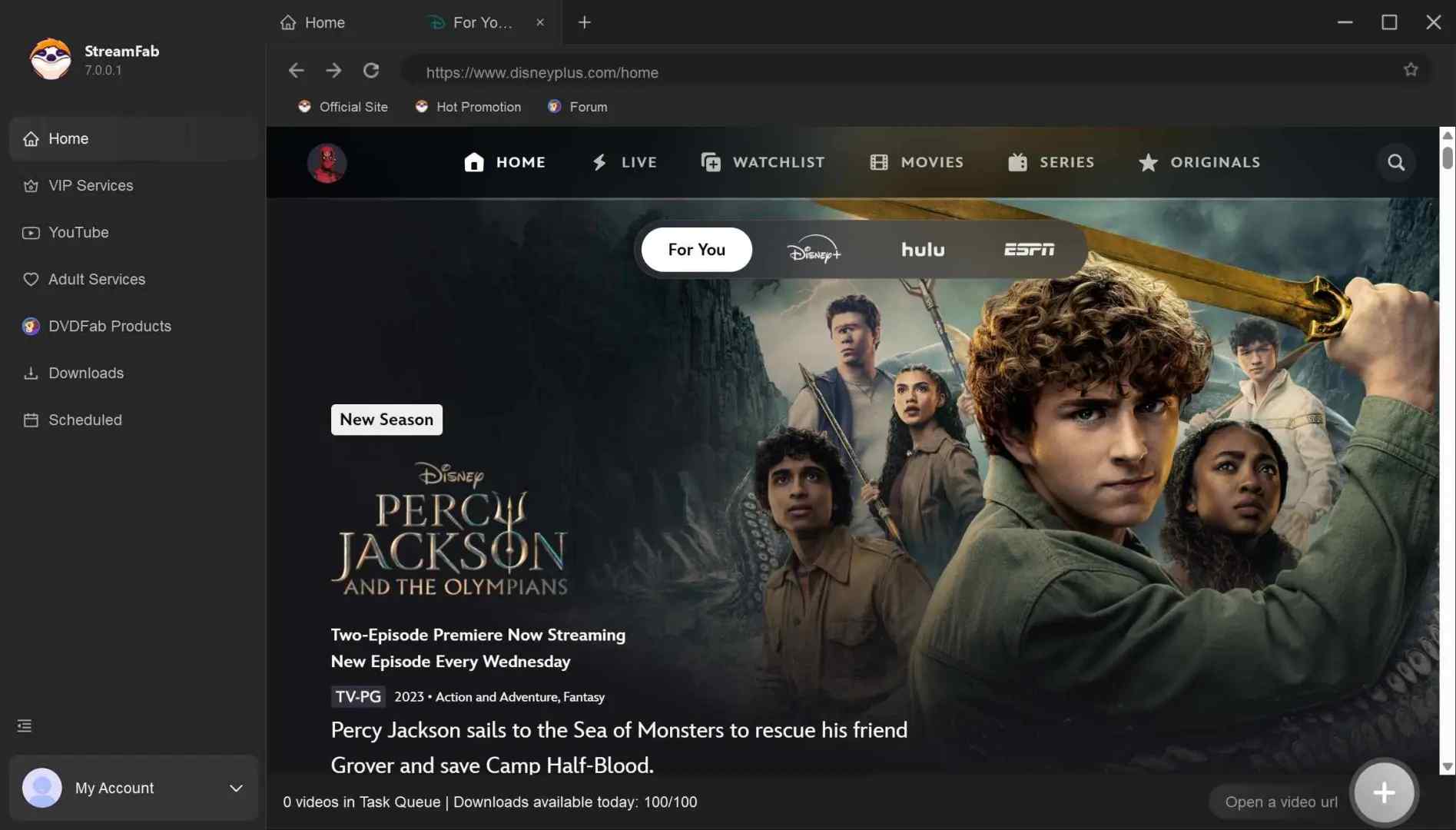
Customize your resolution and audio settings
As soon as the video begins to play, a settings window will automatically pop up. Here, you can select your preferred video quality (up to 8K), audio format, and subtitle language.
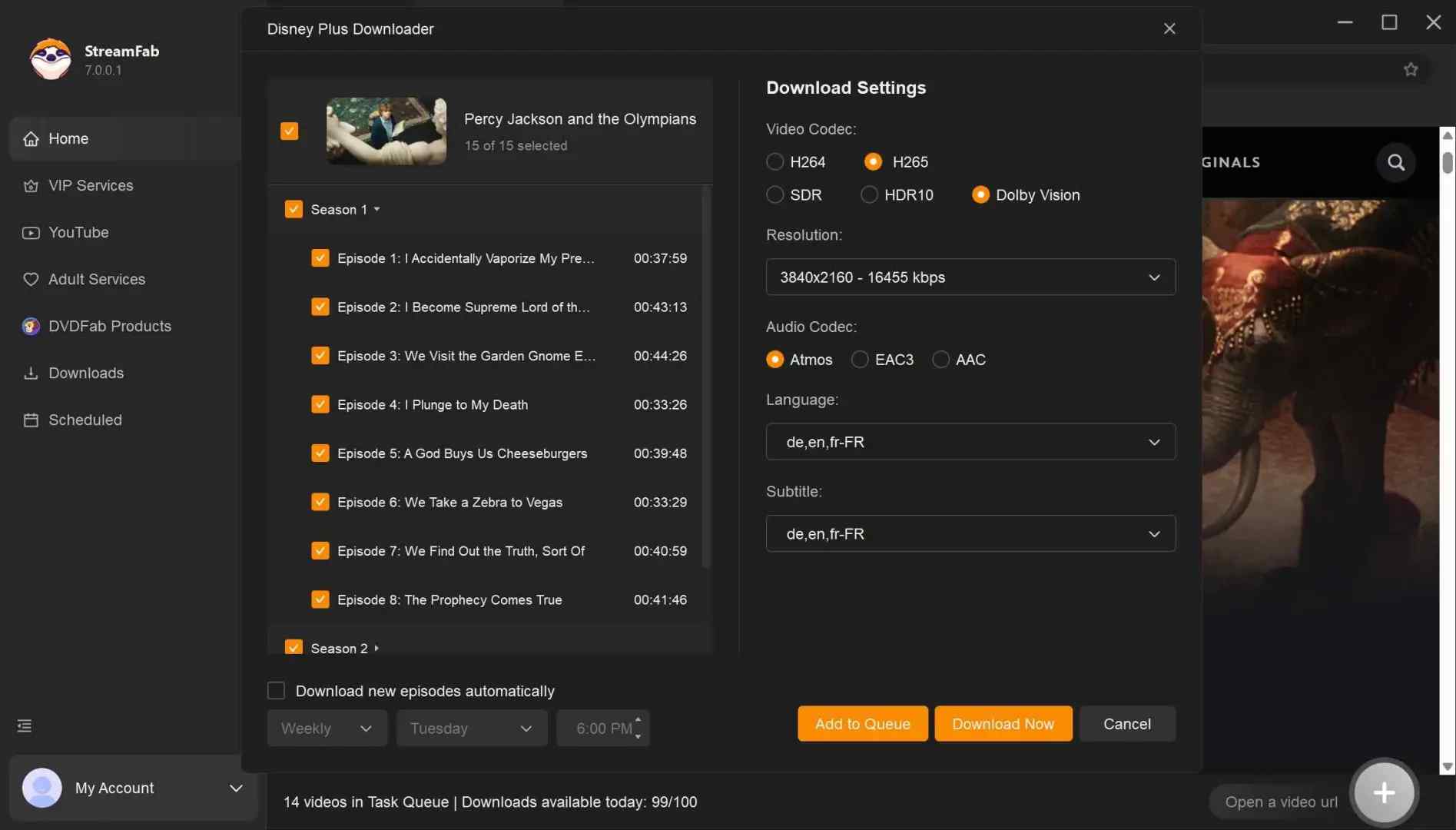
* You can choose to download audio tracks for movies with subtitles in the language you prefer.
Start the high-speed backup process
Confirm your choices and hit the download button. You can even add multiple movies to a queue to save them all simultaneously, significantly cutting down your wait time.
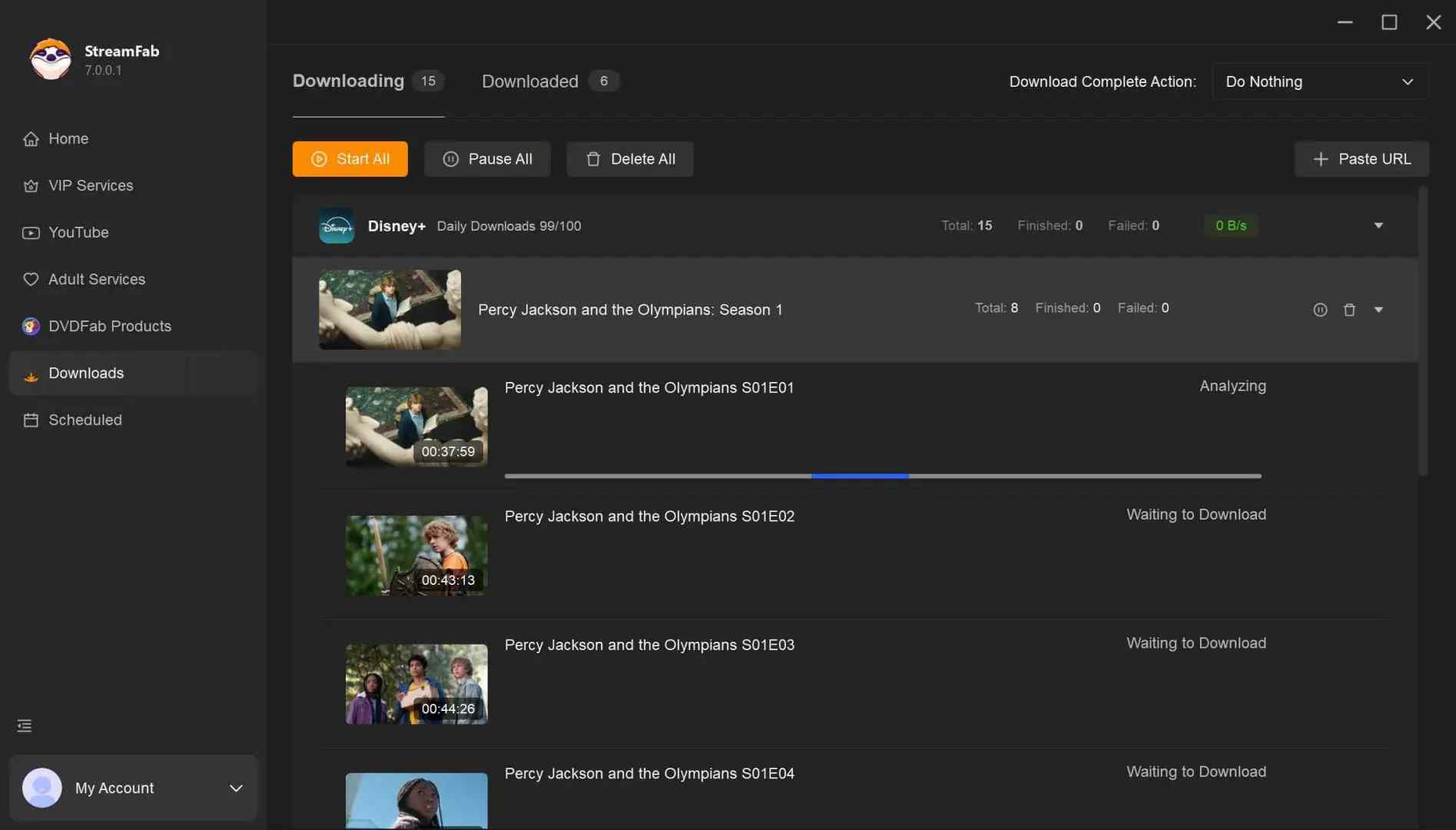
- You can check the StreamFab review for more tips on it.
- Additionally, if you prefer to download movies in MKV format, check out this guide on how to download movies as MKV files.
- If you’re a fan of horror movies and wondering where to watch It Chapter 1, you can find detailed options to stream or download the film.
Public-Domain Archives
Public-domain archives can be a practical route for classic films offered with clear rights information and an open file format. Review each item’s rights statement and available format before downloading, because archive entries and file quality can differ.
Pro Tips: Sites like Public Domain Torrents and the Prelinger Archives are also fantastic resources.
Browser and Online Tools
Browser extensions and online tools may be convenient for authorized web video tasks, but support, permissions, output quality, and safety vary. Prefer official extension stores, review recent permissions, and avoid tools that ask for unrelated access or software installation.
- Permissions are Key: If a simple video downloader asks to read all your data on every website you visit, that’s a massive red flag.
- Vet the Reviews: Don’t just look at the star rating; read the recent feedback for reports of slow performance or pop-ups.
- Stick to Official Stores: Never install an extension from a random website; only use verified developers from the official Chrome or Firefox stores.
MP4 Playback and Compatibility Fixes
Container, Codec, and Device Support
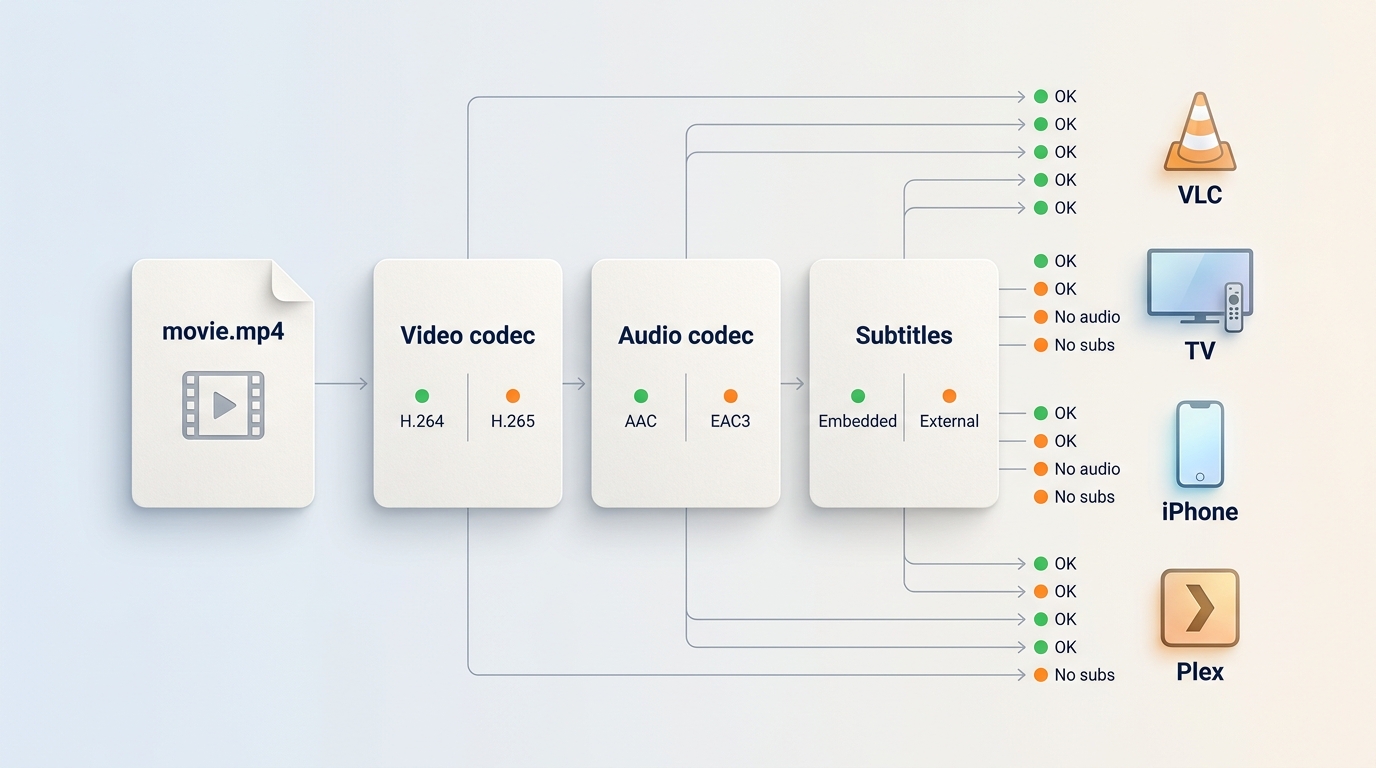
MP4 is a container, not a playback guarantee. A file can carry H.264 or H.265 video, different audio formats, subtitles, and varying resolutions. VLC may play a file that a TV, phone, portable player, or Plex transfer rejects because the target device supports fewer codecs. For travel reliability, I would prioritize the codecs your target device supports over the highest headline resolution.
Audio, Subtitles, and Resolution
Missing sound often points to an audio codec or channel format that the TV or receiver cannot handle. AAC is widely supported, while EAC3 and other multichannel formats may require compatible hardware or software. Choose tracks with your intended device in mind, especially when you need movie audio tracks in multiple languages. Embedded subtitles travel with the file, while separate subtitle files need to stay alongside it; the same distinction matters when deciding how to download subtitles for movies. Higher resolution can improve detail but also increases file size and decoding demands.
Fix Invalid or Unplayable Files
- Confirm that the file finished and has the expected extension.
- Try the file in a desktop player that reports codec details.
- Compare the video codec, audio codec, resolution, and subtitle type with your target device’s supported formats.
- Choose a more compatible track or format if your device cannot decode the original file.
- Test playback before a trip or transfer to external storage.
FAQs
Can I edit a movie downloaded inside a streaming app?
Usually not. Official app downloads are generally managed within the streaming app rather than exposed as editable MP4 files. Editing requires a legitimately obtained visible file and the appropriate rights to make the changes you intend.
Should I choose MP4 or MKV for multiple audio tracks and subtitles?
MP4 is often the easier choice for broad device compatibility. MKV can be more flexible for multiple audio tracks and subtitles, but some TVs and portable players support it less consistently. If track flexibility matters more than broad compatibility, see the guide to download movies as MKV files.
Why does my downloaded movie have video but no sound on my home theater?
Your TV, receiver, or media player may not support the file’s audio codec or channel format. Check the file’s audio details, then try a compatible player or choose a device-supported track such as AAC when it is available. Android users should also consider the player app and codec support when choosing Android video downloader apps for authorized content.
Conclusion
Choose public-domain archives when you need authorized open files. Choose official apps when supported-device offline viewing is enough. Consider an authorized desktop local-file workflow when you genuinely need a visible MP4 or MKV file for personal use and can work within platform terms and applicable law.
The practical decision is not which service has the biggest name. It is whether you need app-only access or a compatible visible file, and whether the codec, audio, subtitles, and target device fit your actual viewing plan.
Start by identifying whether you will receive an open file or app-managed offline access.
Before you download
- Confirm rights status, source legitimacy, device support, and available storage.
- Local-file workflows require current service support and appropriate output settings.
- Test video, audio, subtitles, and resolution on the device you plan to use.
- Keep official app downloads and visible MP4 files separate in your planning.
For reliable offline viewing, matching the file and codecs to the target device is usually more useful than chasing the highest available resolution.

Identify protected and unprotected M4V files, use authorized Apple TV playback, convert compatible files, or choose a separate supported-streaming workflow.
By Erika Leen - Sep 8, 2026
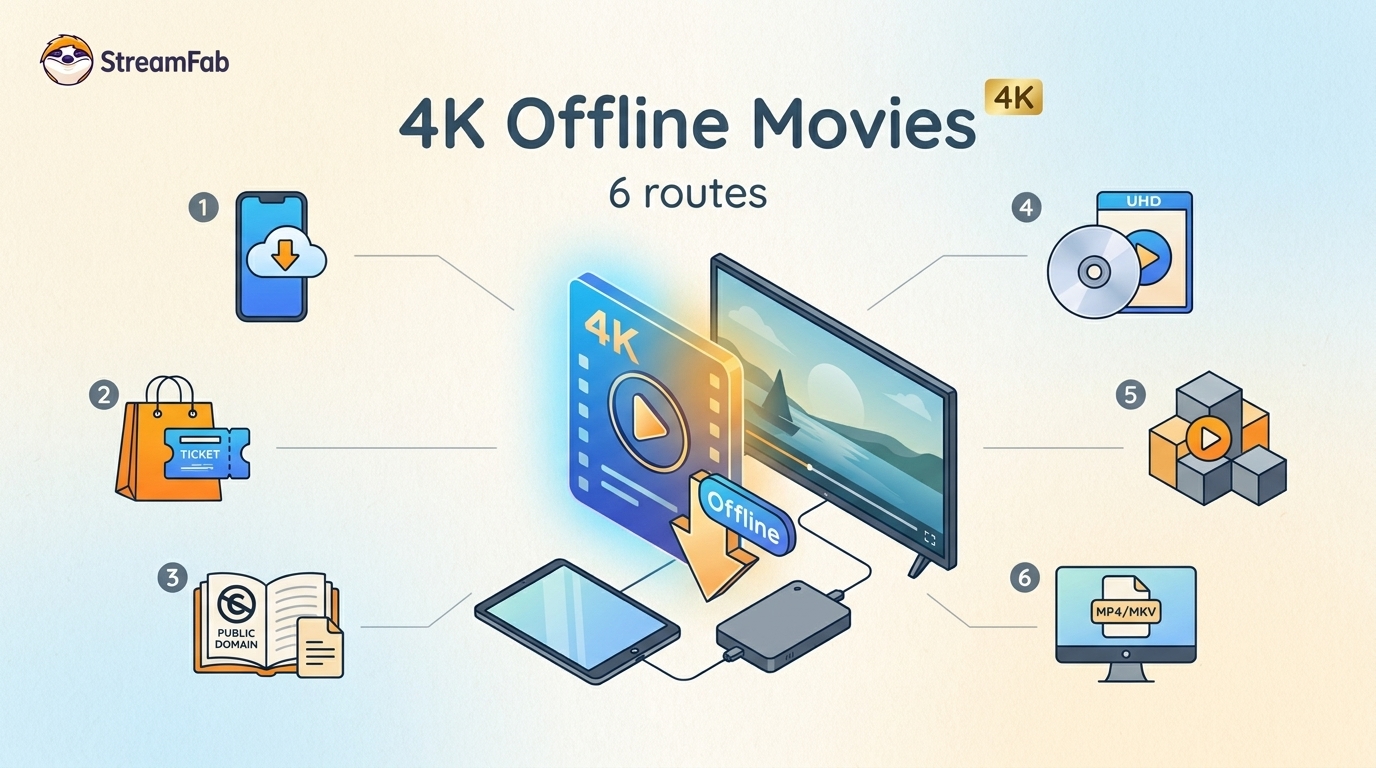
Legal 4K movie downloads do not all provide the same kind of offline access. Most mainstream services offer app-locked downloads, while portable movie files, UHD Blu-ray, public-domain media, and authorized desktop workflows involve different quality, cost, device, and licensing limits.
By Jacob Harrison - Aug 12, 2026
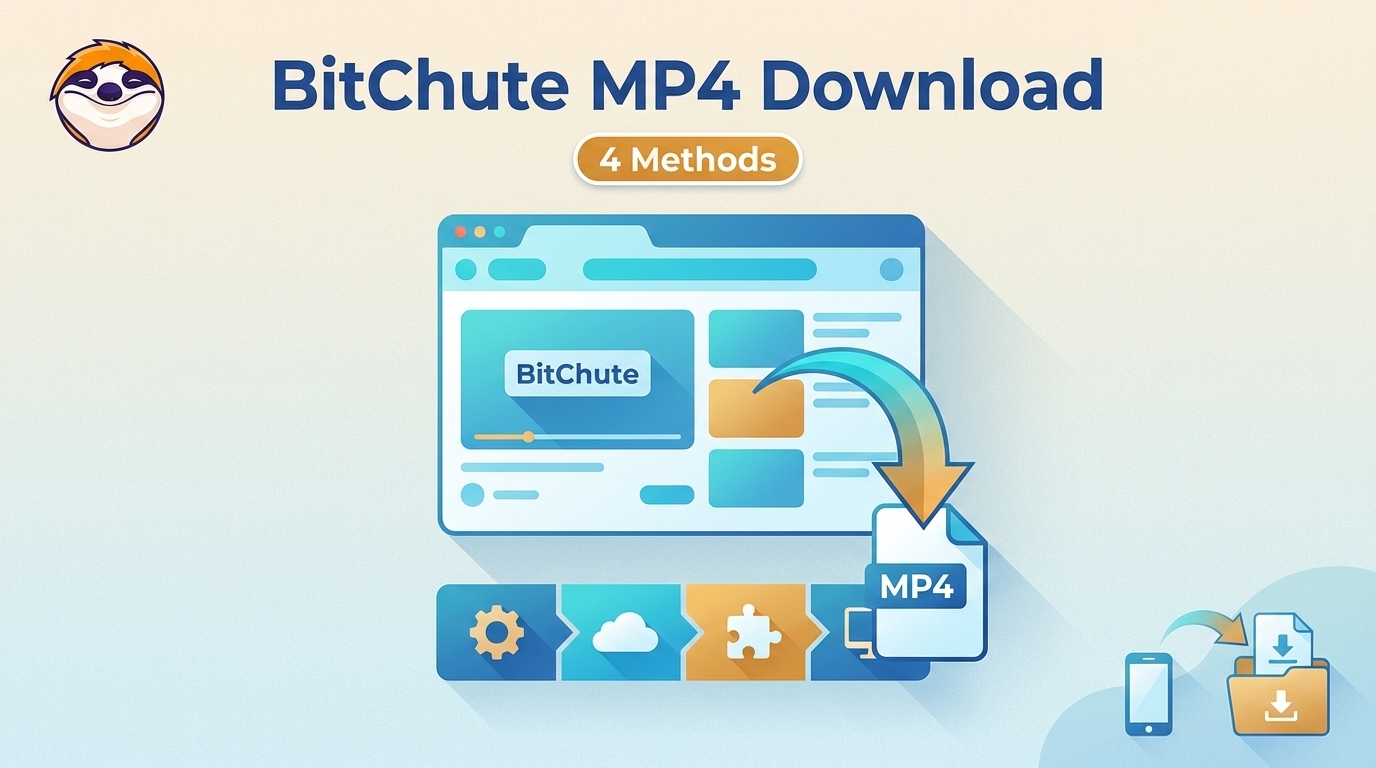
To get straight to the point, you can download a BitChute video as MP4 through its download icon: open the video, then use Save As. For authorized content where permitted, this guide explains when desktop, Android, or browser alternatives make sense.
By Marcia Hatcher - Aug 11, 2026
Looking to convert a link to MP4 in 2026? I've systematically tested top desktop and online converters to bypass Widevine DRM, dynamic tokens, and geoblocking for seamless PC and Android extraction.
By Jacob Harrison - Aug 7, 2026