
SameMovie Alternative: 7 Downloaders Compared for 2026

Summary: If SameMovie (rebranded to VideoOne in 2026, now a $79.90 lifetime-only license) keeps stalling near completion, StreamFab, Audials One 2026, and CleverGet are the three most reliable samemovie alternative picks — StreamFab for multi-platform 4K/8K use, Audials One for Windows-only budget recording, CleverGet for the widest site coverage.
Why I Search for SameMovie Alternatives
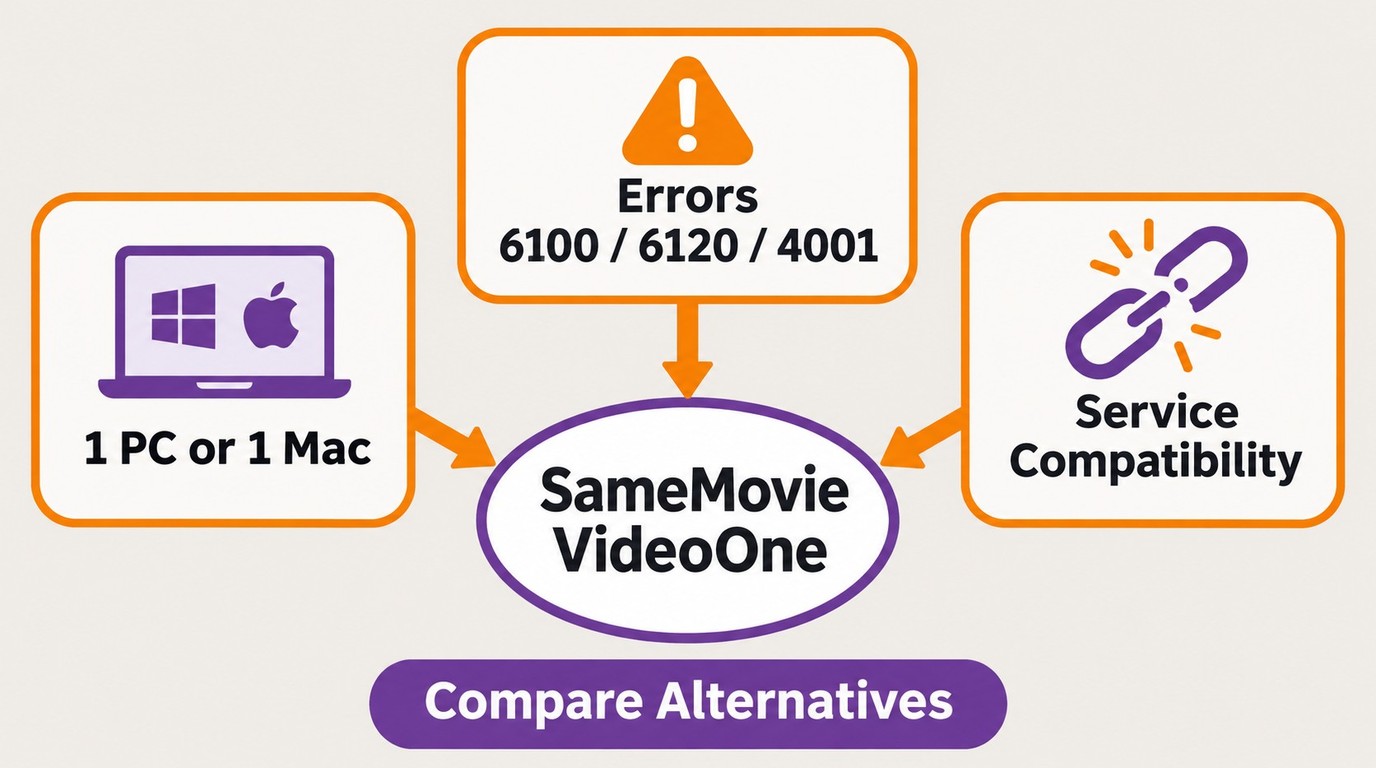
The short answer: a SameMovie alternative is worth considering when VideoOne's one-device license, service fit, or download reliability does not match your workflow. My priorities are dependable offline playback, straightforward file management, and a purchase commitment that fits how often I save videos.
VideoOne advertises major OTT support, HD downloads, and subtitle saving, but buyers still need to weigh those features against its licensing and service coverage. For a closer product evaluation, read the SameMovie review.
- Licensing and value: SameMovie is the brand behind VideoOne. Its US All-in-One lifetime offer is listed at $149.90 for one Windows PC or one Mac, as of November 2026. The catalog advertises more than 1,000 sites; total-site coverage is different from the number of premium-service modules.
- Download errors: Codes such as 6100, 6120, and 4001 can interrupt a download. Restarting the software and installing the latest available update are practical first steps.
- Compatibility interruptions: Streaming-service changes can temporarily prevent downloads or leave an embedded browser unable to load. Reopen the service after updating the app, then use the product's support path if the problem continues.
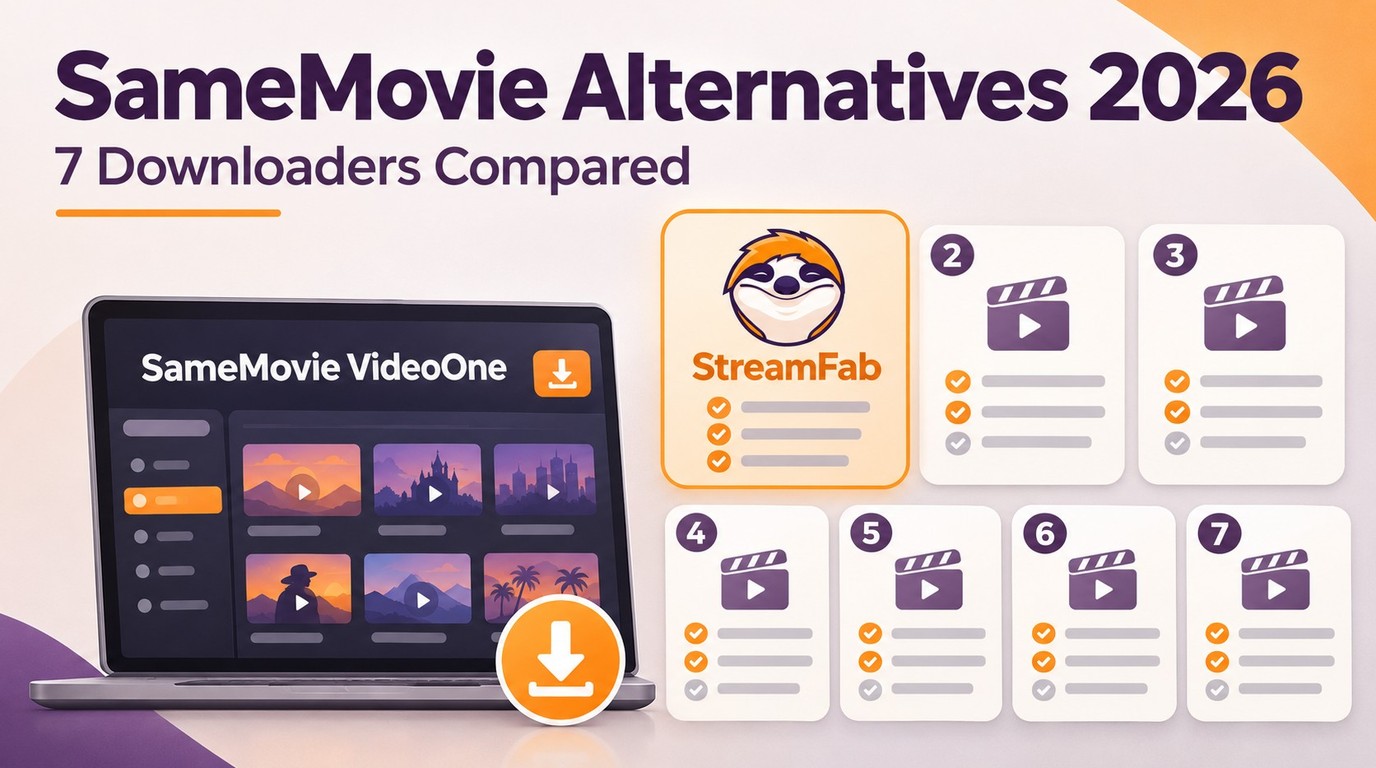
Individual Trustpilot reviews from 2025 described both easy operation and unresponsive support. Those experiences point to the practical decision behind this comparison: choose a tool that fits your target services, purchase preference, and offline-file workflow.

7 SameMovie Alternatives for 2026
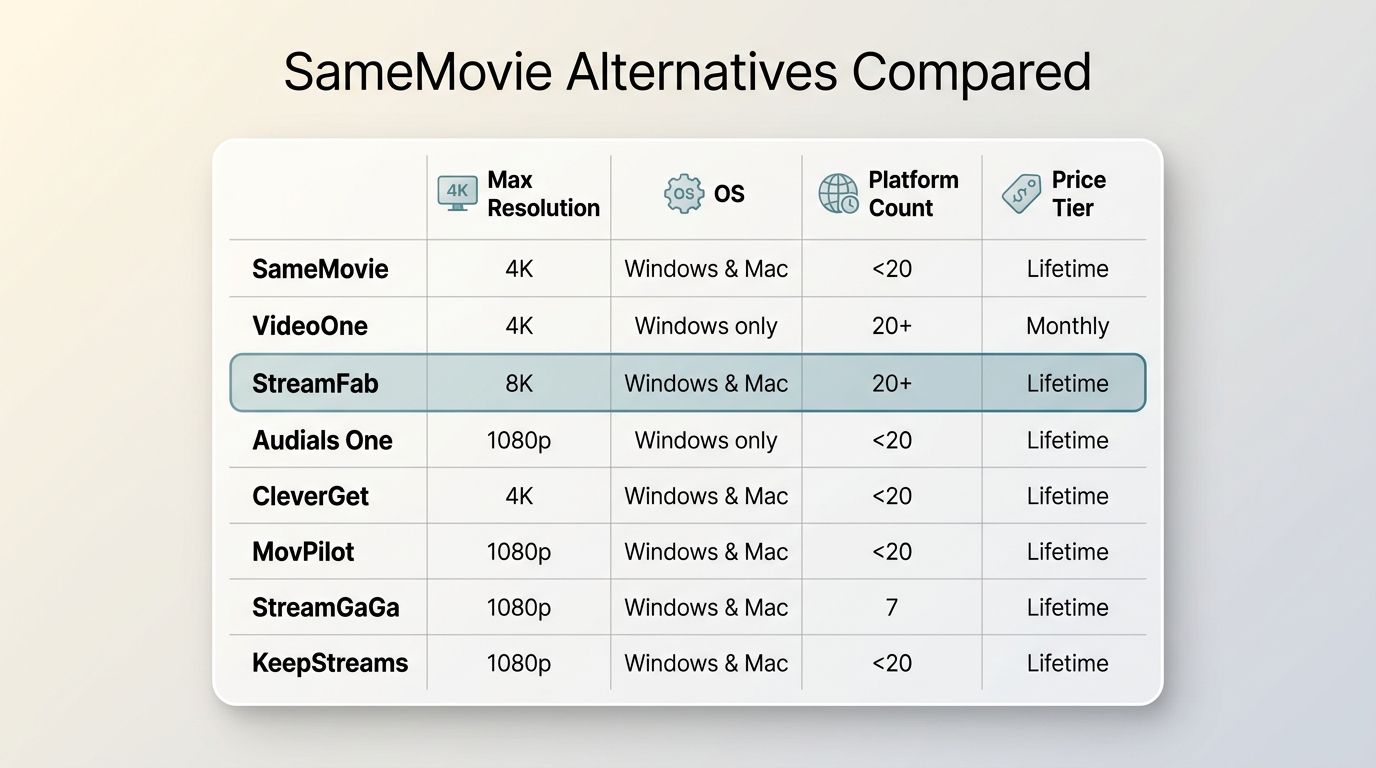
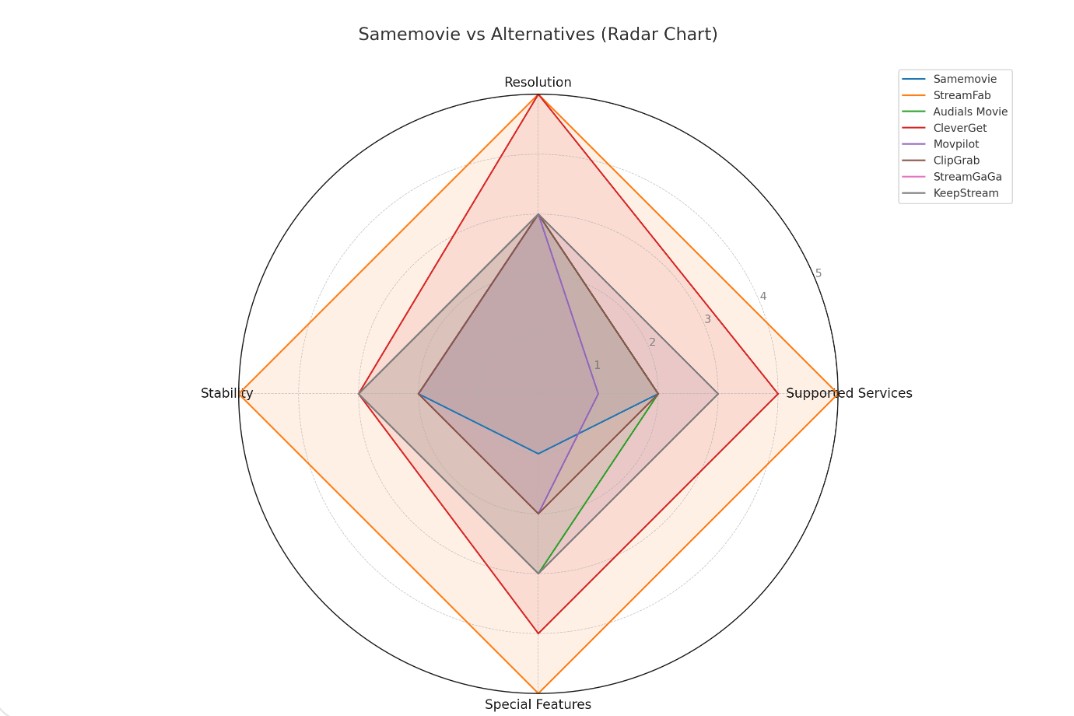
SameMovie and VideoOne provide the baseline for this comparison: the license covers one Windows PC or one Mac, while the advertised total-site catalog should not be read as the number of premium streaming modules.
| Tool | Workflow |
|---|---|
| StreamFab | Native downloads for portable local files and scheduled batches |
| Audials One | Windows streaming-recording workflow |
| CleverGet | Module-based public-video and streaming downloads |
| MovPilot | All-In-One or service-specific downloads with built-in browsers |
| ClipGrab | Free URL downloads for public-video sites |
| StreamGaGa Video Downloader | Component-based public-video and streaming downloads |
| KeepStreams | Video download products with subscription options |
Alternative 1. StreamFab Video Downloader (Recommended): Similar to VideoOne
StreamFab uses native downloading to save authorized streaming videos as local MP4/MKV files on Windows or Mac, with source-qualified video and audio options.
- Portable file workflow: Save supported videos as MP4 or MKV files for straightforward local organization and playback.
- Scheduled batches: Queue multiple supported episodes and schedule downloads when you do not want to manage each item manually.
- Video and audio choices: Select available resolution, subtitle, and audio options, including EAC3 5.1 or AAC 2.0 where supported.
- Trial boundary: The free trial has download-count limits, so use the allowance to check your target service and preferred output.
- Best fit: Choose StreamFab when you need to organize authorized downloads across multiple supported services rather than save an occasional public-video clip.
Within its download-count allowance, the free trial provides the paid version's core feature set. Supported services may change, so review the current compatibility list on StreamFab's official site and install available updates if a service stops loading.
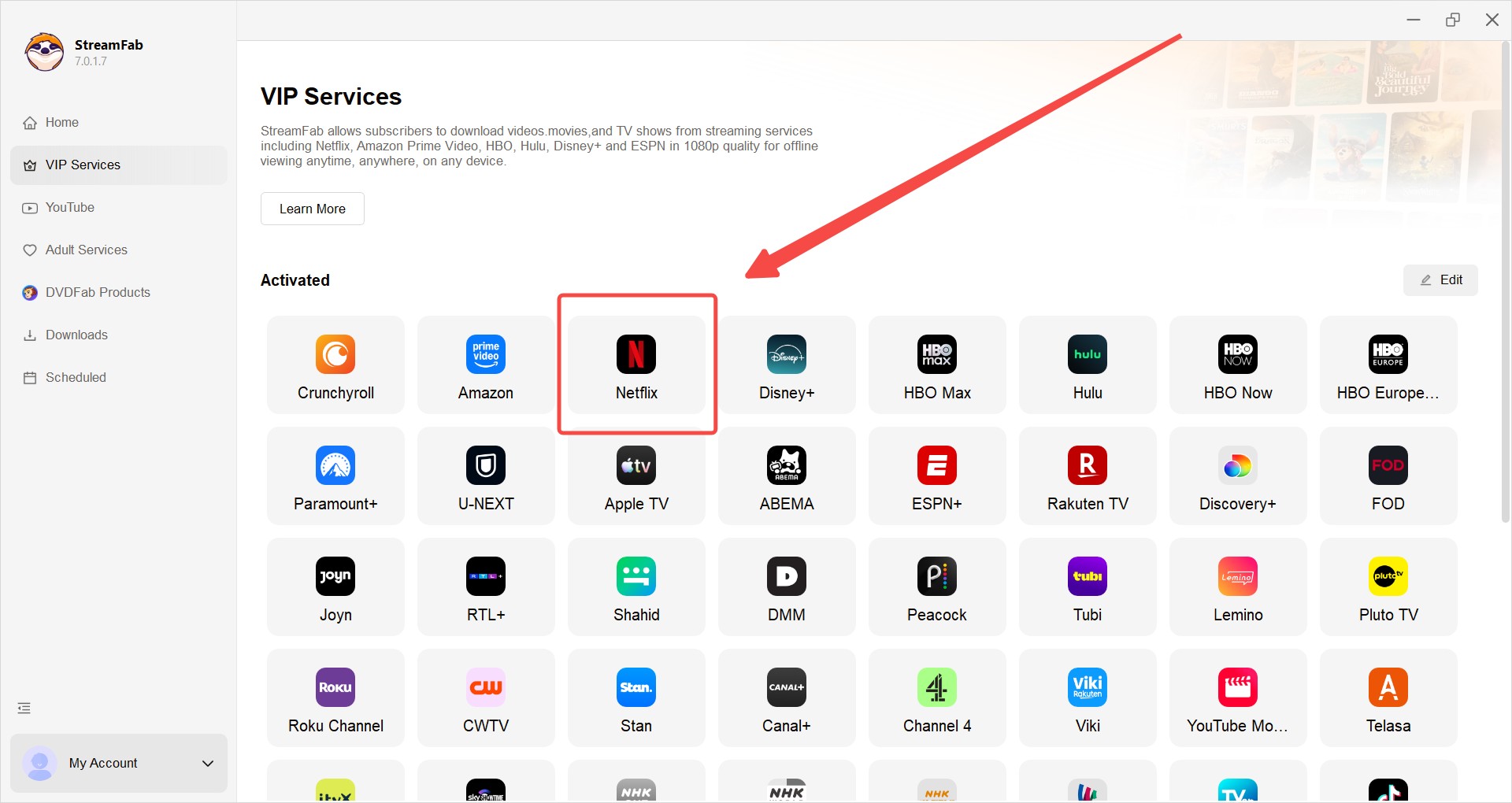
Choose the streaming service
Tap the VIP Services or the YouTube icon on the left panel to find the streaming website you want. For example, Netflix. You can also copy and paste your video URL directly into the address bar on the homepage.
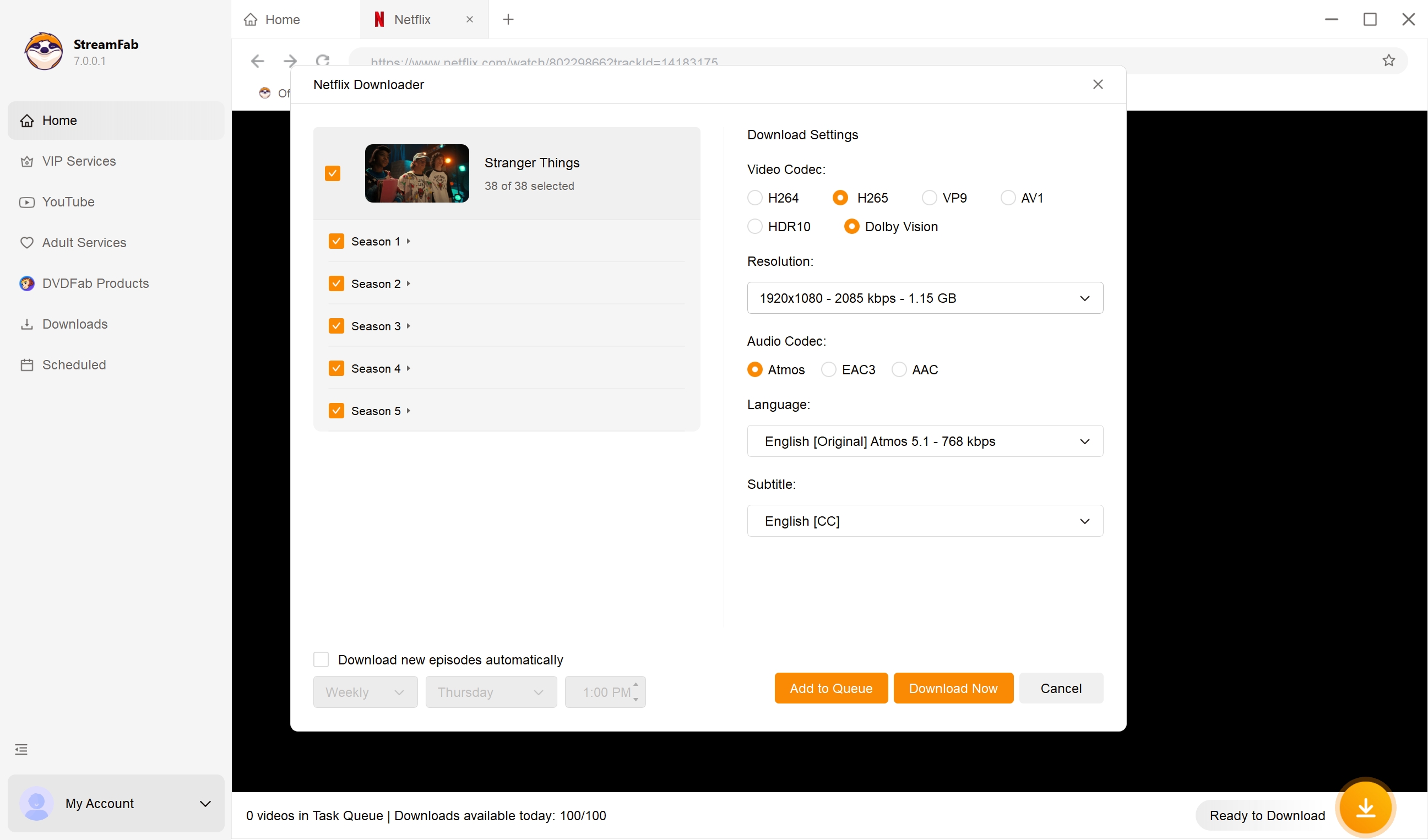
Customize the file
Search for the video and play it; a pop-up window will ask for your video options. You can choose the audio and subtitle language.
Click the download button
After customization, you can download it right now or add it to the queue.
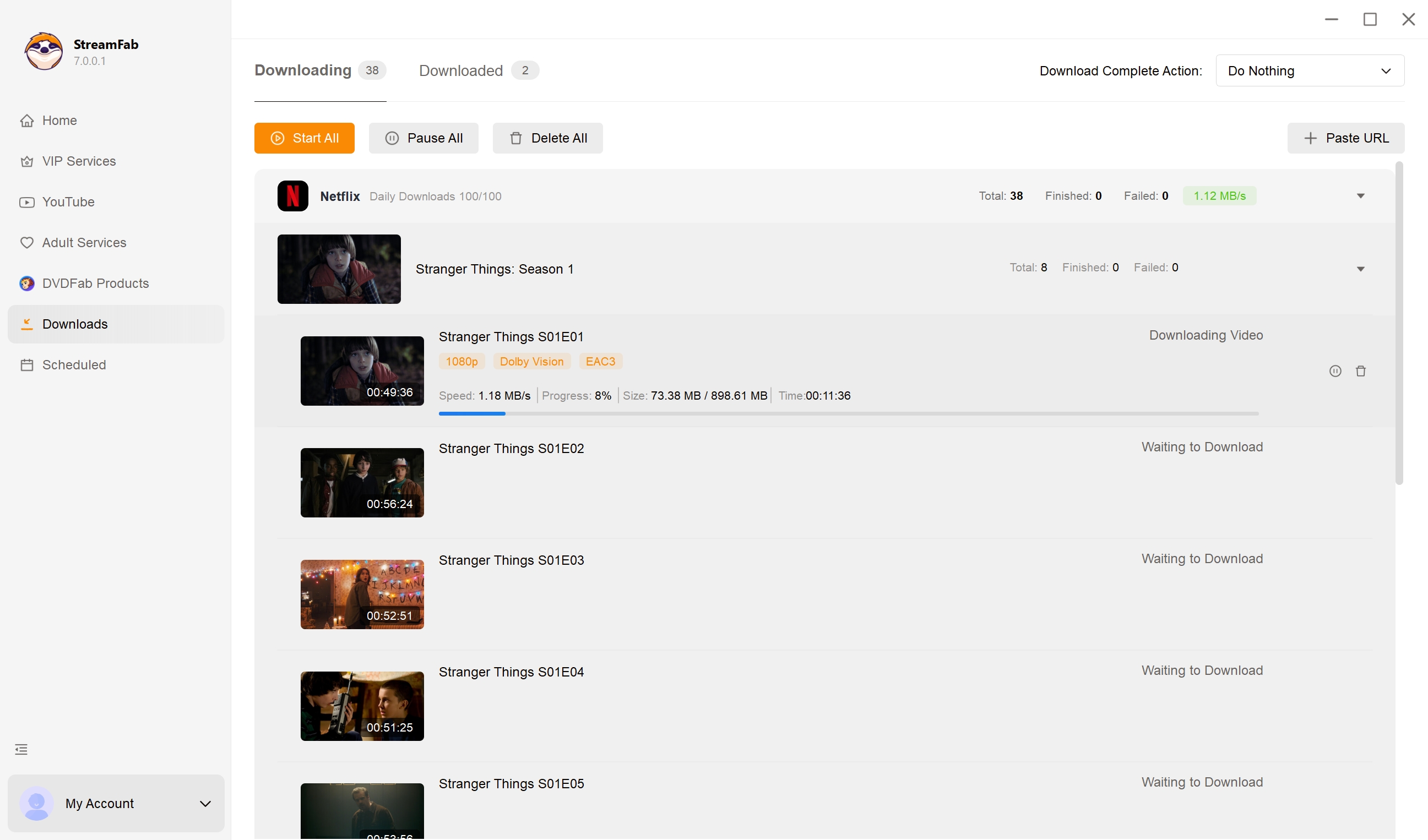
The four-step workflow keeps service selection, file options, and queue management in one interface. The StreamFab Netflix downloader guide applies the same process to Netflix. For content you are authorized to access, where permitted by platform terms and applicable law, use saved files for personal offline viewing and do not redistribute them.
Alternative 2. Audials One
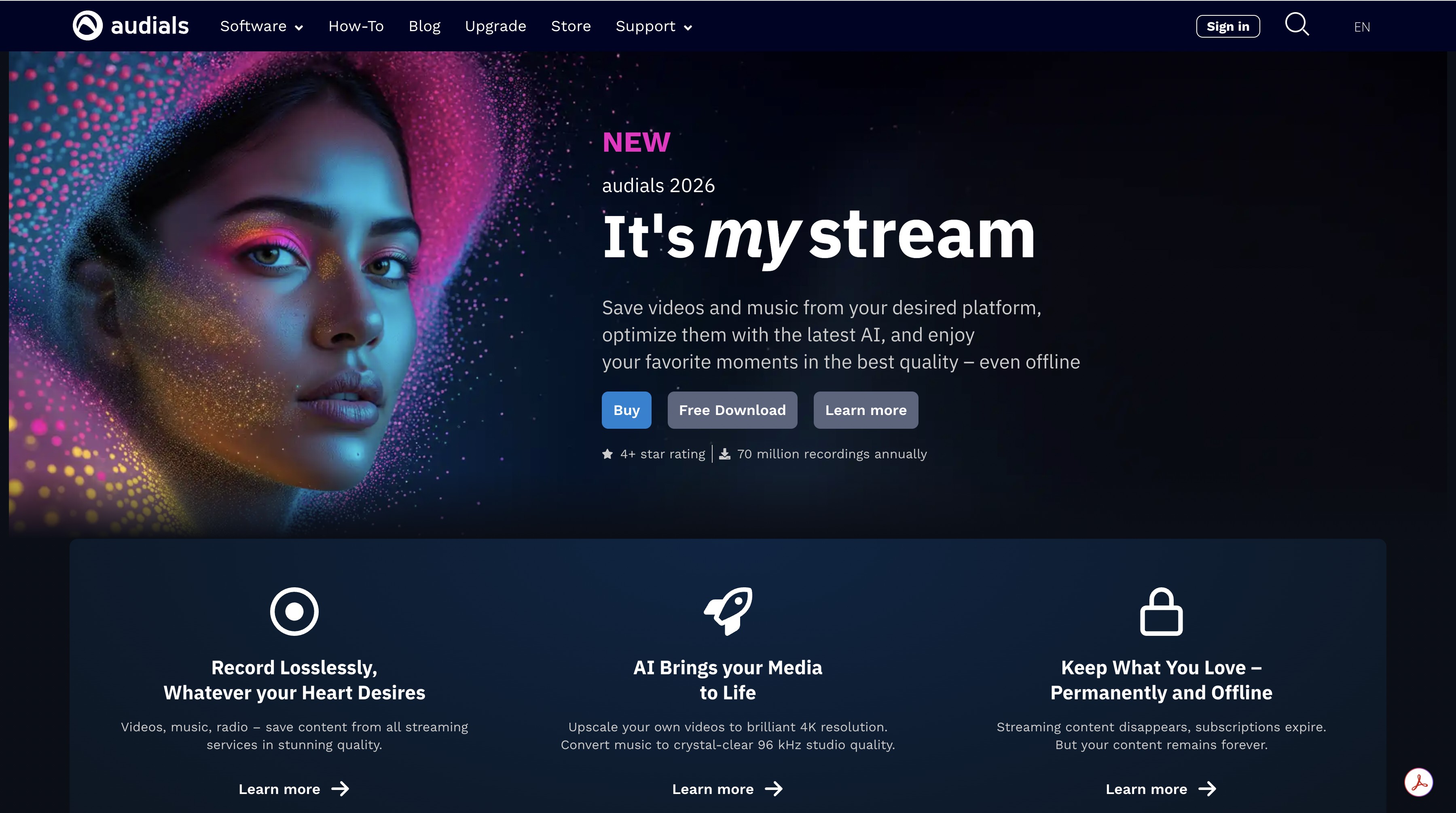
Audials One is a Windows streaming recorder. Audials also uses 2027 product branding on its English homepage. It records supported streaming playback rather than using the same native-download workflow as StreamFab or VideoOne.
Audials fits Windows users who prefer a recording workflow with editing and optional AI processing. AI upscaling can process recorded output, but it should not be read as the native resolution of the streaming source. A Mac version is not currently offered.
- Windows-focused streaming-recording workflow
- Records supported streaming services
- Includes service-dependent ad handling
- Provides a video editing module
- Recorded output quality depends on the capture workflow
- Uses recording rather than native downloading
- No Mac version
Alternative 3. CleverGet Video Downloader
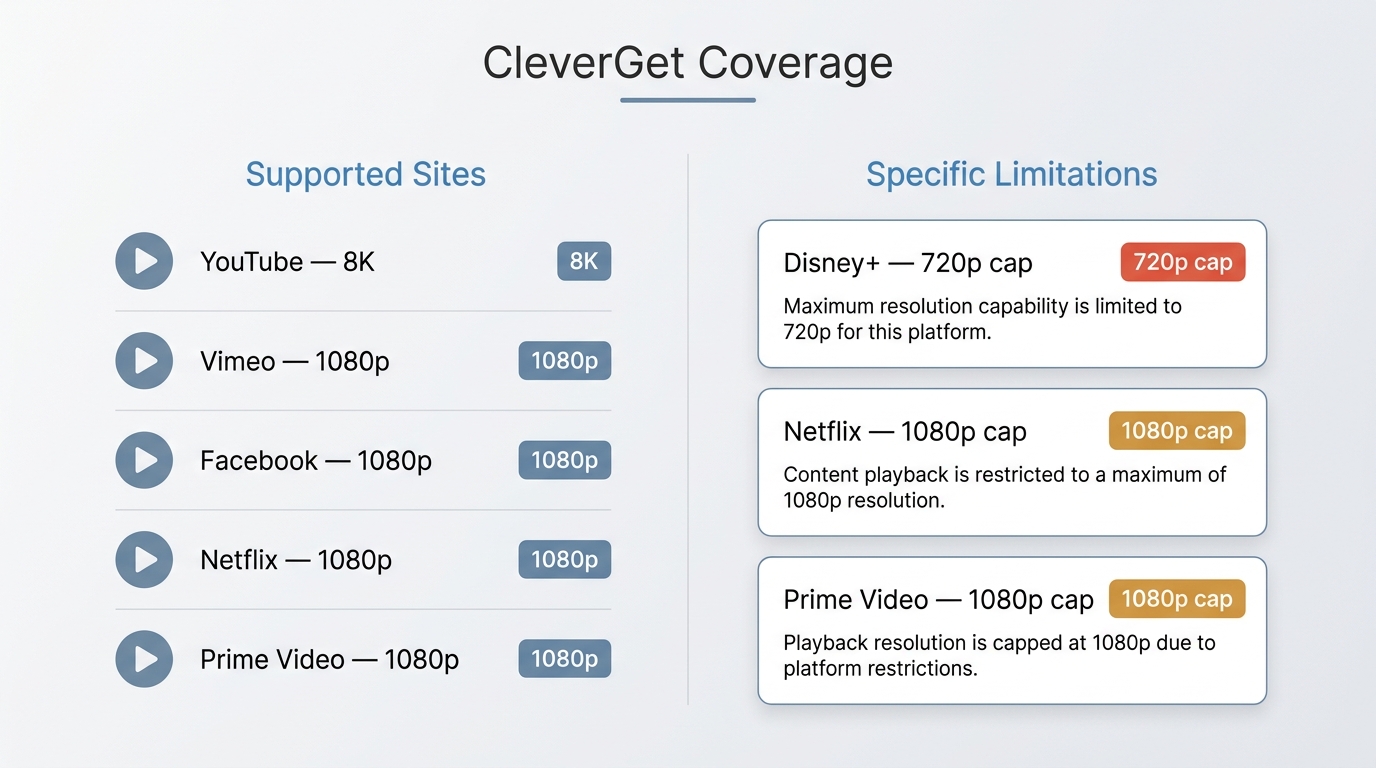
CleverGet Video Downloader supports public-video sites such as YouTube, Vimeo, and Facebook, along with service-specific streaming modules. MP4/MKV output is available, while resolution and other file options depend on the selected module and source; higher resolutions such as 8K apply to supported public-video sources rather than every streaming service.
The main trade-off is module fit. Choose CleverGet when its matching module supports the specific service, operating system, and output options you need.
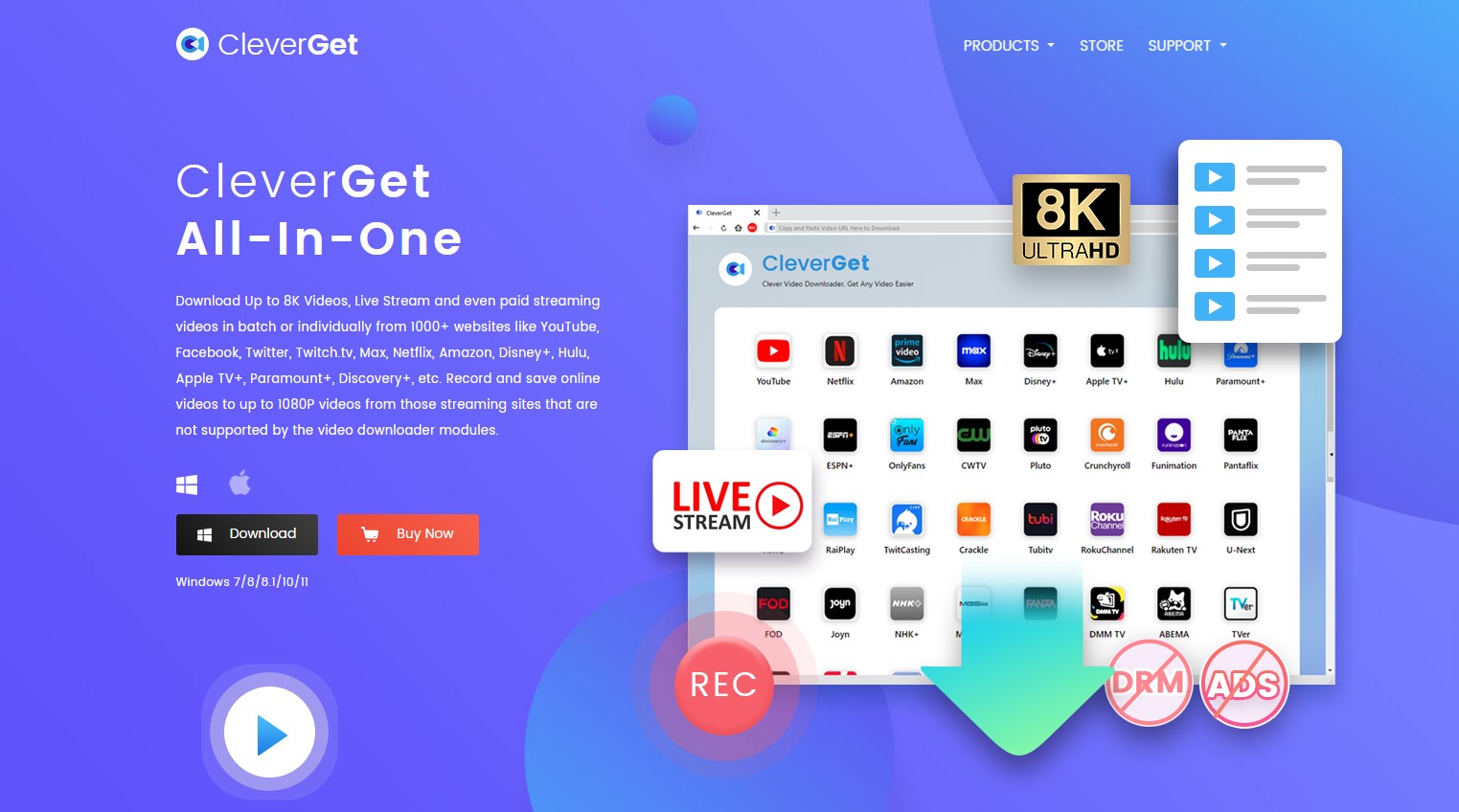
- Public-video and premium-streaming modules
- Source- and module-dependent resolution options
- Download videos in MP4/MKV format like SameMovie
- Compatible with both Win & Mac
- Capabilities vary by the selected module
- Resolution limits vary by service and source
- New-release availability depends on the selected service module
Alternative 4. MovPilot Video Downloader
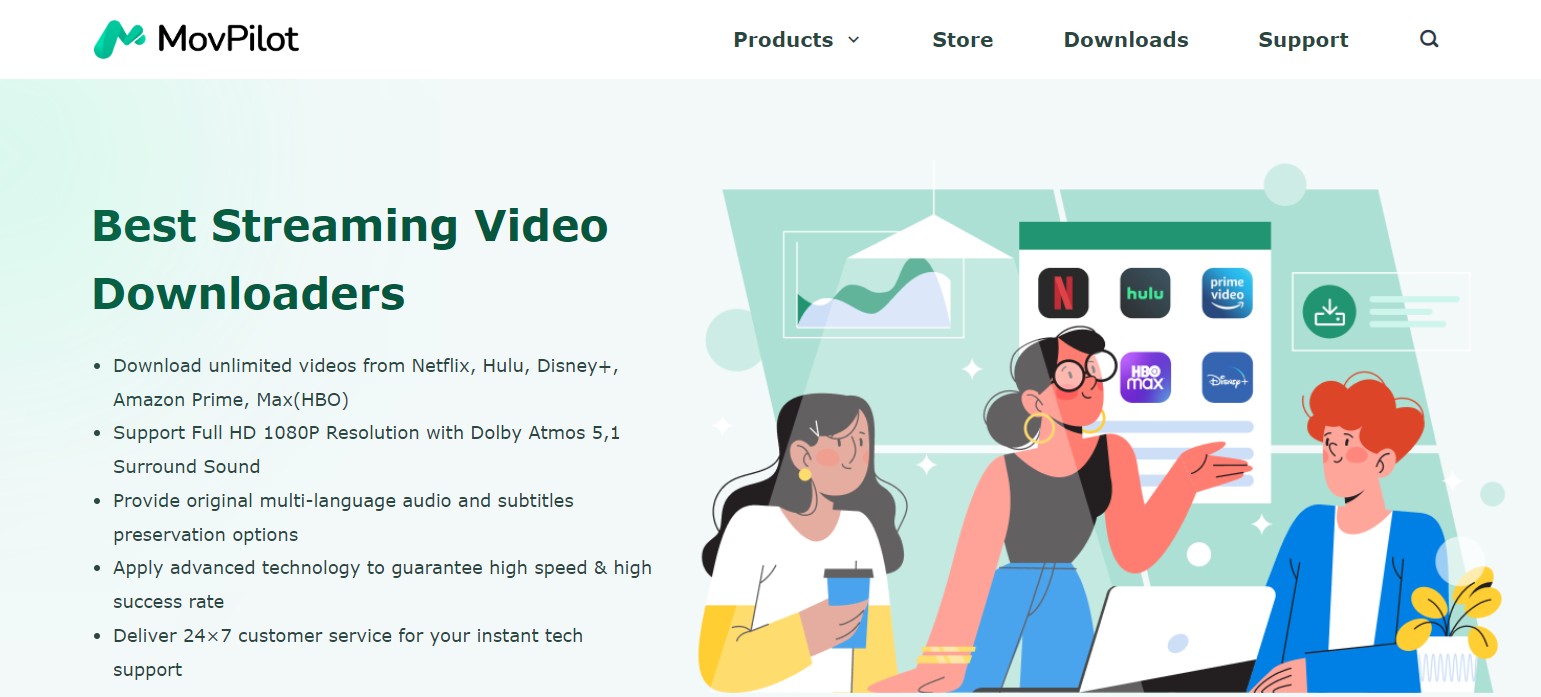
MovPilot offers an All-in-One product with built-in web browsers, along with service-specific products and YouTube and social-video download tools. Its products support queued downloads and MP4/MKV workflows, although available specifications depend on the product and source.
MovPilot fits readers who want a downloader for a specific supported service or prefer its All-in-One option for a broader workflow.
- Download videos from supported streaming services
- Offers an All-in-One product with built-in web browsers
- Save supported downloads in MP4/MKV format
- Add multiple videos to the downloading queue
- Service support depends on the selected product
- Resolution options differ by product and source
Alternative 5. ClipGrab
If SameMovie was mostly your YouTube grabber, ClipGrab is a free, no-account tool that handles YouTube and other open sites in MP4/MP3 formats. Paste the URL, pick a format, download — no license fees. If ClipGrab feels too bare, there are more capable options in this roundup of ClipGrab alternatives.
ClipGrab is designed for supported public-video sites, not premium streaming services such as Netflix, Prime Video, or Disney+. It fits occasional public-video downloads rather than a portable-file workflow for subscription streaming services.
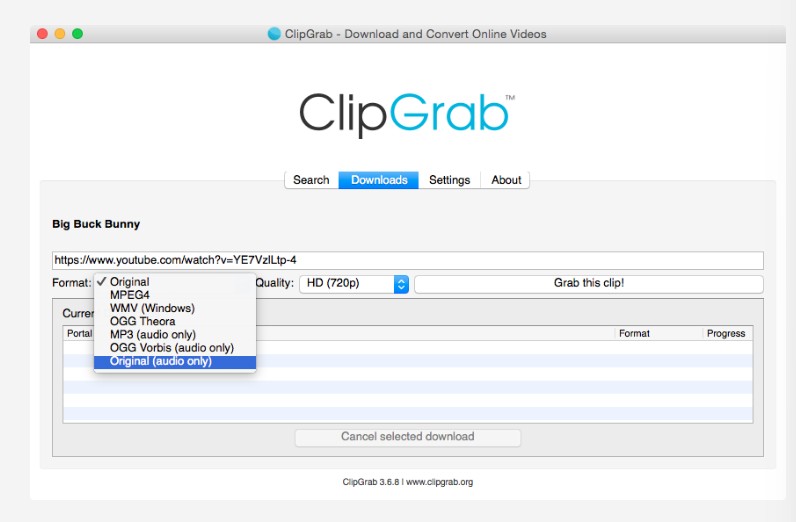
- Free to use for supported public-video sites
- Download supported online videos from YouTube
- Choose from multiple available formats and quality options
- Add ID3 tags when saving supported MP3 files
- Not designed for premium streaming services like SameMovie
- Offers a simpler feature set than premium streaming downloaders
- If a URL returns a 403 error, update ClipGrab and retry
Alternative 6. StreamGaGa Video Downloader
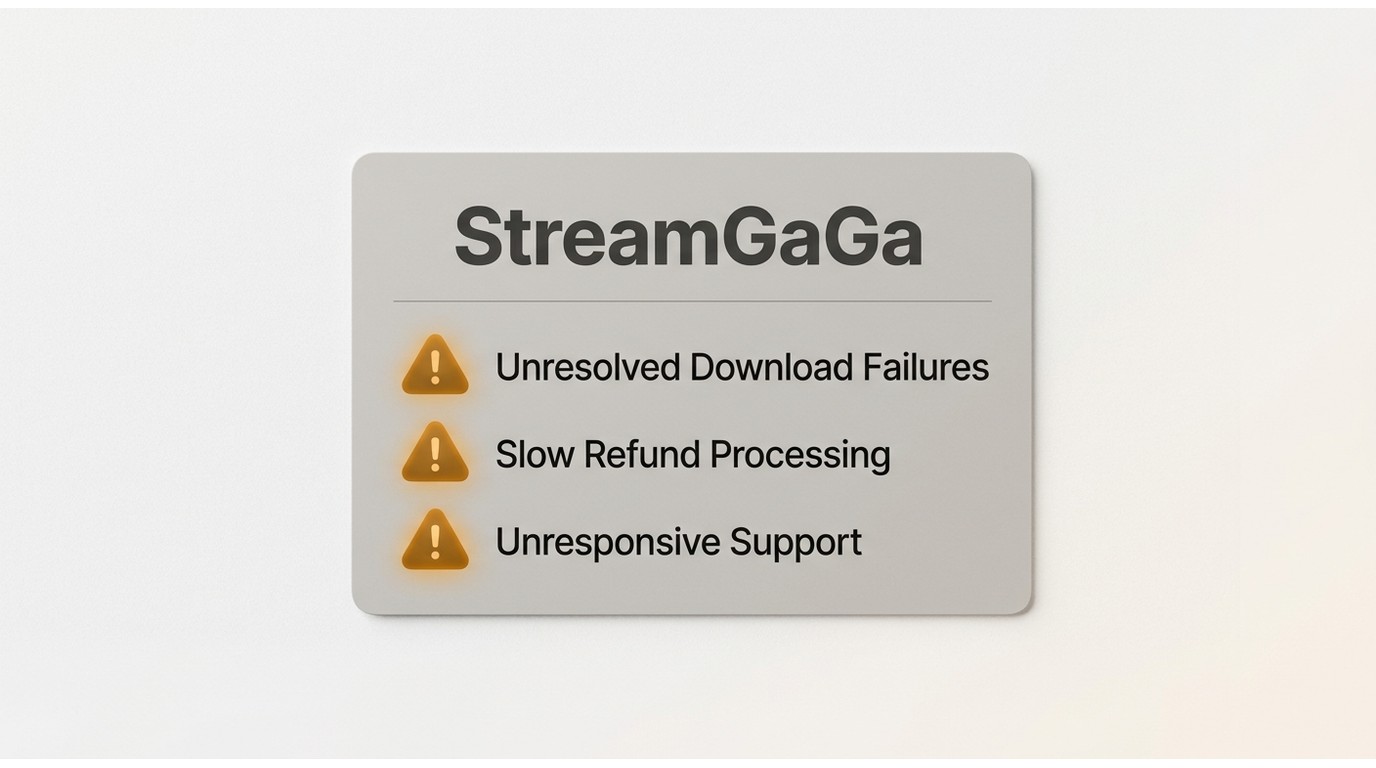
StreamGaGa’s catalog includes source-dependent 1080p and 4K options. Resolution and file options belong to the selected component and operating system, rather than to a single specification shared by the entire bundle. Selected components cover public-video and streaming sources and may provide MP4/MKV output.
A 2025 StreamGaGa review described one website as unsupported. That individual experience makes target-source compatibility an important consideration when choosing the matching component or bundle.
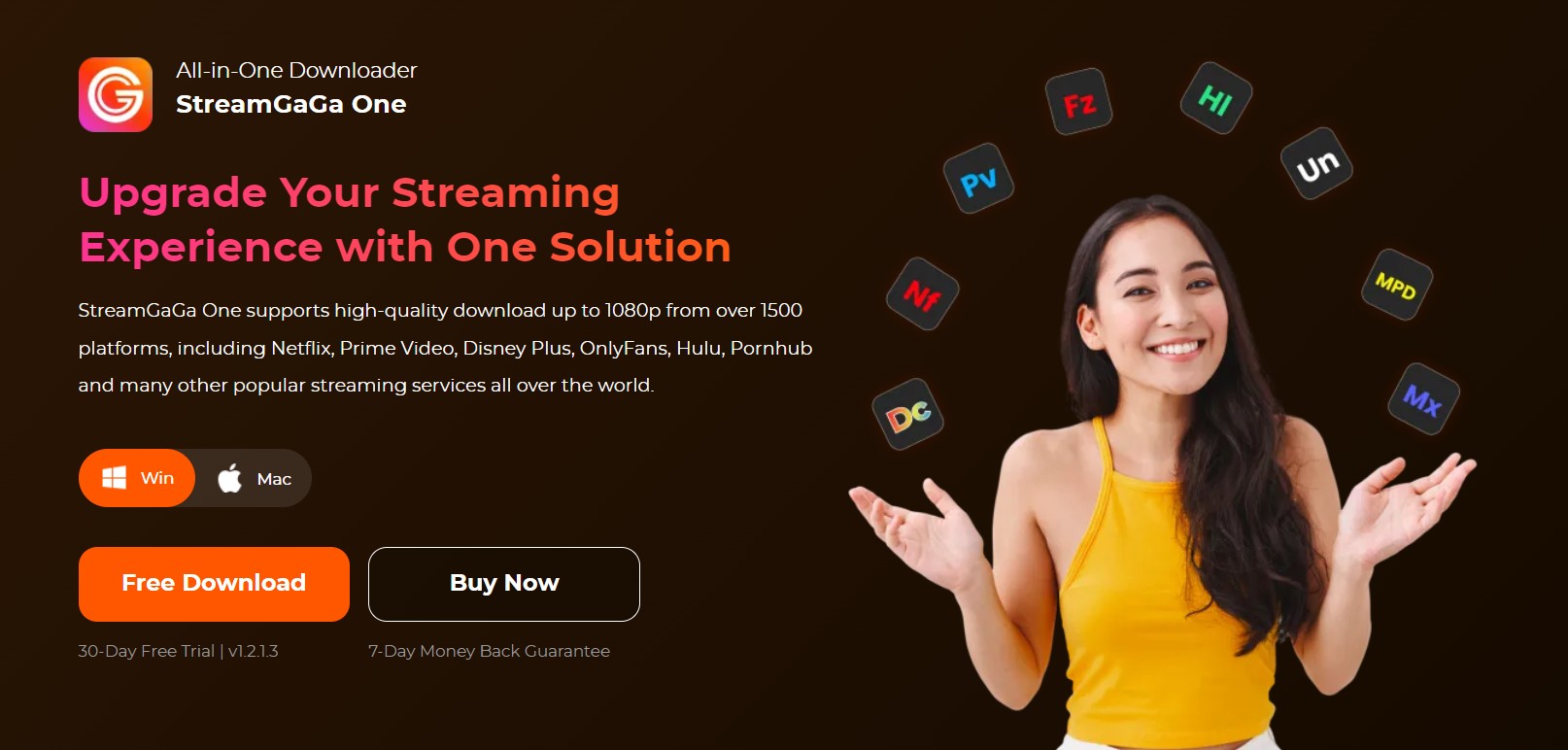
- Download from public-video and streaming sources supported by the selected component
- Source-dependent 1080p and 4K options are available in the catalog
- Download subtitles when supported by the selected component
- Ad handling is available for supported components and services
- You need to choose the component or bundle that matches your target service
- Resolution and file options vary by component and operating system
- A 2025 review reported one unsupported website
Alternative 7. KeepStreams Video Downloader
KeepStreams offers video download products, while KeepBeats is its separate music-download product line. KeepStreams also offers monthly plans for readers who do not want to commit to a lifetime license upfront. The video workflow remains straightforward: paste a supported URL, choose the available resolution, and download.
A 2026 KeepStreams review praised its customer service and proactive updates. That individual experience supports considering KeepStreams when monthly billing and its supported video services match your needs, without treating music downloads as part of every video product.
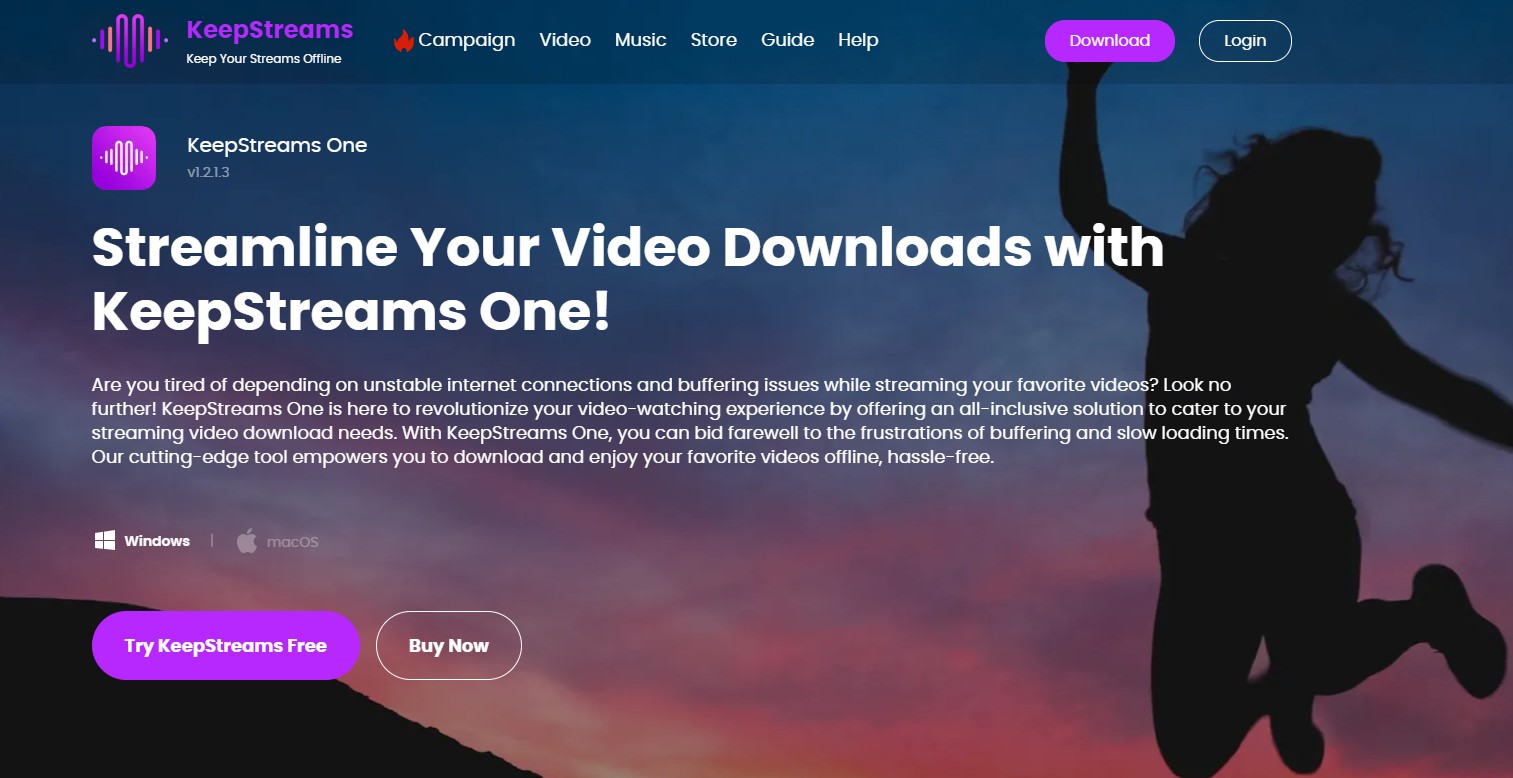
- Offers video download products for supported streaming services
- Uses a straightforward URL, resolution and download workflow
- Provides monthly plan options
- KeepBeats music downloads belong to a separate product line
- Available services and options depend on the selected video product
- Customer-service experiences can differ by case
Pick by Scenario: Which SameMovie Alternative Fits You
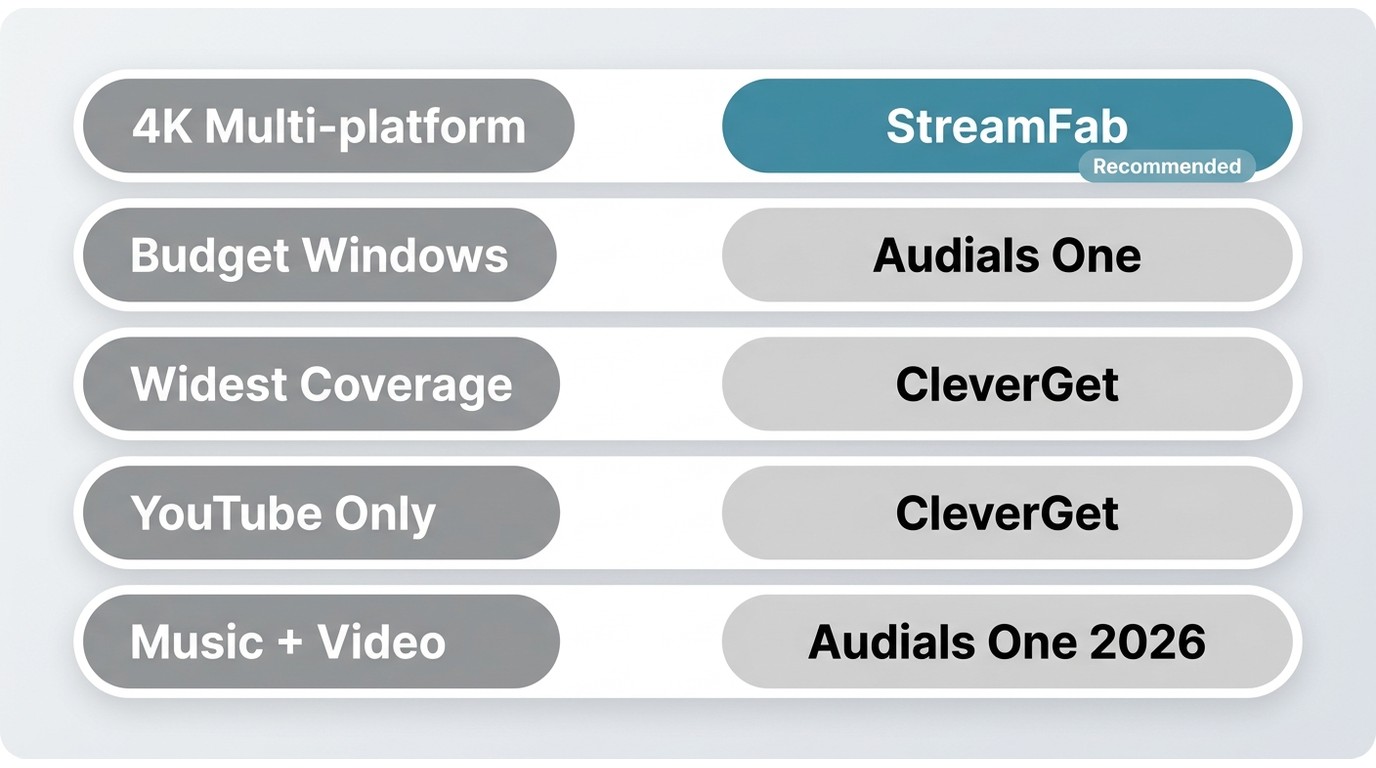
- Portable local files across supported streaming services on Windows or Mac → StreamFab. This is the stronger fit for readers organizing authorized downloads across multiple services.
- Windows-based streaming recording → Audials One. Choose it when a recording workflow fits your needs, while keeping recorded source quality separate from AI-upscaled output.
- Broad public-video and streaming-site coverage → CleverGet. Choose the module that supports your target source and required output options.
- A specific supported service or an All-in-One product with built-in browsers → MovPilot. It also offers YouTube and social-video download tools.
- Occasional YouTube and public-video downloads → ClipGrab. It is a free route for supported open sites, not a substitute for premium streaming products.
- Component-based coverage for a specific source → StreamGaGa Video Downloader. Match the component, operating system, and output options to your target source.
- Monthly billing for video downloads → KeepStreams. KeepBeats is the separate choice for music downloads.
Public-video downloaders save supported open-site media, while recording tools capture playback through a different workflow. Official in-app offline viewing remains inside the service app; a portable-file workflow instead creates locally managed files where the selected product supports that source.
FAQs
Did SameMovie change its name to VideoOne?
No. SameMovie remains the brand, and VideoOne is its All-In-One product. The product name does not indicate that the entire company rebranded.
What should I check before buying a lifetime license?
Check whether the license supports your target streaming service and operating system, whether the saved files meet your playback needs, and what the trial download allowance covers. VideoOne's US lifetime offer covers one Windows PC or one Mac; that is an activation allowance, not proof that a device can never be replaced.
Is there a free SameMovie alternative that actually works?
For public-video sites such as YouTube, free tools like ClipGrab or yt-dlp can save supported videos without a paid license. Official in-app offline viewing keeps downloads inside the service app, while saving a portable local file is a separate workflow; StreamFab's free trial has download-count limits.
What if a downloader opens a black page?
Update the downloader, close and reopen it, then sign back in to the target service. If StreamFab does not work and the embedded page remains black, follow the StreamFab troubleshooting steps before retrying the download.
Are SameMovie and VidiCable the same product?
No. VideoOne is a SameMovie product, while VidiCable is a separately named product. Treat their apps and licenses as separate choices rather than assuming the names are interchangeable.
Conclusion
My practical choice is StreamFab for organizing authorized downloads across supported services.
For larger queues, StreamFab's scheduled batch workflow is the more practical next step; for a one-off public video, the free public-video route is usually enough.

DispCam suits a focused Disney+ desktop workflow when you want local files for a compatible player. Compare its price, short trial, refund conditions, subtitle choices, and file checks with official mobile downloads. StreamFab offers a separate desktop option, with a broader bundle for multiple services.
By Marcia Hatcher - Nov 19, 2026
WinX YouTube Downloader remains officially available, with advertised 4K and batch workflows. Learn how to separate Analysis Failed errors from stalled downloads and audio mismatches, distinguish the free downloader from Winxvideo AI, and choose between YouTube offline playback and a desktop local-file workflow.
By Marcia Hatcher - Nov 19, 2026
SameMovie Netflix can fill the desktop offline-viewing gap for some Windows and Mac users, but its value depends on current reliability, support, and the titles you need to save. Netflix’s official download support lists mobile devices, Fire tablets, and Chromebooks, not Windows or macOS.
By Erika Leen - Nov 16, 2026
Is Movpilot HBO Max Video Downloader still worth its price in 2026? There is a trustable experience in person and detailed analysis. It's available but a better and stronger max downloader is more recommended than it.
By Erika Leen - Nov 16, 2026