




Products Included (Lifetime):
International
North American
Japan
Germany
United Kingdom
French
Adult
StreamFab MyCombo (Lifetime)
You can choose at least 2 single products from all StreamFab products according to your needs.
Start from$139.99
Customize Now

What Can You Get from StreamFab Video Downloader?

Download, Not Record

Download, Not Record – Faster Speed & Higher Quality

StreamFab directly extracts source videos from streaming platforms for downloading, rather than recording them. 

This method allows for faster speeds and better video quality, ensuring true lossless downloads and the capability for batch downloading. It can operate in the background without interfering with the user’s other activities, providing a seamless and efficient experience.
Download online videos

Download Videos from Any Online Website

Moreover, where permitted by the relevant services and rights holders, StreamFab lets you save certain streaming videos in a compatible format for personal offline viewing; long-term archiving or redistribution is not recommended.

streamfab video downloader free
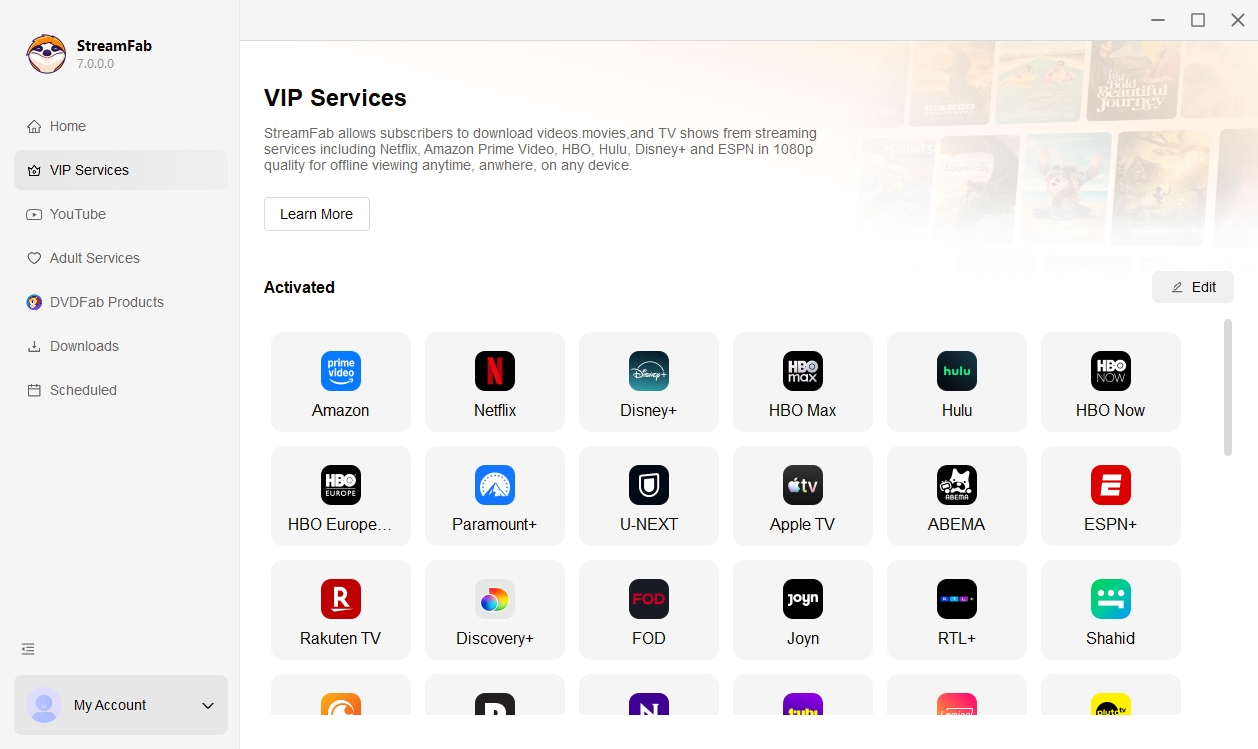
Major streaming services supported

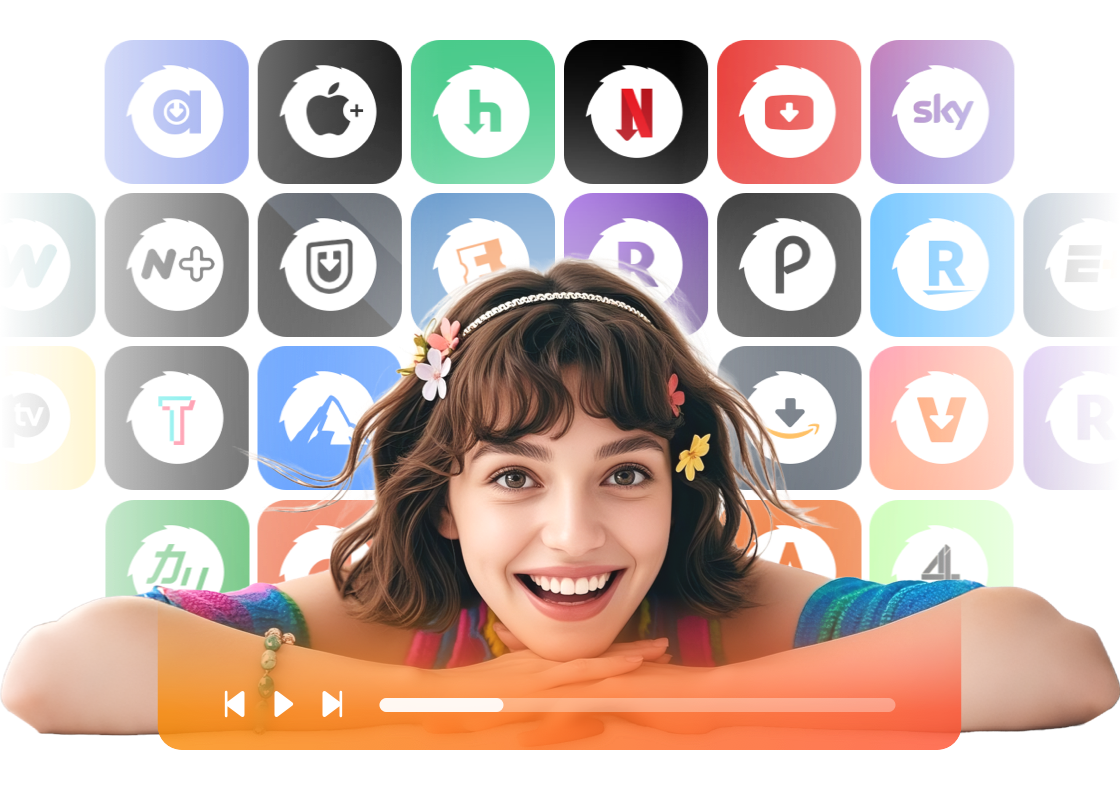
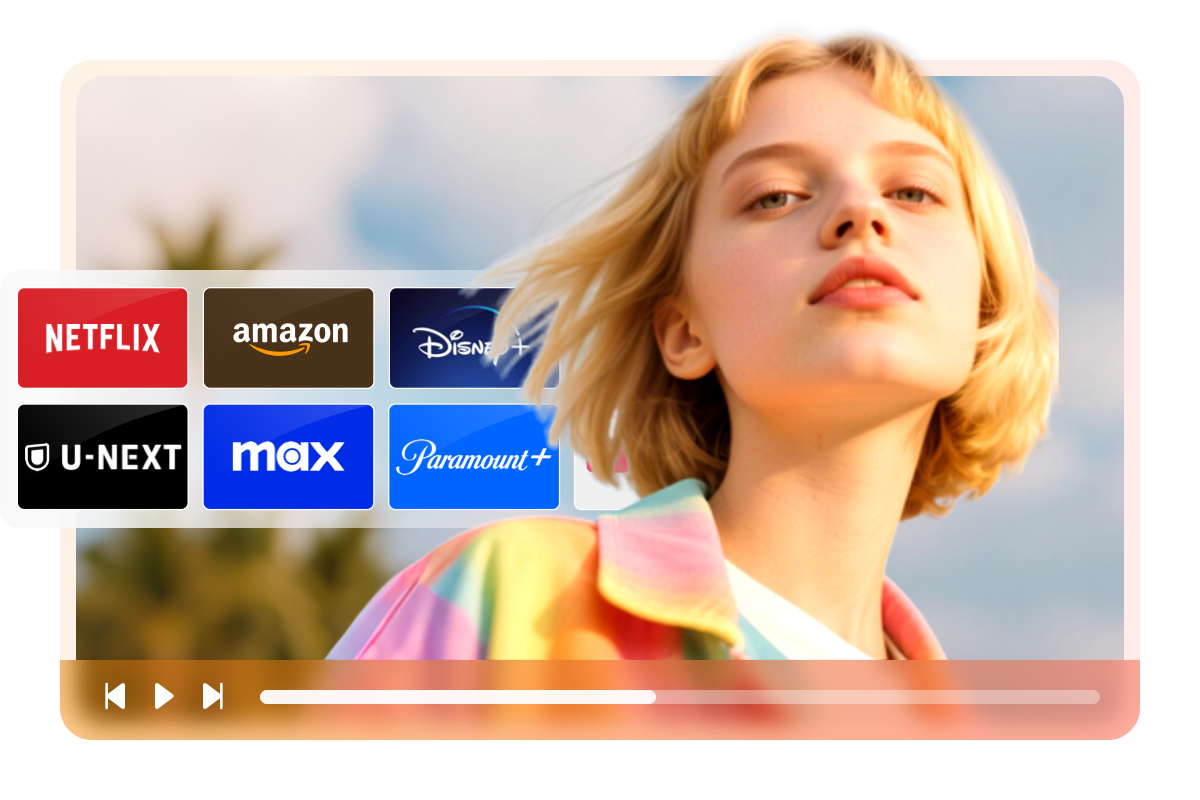
50+ Streaming Services are Also Supported

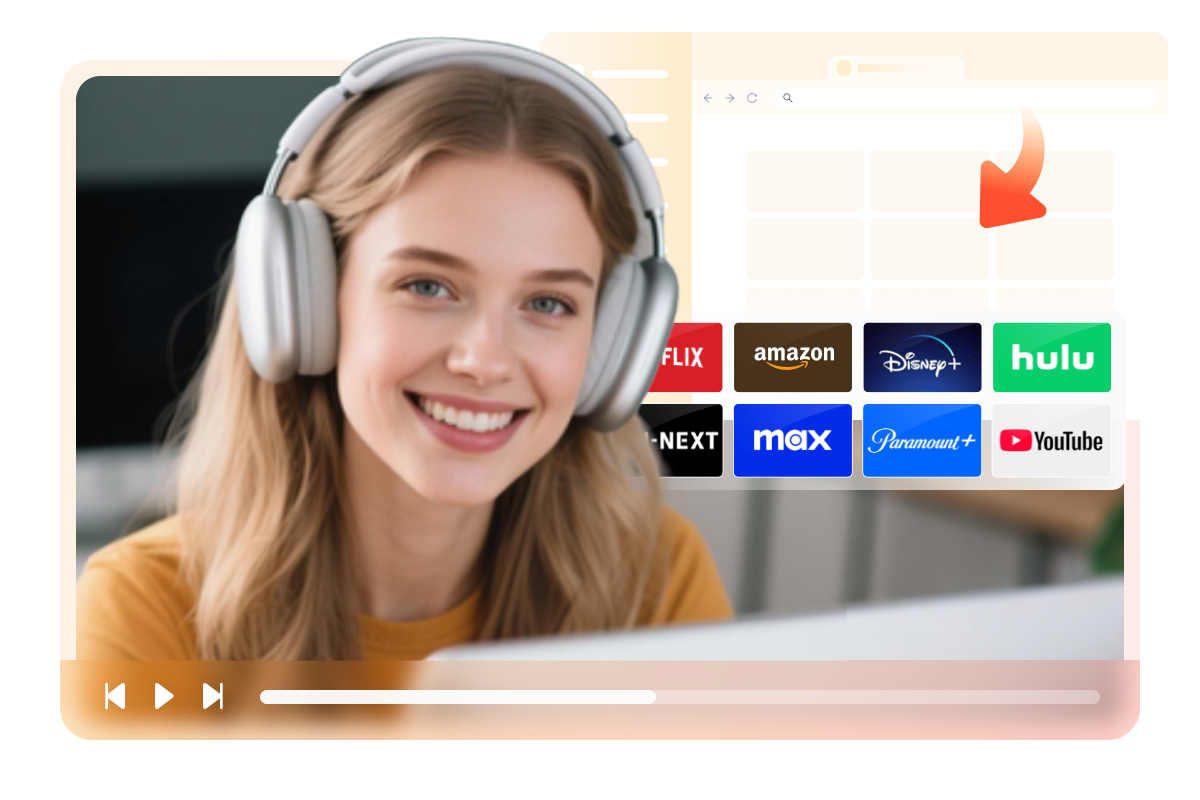
StreamFab Video Downloader helps you organize and save videos for personal offline viewing from popular streaming services such as Amazon, Netflix, Disney Plus, Hulu, and more, based on the content you can already access with your own account.

streamfab video downloader supported services

Start the Amazing Video Downloading with StreamFab

Download high-quality videos

True Lossless Video and Audio Download with Ultra HD Support

StreamFab delivers genuine lossless downloads for videos. For social media platforms like YouTube, StreamFab support up to 8K resolution depending on the source quality. For streaming services such as Netflix and Amazon, it downloads up to 1080p, while platforms like Hulu and Max benefit from native lossless 4K downloads. 
 
On the audio side, StreamFab preserves original audio quality, supporting formats including AAC 2.0, EAC3 5.1, and Dolby Atmos, subject to the source’s capabilities. This ensures the highest fidelity for both video and audio playback.
download 4k streaming videos
Save in MP4/MKV/MP3

Flexible Video and Audio Format Saving with Support for Protected Streams

StreamFab supports saving videos in widely compatible MP4 and MKV formats, as well as extracting audio separately into MP3 files. Unlike many traditional download tools that may not fully support the various streaming formats used by major platforms, StreamFab focuses on broad format compatibility to provide a more stable offline viewing experience within your existing access rights.
 
The resulting video and audio files are fully compatible with any player or device, giving you greater flexibility and control over your media.

download streaming videos in mp4
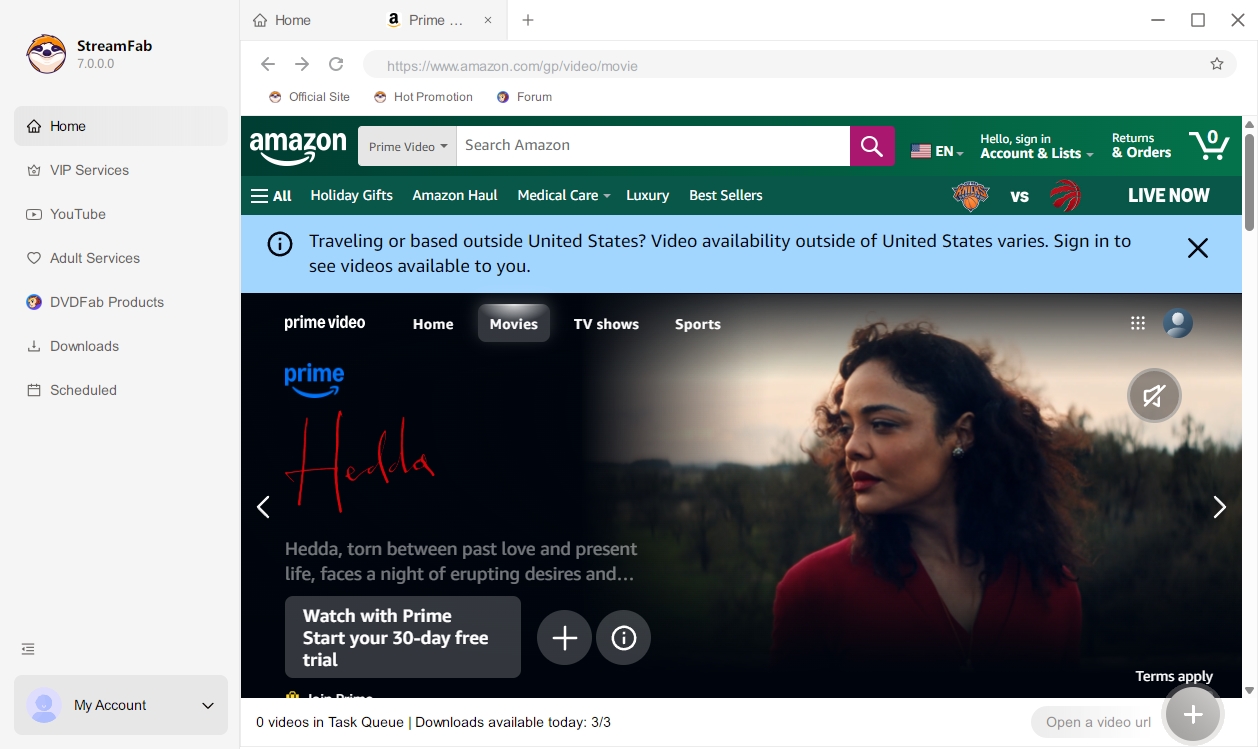
Built-in browser to select videos

Built-in Browser for Seamless Video Access and Download Workflow

StreamFab features a powerful built-in browser that allows you to directly access video streaming sites within the software and complete the entire download process without switching between different applications. 
 
This integrated workflow boosts efficiency and convenience. All supported streaming platforms are accessible through this single client, making StreamFab a comprehensive and robust solution for media downloading.
built-in browser of stream video downloader
Download subtitles

Flexible Subtitle Download and Remux with Multi-Language Support

StreamFab lets you download subtitles as standalone SRT files or remux them directly into the video. When playing videos with players like VLC, you can easily turn subtitles on or off as needed. 
 
Additionally, StreamFab supports downloading multiple subtitle languages for the same video, giving you the flexibility to choose your preferred language locally during playback for an enhanced viewing experience.
stream video downloader: download subtitle

Enjoy the Convenient and User-Friendly Functions

Schedule Mode and Auto Download

Schedule Mode and Auto Download

Set a schedule time to download newly released episodes automatically per day or week.
batch download streaming videos

Fast Speed and Batch Mode

Batch download a whole season and 10X turbo fast speed to save your time and enhance efficiency.
streamfab: choose subtitle languages

Pre-Select Language

Select audio and subtitle language according to your UI language or choose the language you want manually (it is up to you).
streamfab: remove ads

Remove Ads

Simply categorizing the videos you wish to download and adding them to the Scheduled queue, StreamFab NHK One Downloader will automatically retrieve them at your scheduled time per day or week.

Comprehensive Metadata Download for Streaming Videos

Download Metadata

Download Metadata

StreamFab supports downloading detailed metadata for virtually any video, including information such as title, description, upload date, duration, and more. This feature helps you better organize and manage your media library with complete and accurate video details.
built-in browser of stream video downloader

What StreamFab Users Are Saying

download streaming video with streamfab
Step 1. Install and launch the StreamFab software

Install and open StreamFab Install StreamFab on your computer and open it to access the main interface.

Step 2. Choose a website to download videos

Choose a supported website In the Explore or Streaming Services section, select a supported platform that you already use and can legally access.

Step 3. Select and play a video you prefer

Find the video you want to watch offline Use the built-in browser to browse the platform and open the video you want to save for personal offline viewing.

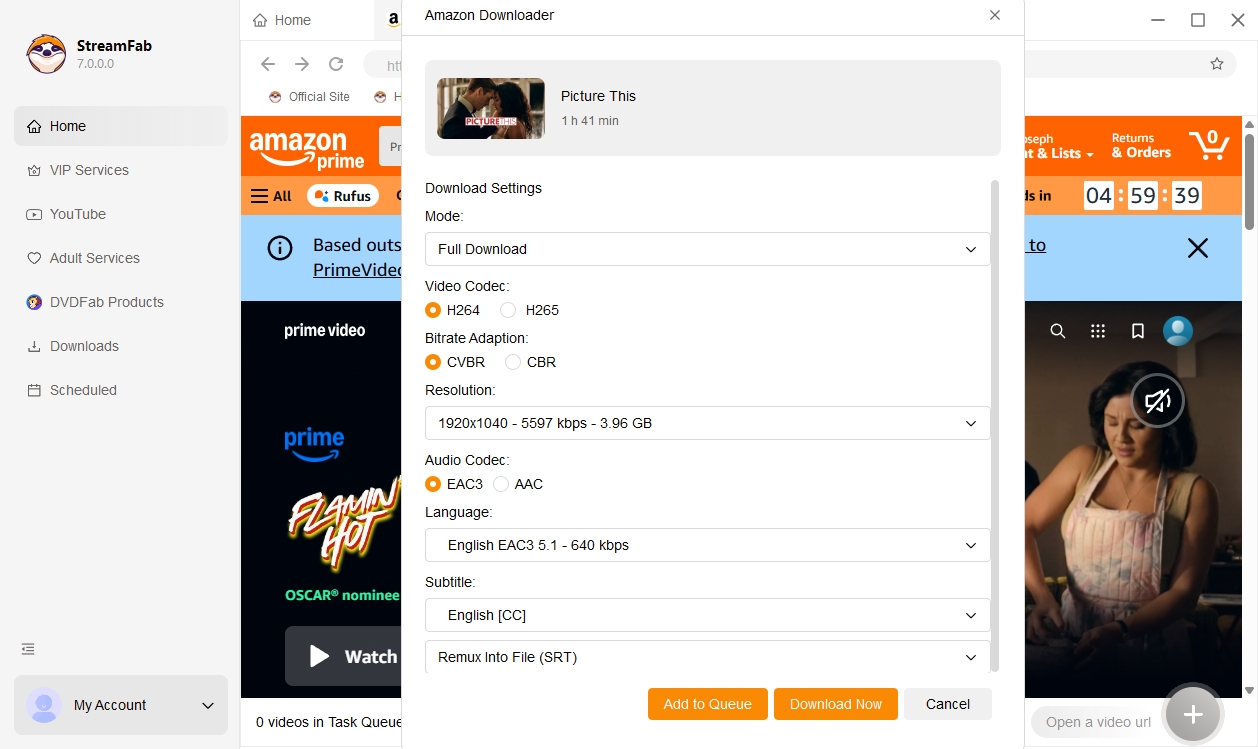
Step 4. Customize your videos before downloading

Adjust your offline viewing options Choose the audio and subtitle languages and, where available, select the episodes or seasons you want StreamFab to prepare for offline viewing.

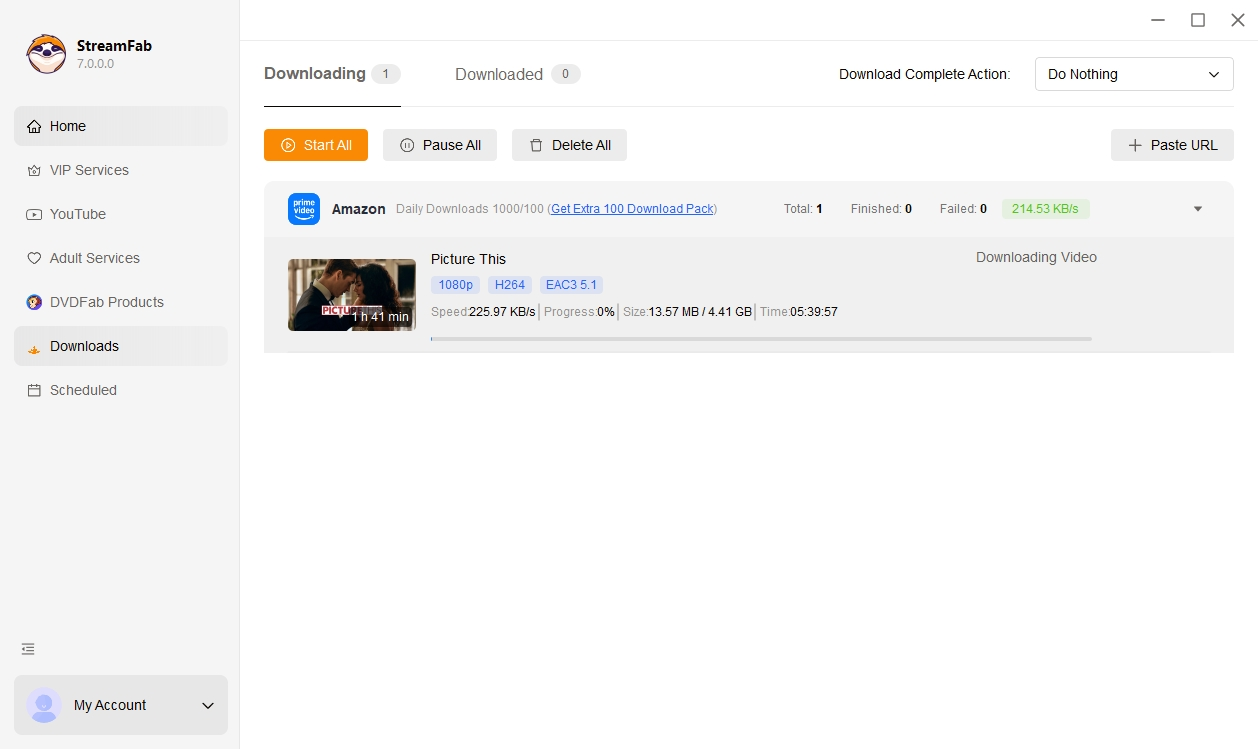
Step 5. Start to download the video

Start your offline viewing task StreamFab will process the selected content in the background according to your settings so that you can watch it later offline for personal, non-commercial use and in accordance with each service’s terms.

Watch the video

What We Have Achieved

Downloads
100+ Million
Updates/Year
50+
Get Response
48-Hour

System Requirements

Icon
Windows 11/10 (32/64 bit)
Intel i3 or above
4GB of RAM or above
40GB of free hard disk space or above
Live Internet connection required

Tips & Tricks to Watch Videos Offline Flexibly

  • StreamFab Review: Real Person Test | Objective & Comprehensive 2025

    StreamFab Review: Real Person Test | Objective & Comprehensive 2025

    When you feel like living your favorite moments of your favorite digital content repeatedly on your offline watch, StreamFab might come in your hand. Here we compiled guidance on StreamFab review so that you could know more about it before you purchase.

    By Erika Leen - Aug 4, 2025
  • Is StreamFab Safe and Legal? Official Answer Released 2025

    Is StreamFab Safe and Legal? Official Answer Released 2025

    Is StreamFab legit? The article explores the safety and legality of StreamFab Video Downloader. It provides comprehensive information, including features, benefits, operation steps, etc., to help readers understand StreamFab comprehensively.

    By Nicole Lopez - Jul 28, 2025
  • [Official Guide] How to Use StreamFab | 2025 Update

    [Official Guide] How to Use StreamFab | 2025 Update

    Want to know how to download streaming videos and music for unrestricted offline playback on any device from Amazon Prime Video, HBO, Disney+, YouTube, and other 1000+ music & video-sharing websites? This article discusses multiple ways you can use to download streaming videos and music with the powerful video downloader: StreamFab.

    By Erika Leen - Jul 31, 2025

Fair Use Policy: StreamFab is intended only for creating personal backups and enabling offline viewing of streaming content that you have legally obtained access to (for example, via an active subscription or purchase). Any commercial use, public playback or sharing of downloaded content with third parties is strictly prohibited, and you are responsible for complying with the terms of use of each streaming service and with applicable copyright laws in your region. To avoid being blocked by streaming providers, a StreamFab licensed account has a quota of 100 downloads per day and 700 downloads per week from each supported streaming service. Whenever part of this quota is used, it will automatically reset in the next time cycle.